

LIVE Diagnosis
LIVE Diagnosis provides sellers and affiliate creators with insights on overall LIVE performance, top-performers benchmarking, and actionable suggestions to improve future LIVE selling sessions. LIVE Diagnosis is available both after each LIVE, which is helpful for hands-on LIVE hosts to reconcile and improve right after each session; and on a weekly basis, for overall business management.
This article guides sellers and affiliate creators how to access and use LIVE Diagnosis on the TikTok App.
All images within this article are for reference purposes only and the actual interface may vary slightly.




This article guides sellers and affiliate creators how to access and use LIVE Diagnosis on the TikTok App.
All images within this article are for reference purposes only and the actual interface may vary slightly.
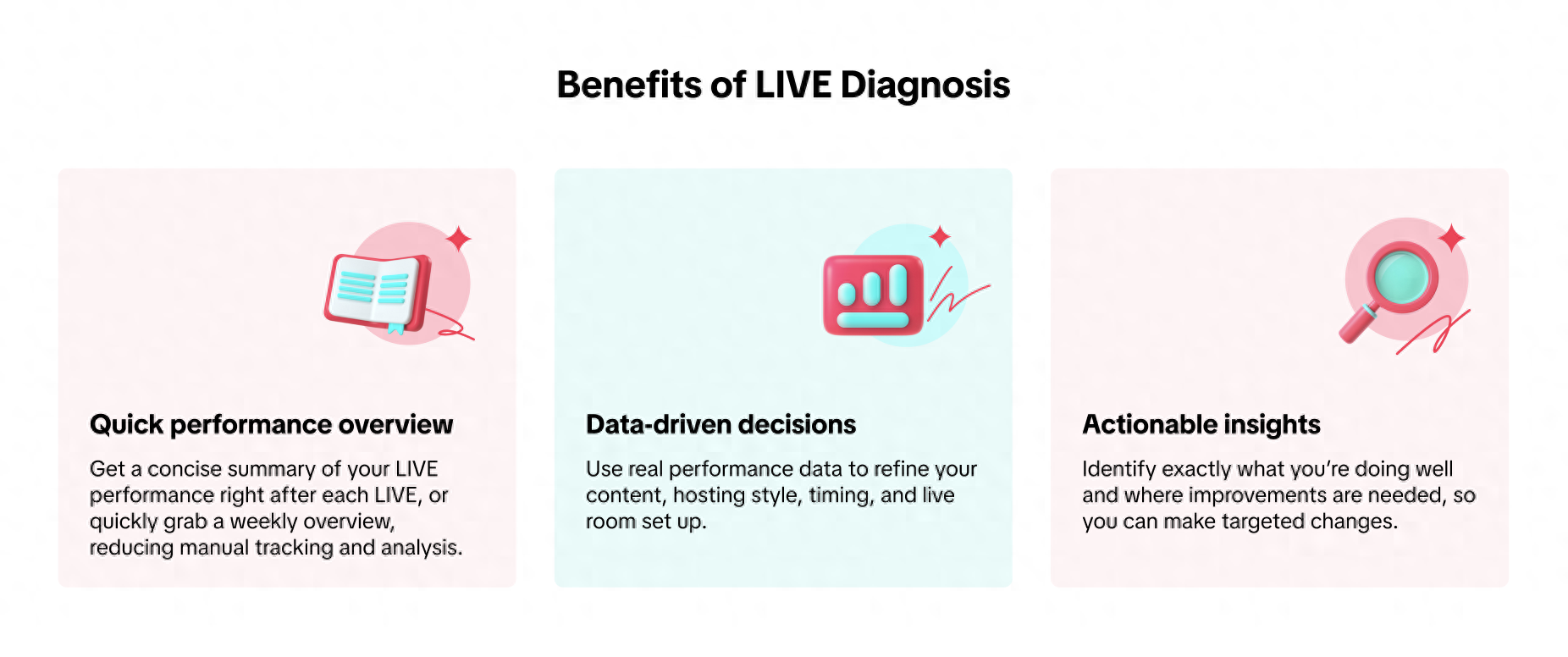
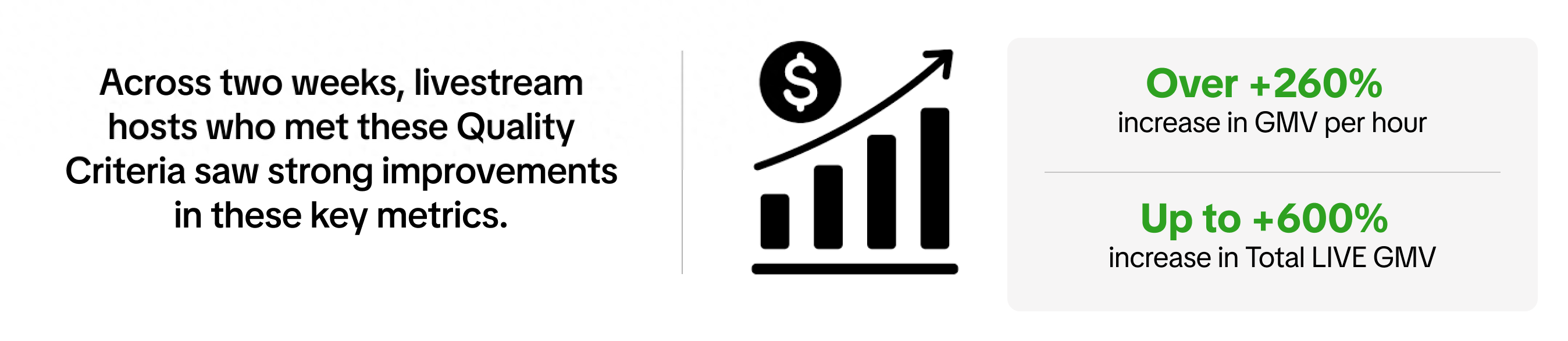
Benefits of LIVE Diagnosis
| PH | ID | VN | TH | MY |
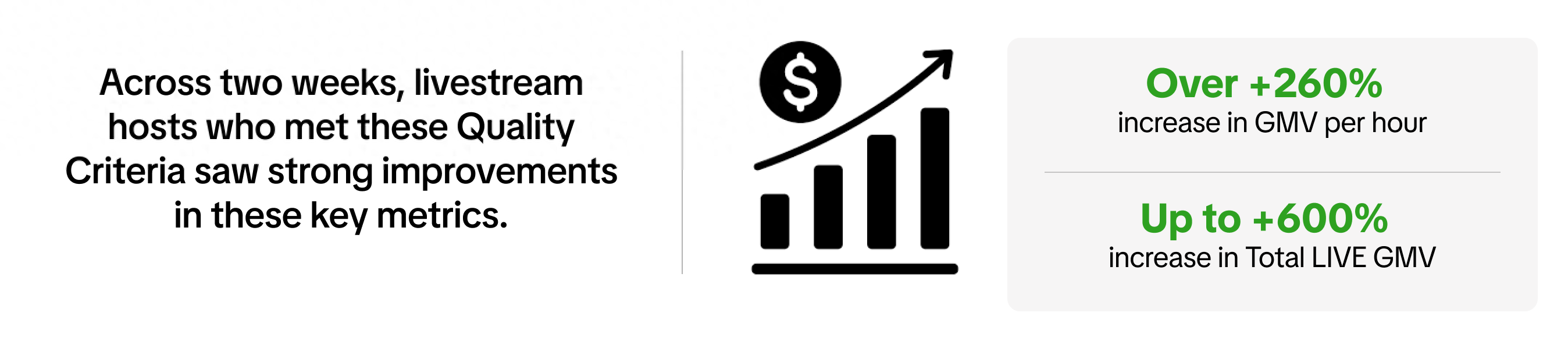 | 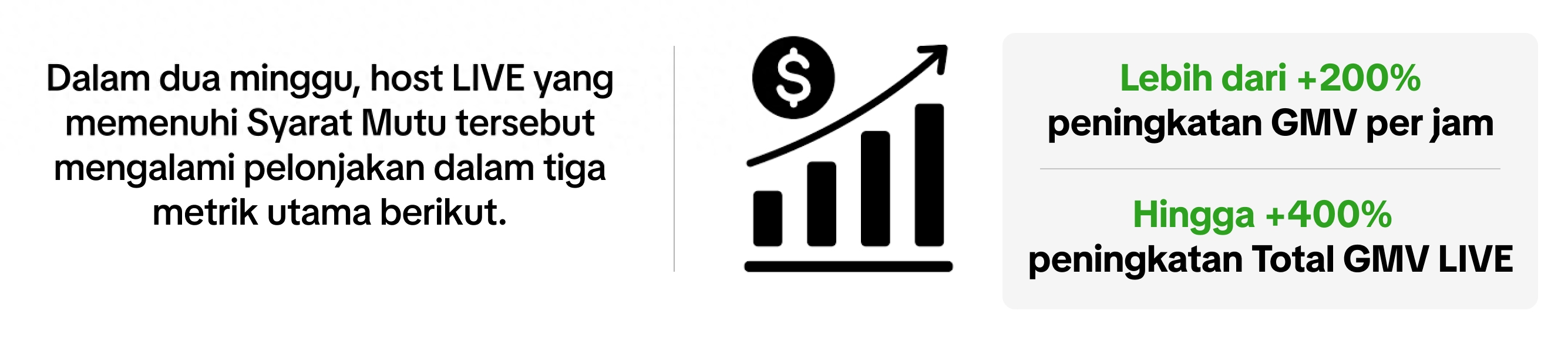 | 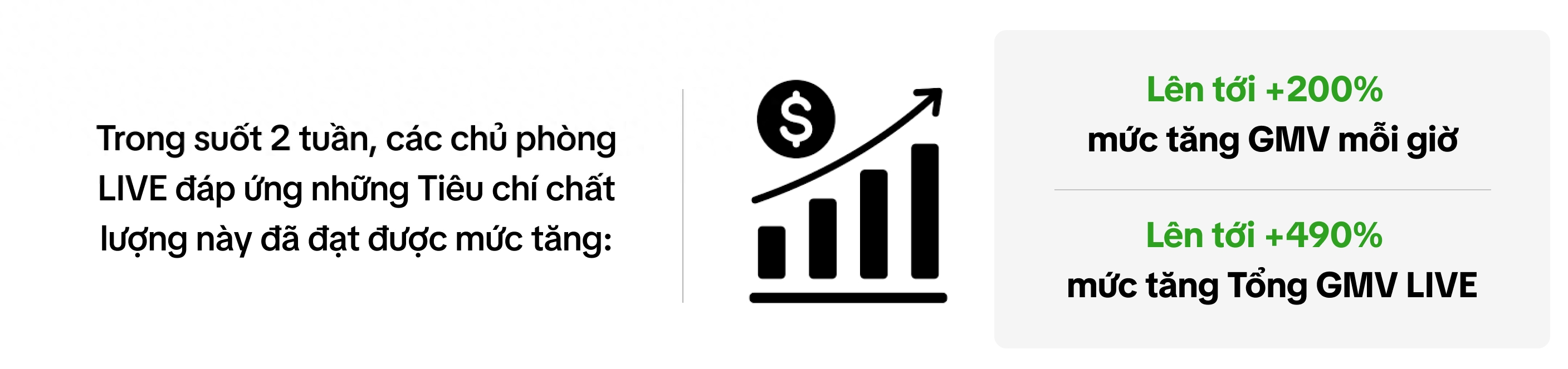 | 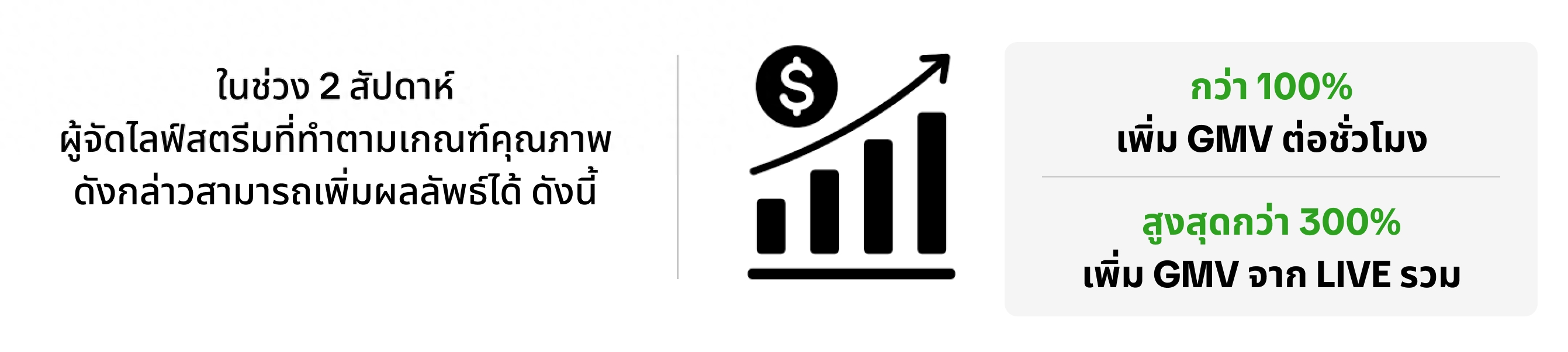 | 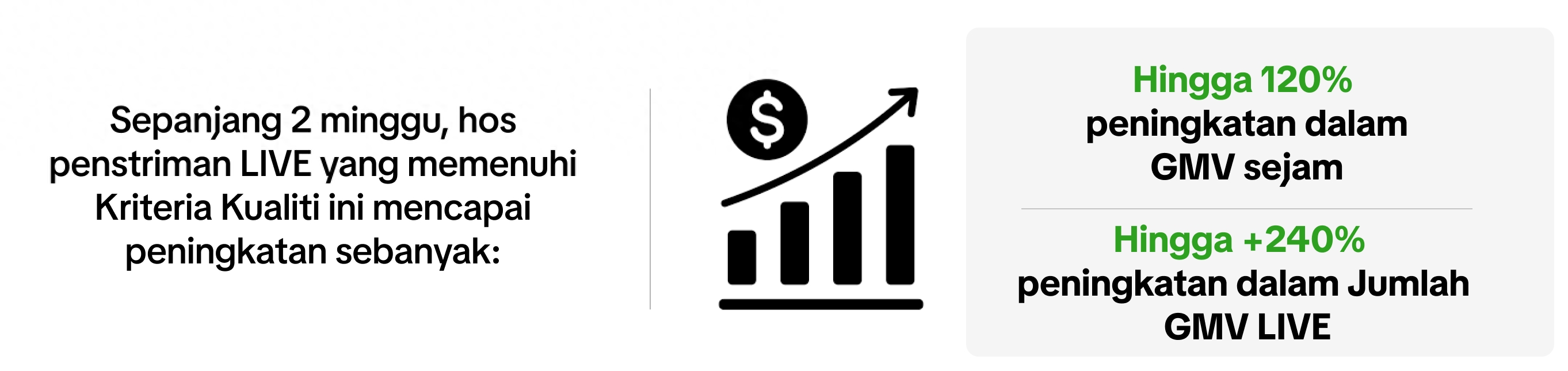 |
Criteria Used in LIVE Diagnosis
LIVE Diagnosis analyzes a LIVE, benchmark it with LIVEs from hosts in the same level and country, and provides improvement suggestions. These analytics are based on 30 criteria, grouped into basic requirement and four categories. These criteria can be accessed by clicking the "?" button on the top right corner of the weekly LIVE report, or on the LIVE insights page.Categories | Criteria | Explanation |
Basic Requirement | No policy violation | The LIVE has no platform policy violation |
Creator Performance | Use of local language | Whether hosts use the local language |
Creator is visible and presentable | Whether hosts are visible, properly dressed, etc. | |
Creator is lively | How enthusiastic hosts are | |
Creator is engaging | How engaging hosts are, based on how they interact, answer questions, etc. | |
Creator encourages action | How engaging hosts are, depending on the variety of their content and how they call for actions | |
| Creative engagement | Whether there are additional engagement such as pecial guests, product demonstration, host rotation, etc. | |
Product presentation | Compelling demonstration | How the demonstration is, whether multiple aspects are displayed, etc. |
Clear product details | Whether product specification or certification are presented | |
Clear product value | Whether product value is clearly shown | |
Product relevance | Whether product fits the audience group | |
Attractive pricing | Whether promotions fit | |
High customer trust | Whether user assurance is displayed | |
LIVE setup | Post pre-heat videos | Whether the host posted a LIVE teaser video |
Optimal duration | Whether the LIVE is longer than the recommended minimum of 45 minutes | |
Strategic scheduling | Whether the LIVE is during peak hour (7 PM - 11 PM) | |
Use of LIVE billboard | Whether the corresponding LIVE selling tools were used | |
Use of LIVE giveaway | ||
Use of LIVE highlight | ||
Creator pinned coupon | ||
| Creator pinned product | ||
| Products binded in LIVE | Whether products were binded in LIVE | |
| Product shipping service | Whether free shipping is offered | |
Audiovisual | Products are in focus | Whether the product is in camera focus |
Stable image | Whether the camera is table | |
Clear audio | Whether the audio is clear | |
Audio and visuals are synchronized | Whether audio and visuals are synchronized | |
Prominent product display | Whether the product gets enough display space and is in focus | |
Tidy background | Whether the background is tidy | |
Organized layout | Whether the layout is organzied, or if real props are used on set | |
Creative background | Whether there are specific settings such as outdoor, factory, or special occasions |
Post-LIVE Diagnosis
Post-LIVE Diagnosis is an AI-powered diagnosis feature provided to LIVE host immidiately after each LIVE selling session. Insights are generated based on real-time analysis of the LIVE, benchmarking with top performers in the industries, and GMV.Accessing Post-LIVE Diagnosis
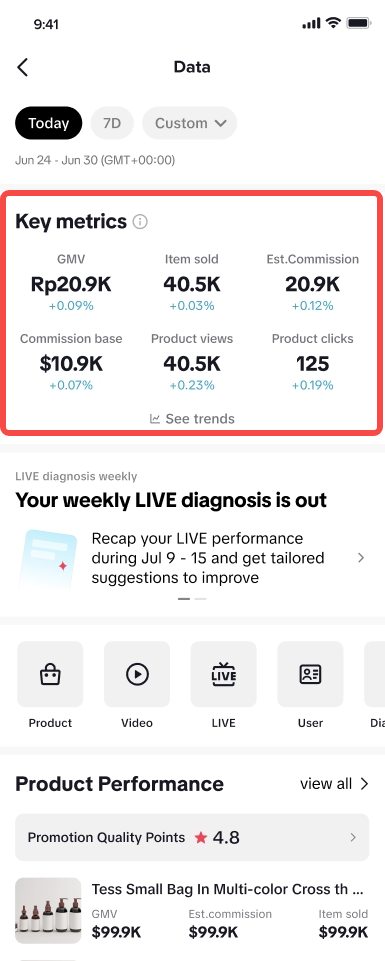
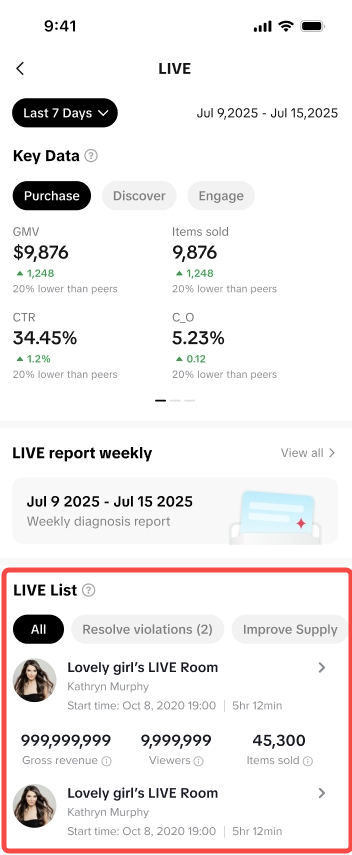
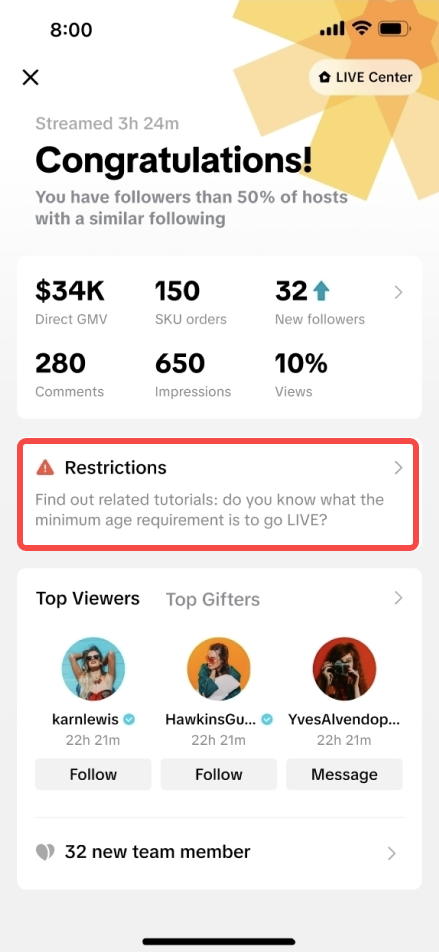
| At the end of each LIVE, host can see the section "Shoppable tips", clicking which will open post-LIVE diagnosis. | Alternatively, host can access the post-LIVE diagnosis by going to the Affiliate Creator Center > Data > Key metrics, then scroll down to the "LIVE list" section. | Note: if the LIVE has violations, hosts will not be able to access LIVE Diagnosis via the LIVE ending screen. They can only access it via the Affiliate Creator Center > Data route. |
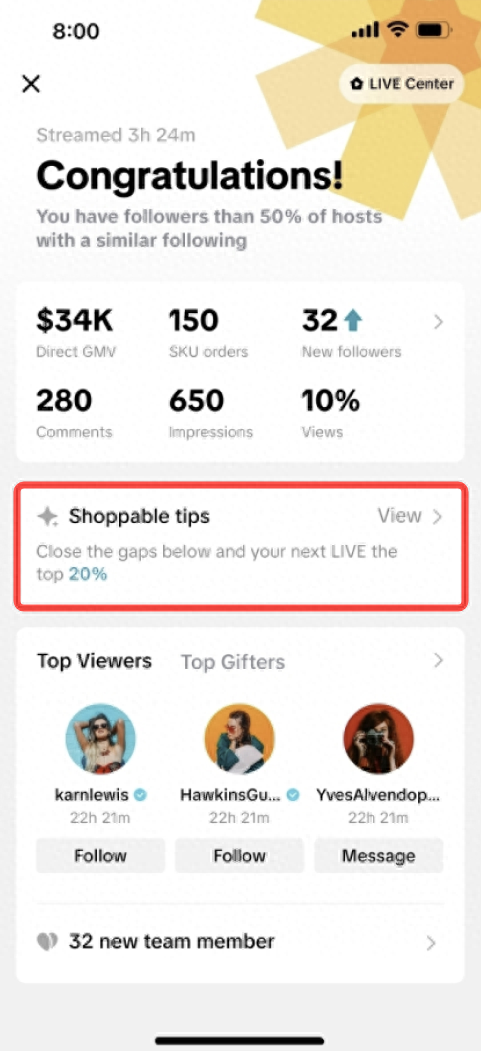 |   |  |
Insights provided by Post-LIVE Diagnosis
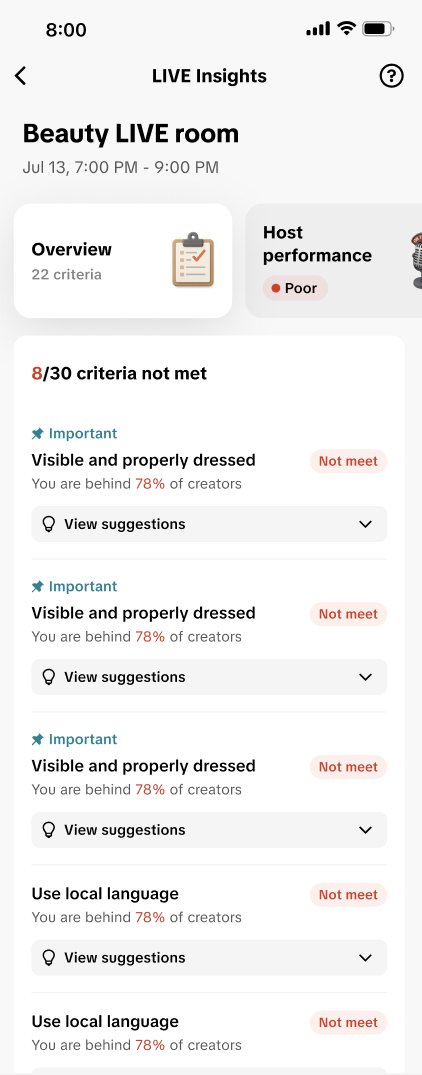
Once hosts are in the diagnosis page of each specific LIVE, they will see a list of insights, ranging from core selling metrics, to engagement assessment and ranking. | "LIVE details" page
|
 | "LIVE insights" page
|
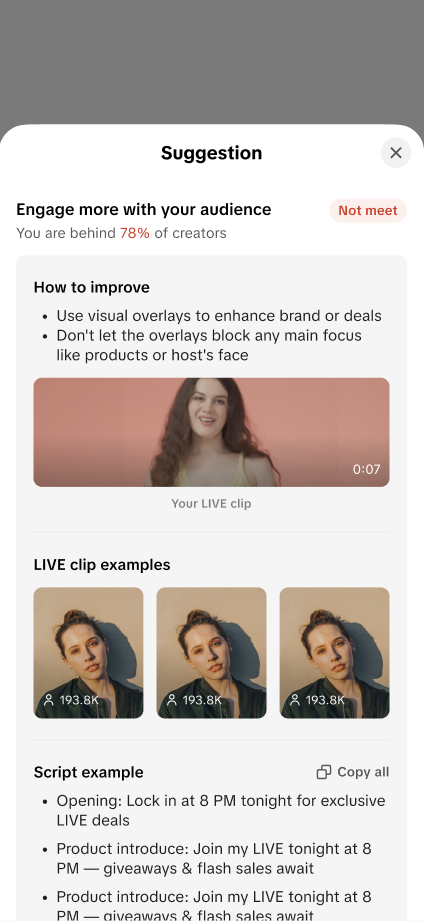 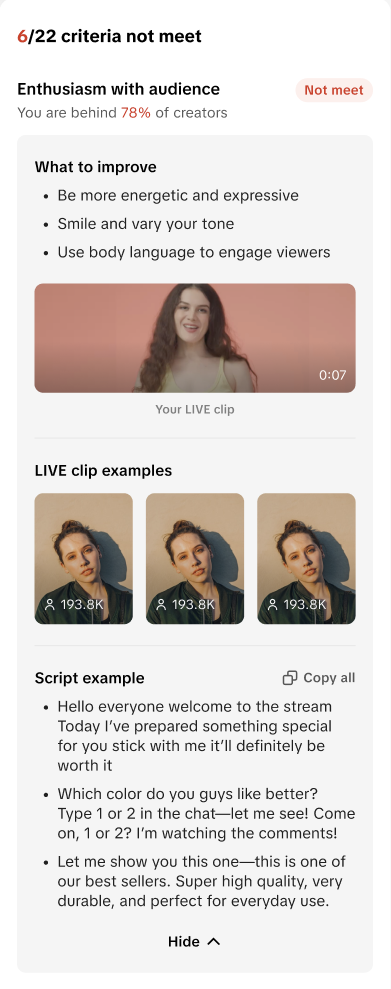 | Criteria details
|
Weekly LIVE Insights
Weekly LIVE Insights provides a LIVE selling report on a weekly basis.Accessing Weekly LIVE Insights
| Weekly LIVE insights is accessed via the Affiliate Creator Center > Weekly LIVE diagnosis > LIVE Report weekly |
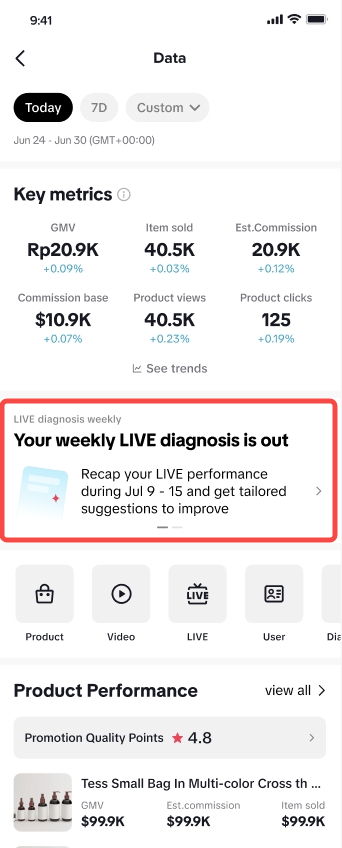 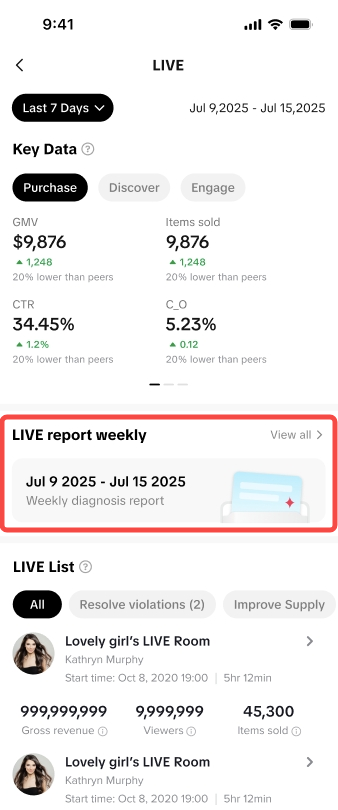 |
Insights provided by Weekly LIVE Insights
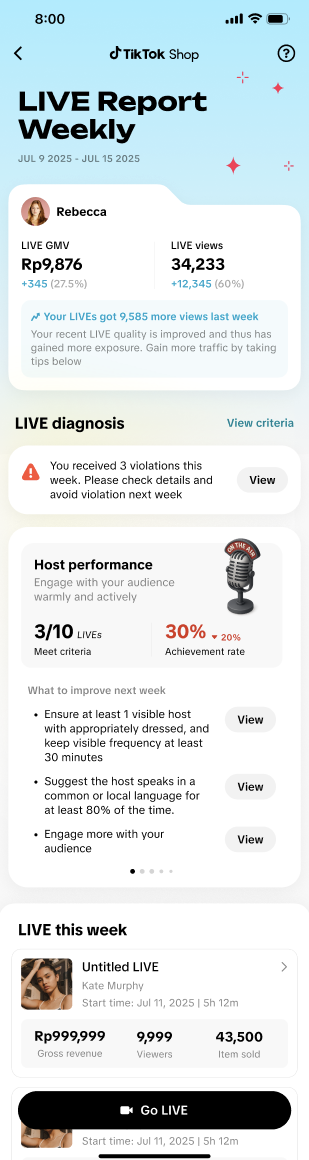 | The Weekly LIVE Insights report provides an overview of LIVE selling results in the past 1 calendar week. On this page, you'll find:
|
FAQs
- Is the LIVE Diagnosis report downloadable?
- Can hosts access LIVE Diagnosis via PC?
- What is the definition of LIVE GMV and LIVE Views displayed on the Weekly LIVE Insights report?
- LIVE GMV = The total amount paid for orders placed directly from the LIVE, including returns and refunds.
- LIVE Views = The total number of views of the LIVE, from audiences actually entering the Shoppable LIVE room, by clicking in from different traffic channels.
- How is the Quality Score calculated?
| Description | Quality Criteria: Creator Performance | Quality Criteria: Product presentation |
| No. of livestreams completed in 1 week | 10 livestreams | |
| No. of livestreams that fall under "Needs Improvement" | 1 livestreams | 2 livestreams |
| No. of livestreams that fall under "Good" | 2 livestreams | 3 livestreams |
| No. of livestreams that fall under "Excellent" | 7 livestreams | 5 livestreams |
| Quality Score | 7 / 10 = 70% | 5 / 10 = 50% |
You may also be interested in
 1 lesson
How to Make Your First Livestream a Success
How to Make Your First Livestream a Success

Group Deal
👉 Watch the Group Deal webinar replay here What is Group Deal Note: This feature is currently ava…
Price Cut
👉 Watch the Price Cut webinar replay here What is Price Cut Note: This feature is currently avail…