【Video】Add by product link
12/13/2022
Step 1
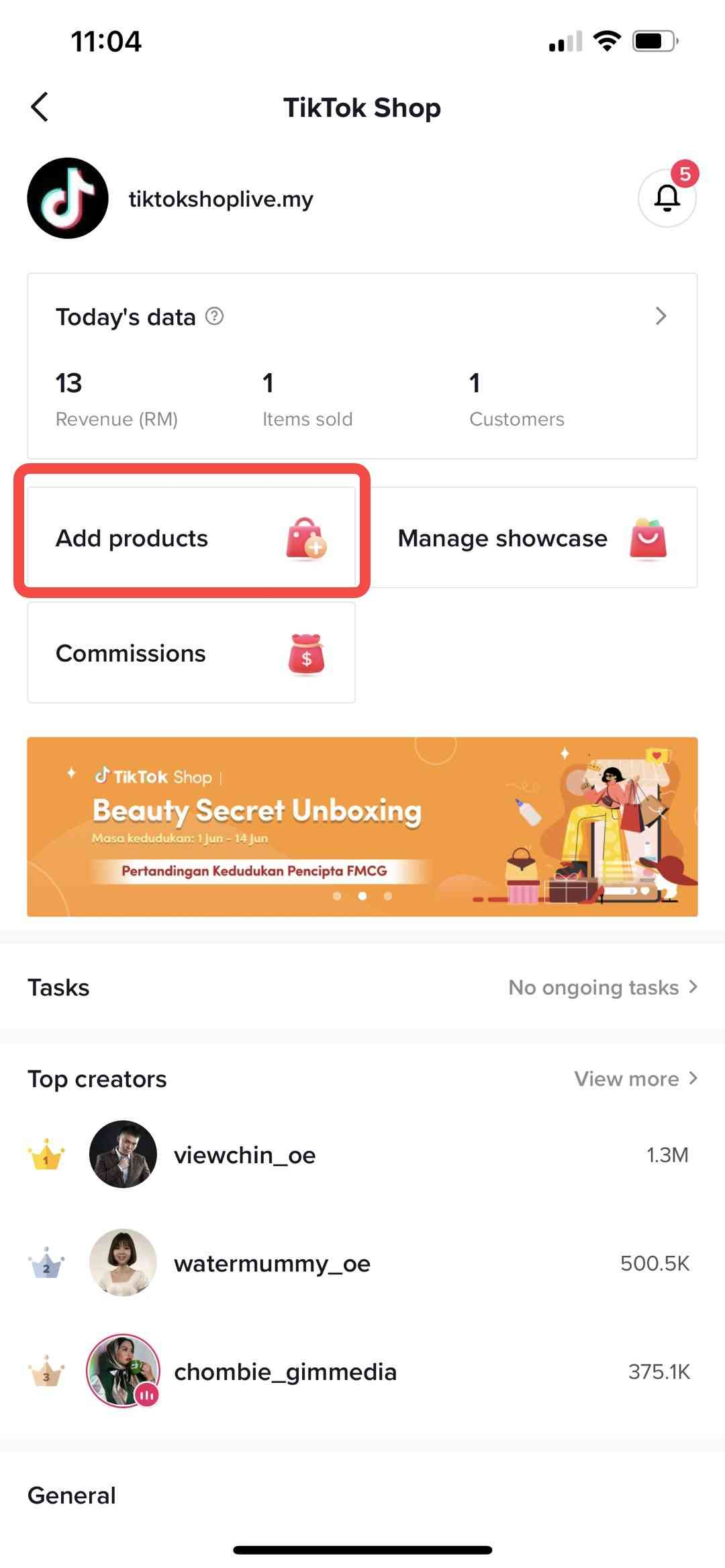
You will get a product link from sellers or ops team and you can use that link to add to showcase.- go to your TikTok Shop--> select "Add product" (see Image 1)
Step 2
Click "+URL"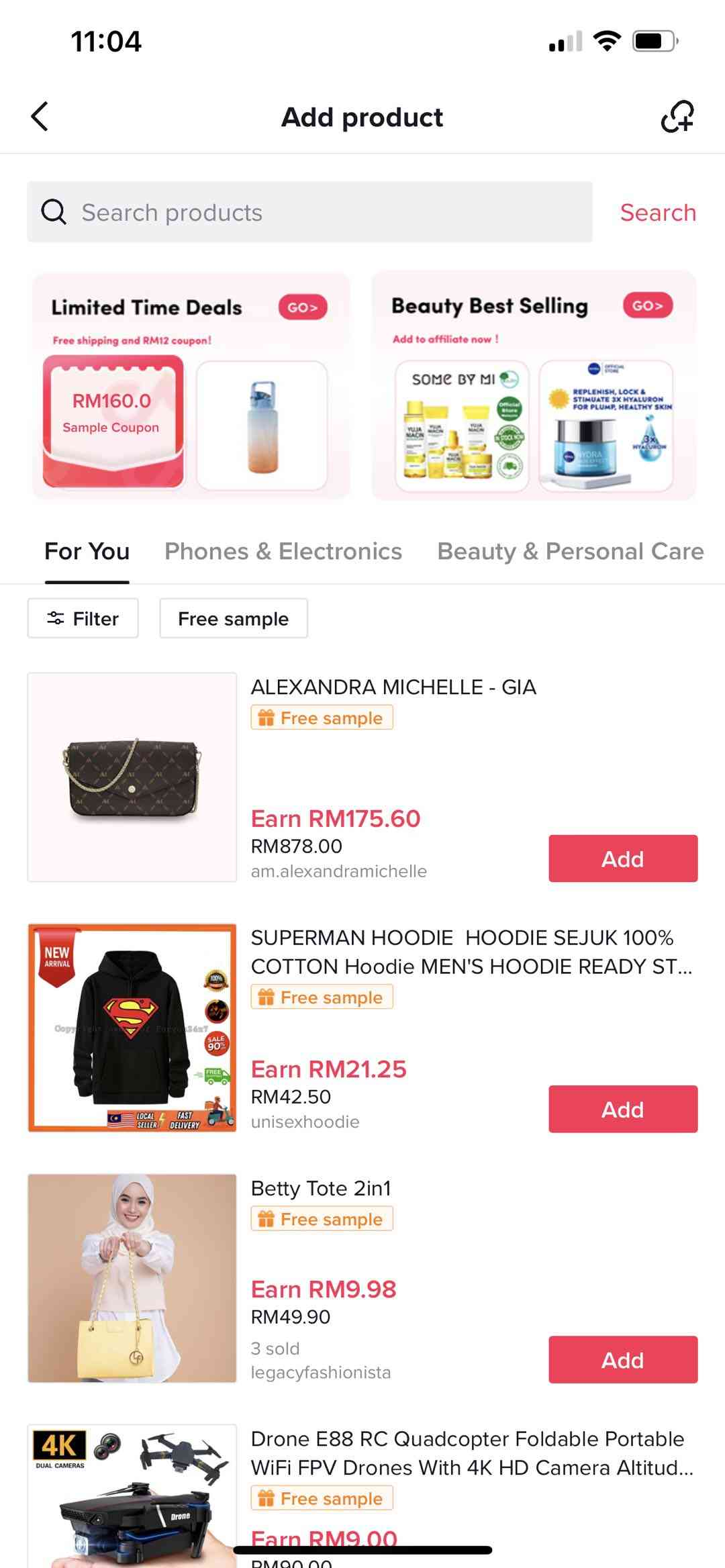
Step 3
Paste the product link you get from sellers directly or ops team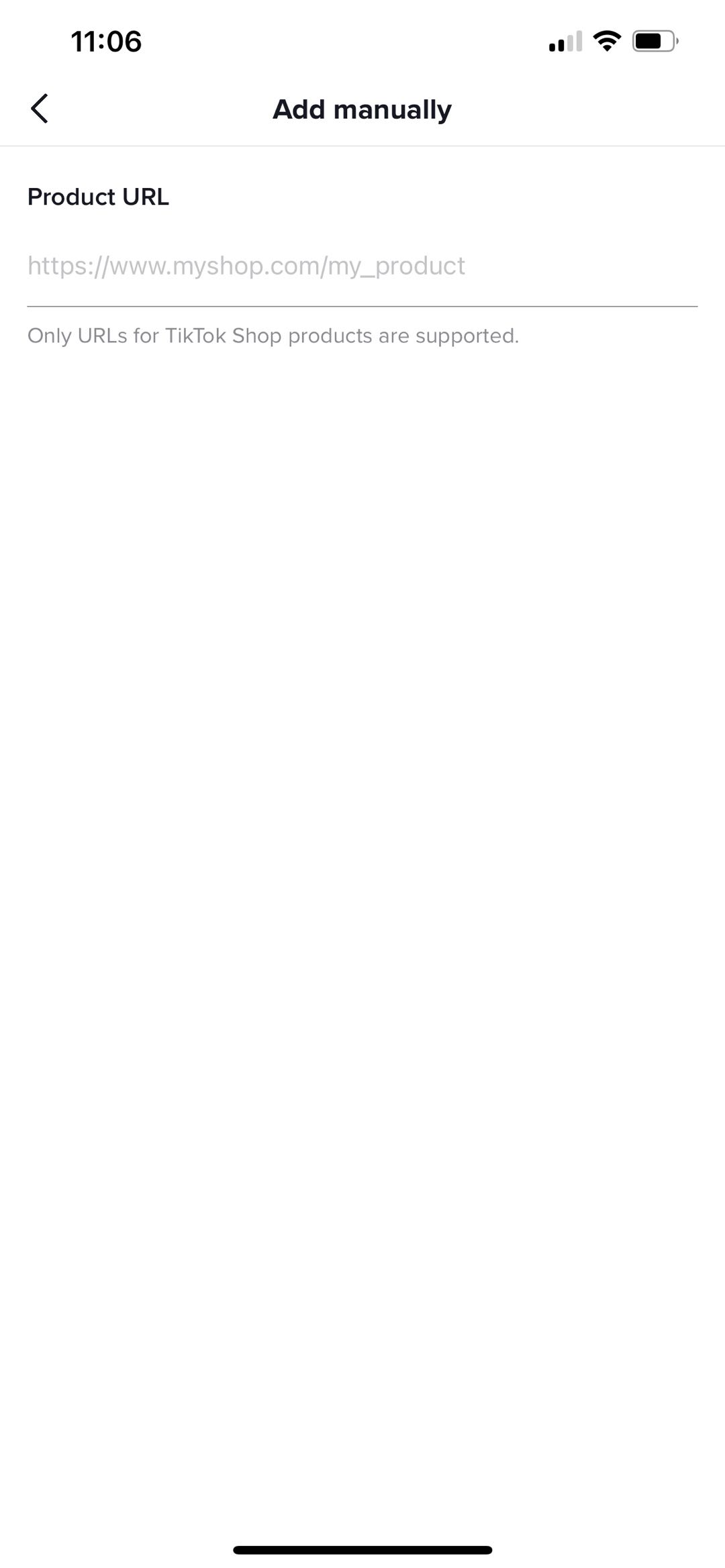
Step 4
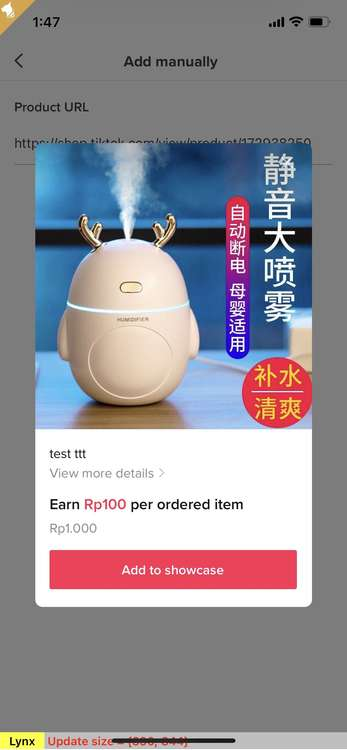
See the product details and add it to your showcase