

Add Products to Short Videos (Yellow Basket)
06/14/2024

What does the product listing look like in short videos?
Products added in a short video can be bought using the Yellow Basket button as shown below! The yellow basket button acts as your direct link for a Creator to receive commission for every purchased product.On the FYP Page | Tapping on the Yellow Basket |
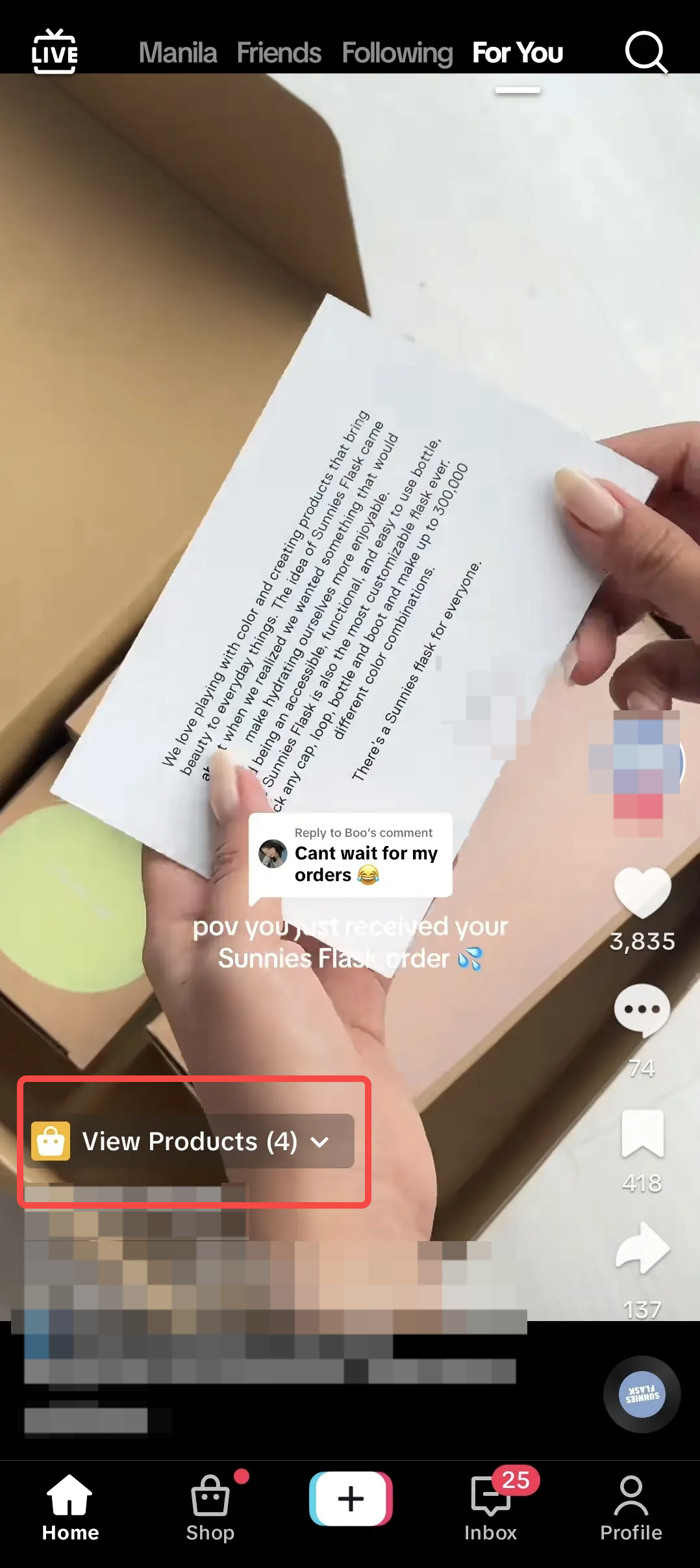 | 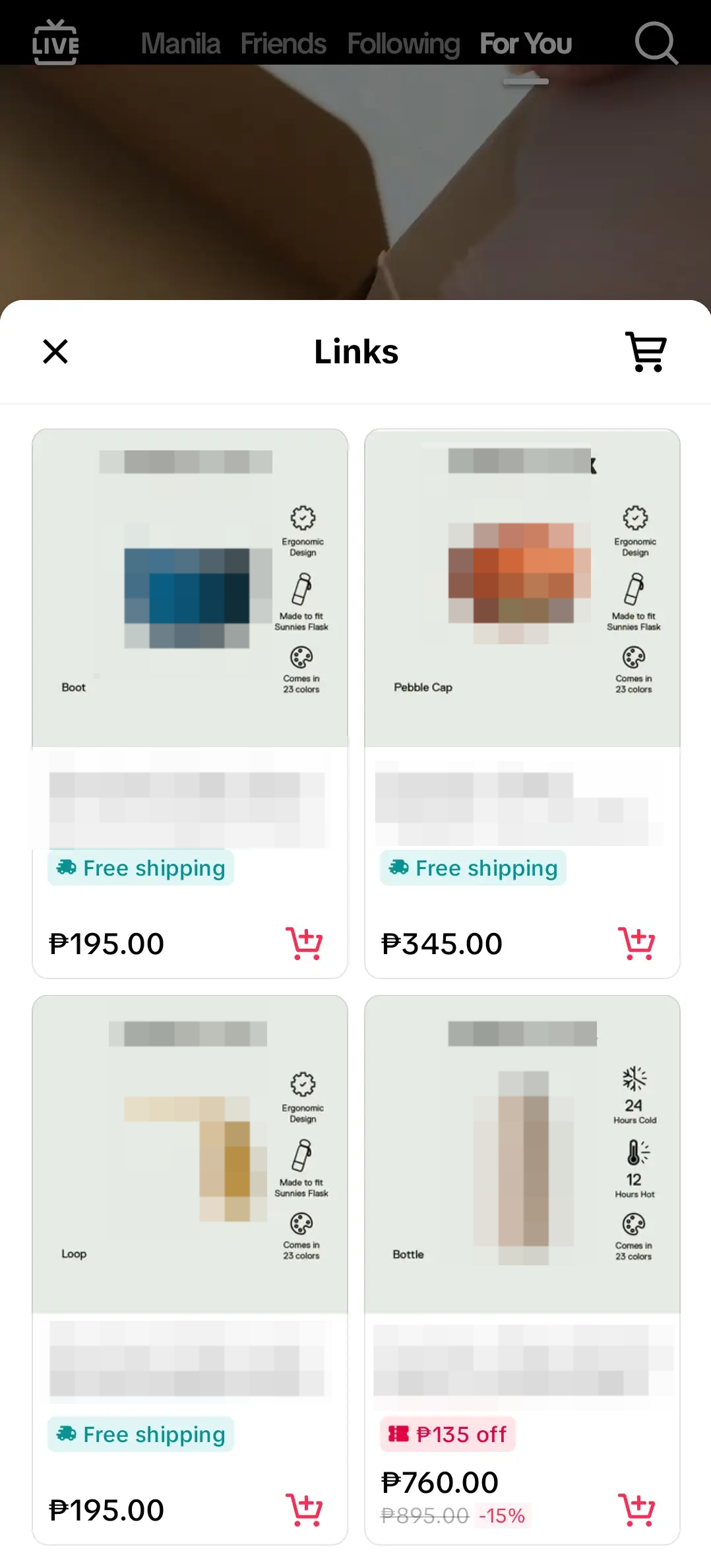 |

How to add the Yellow Basket to your Videos
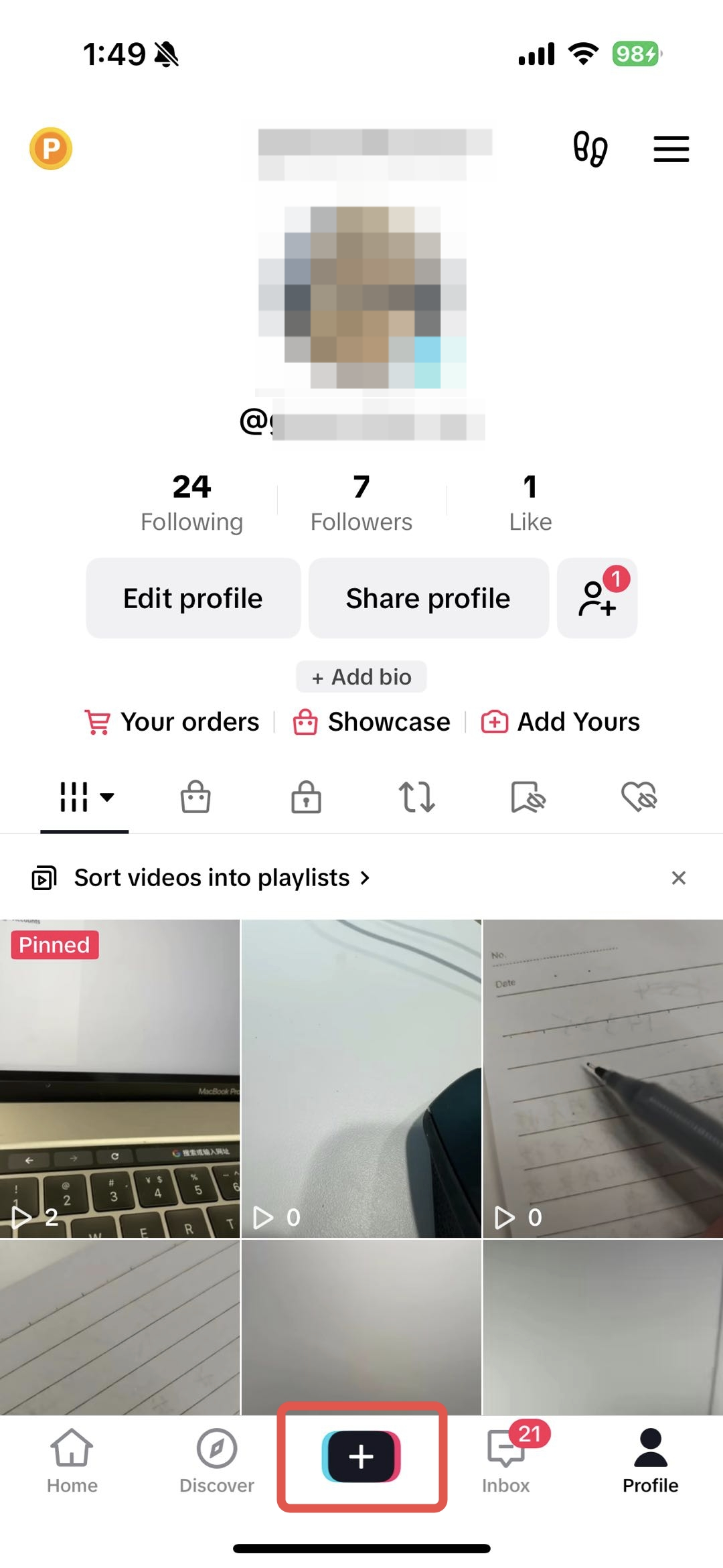 | 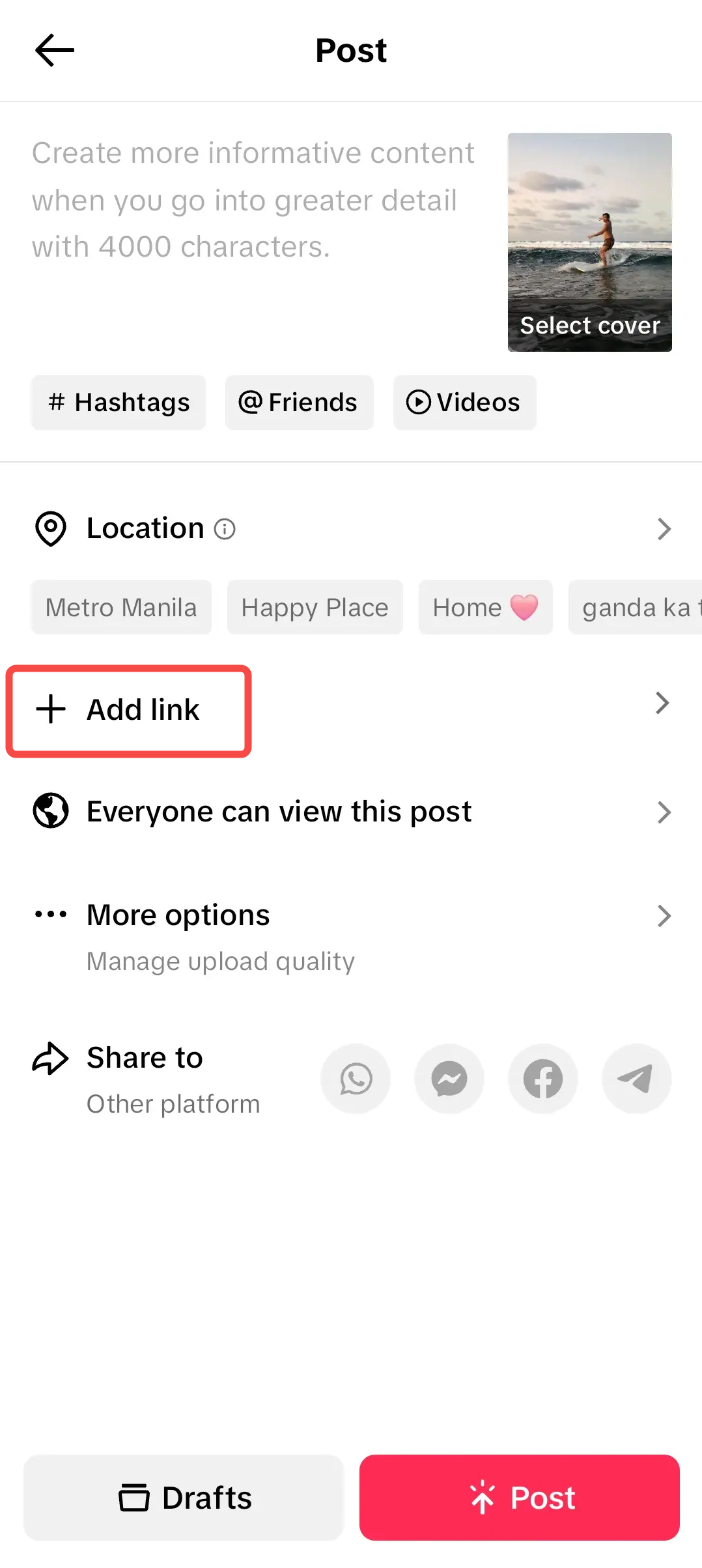 | 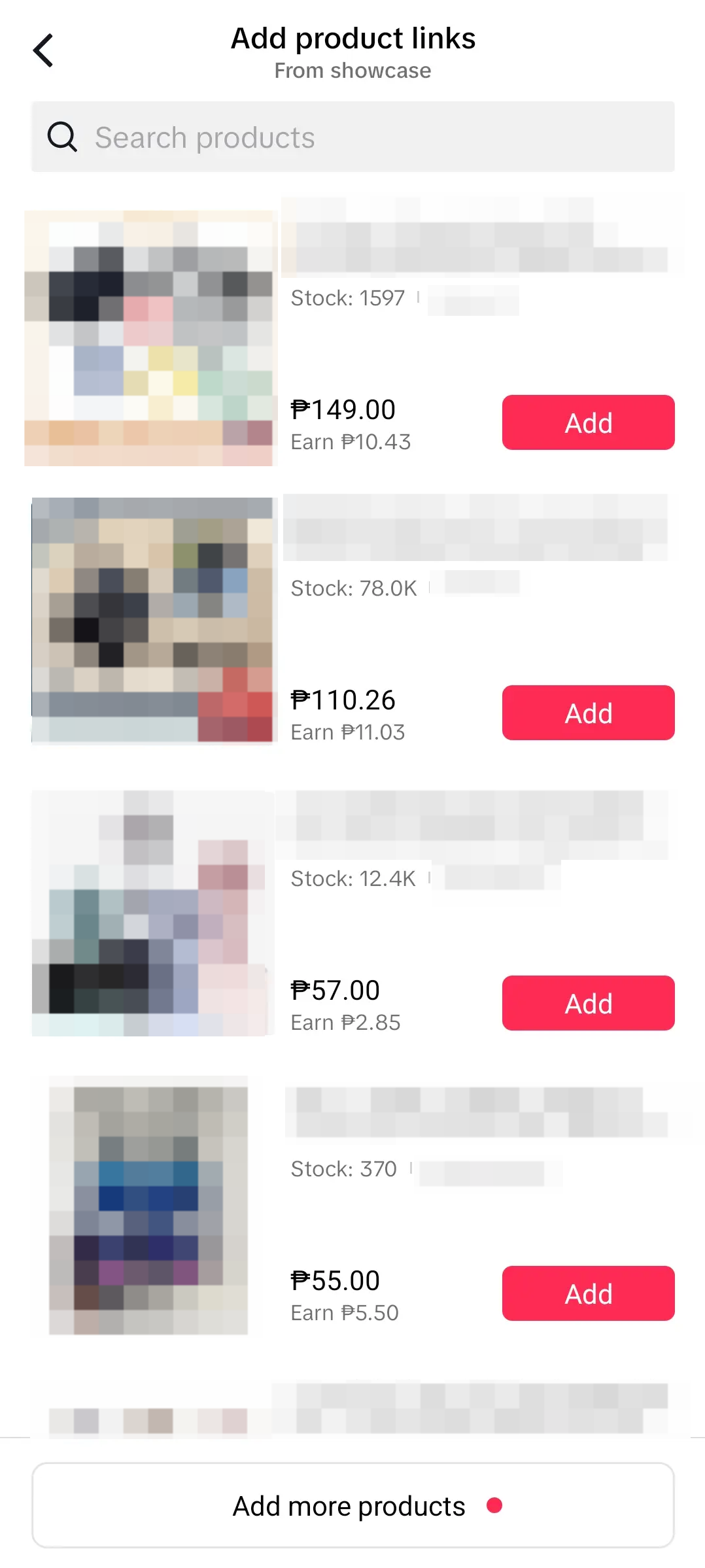 | 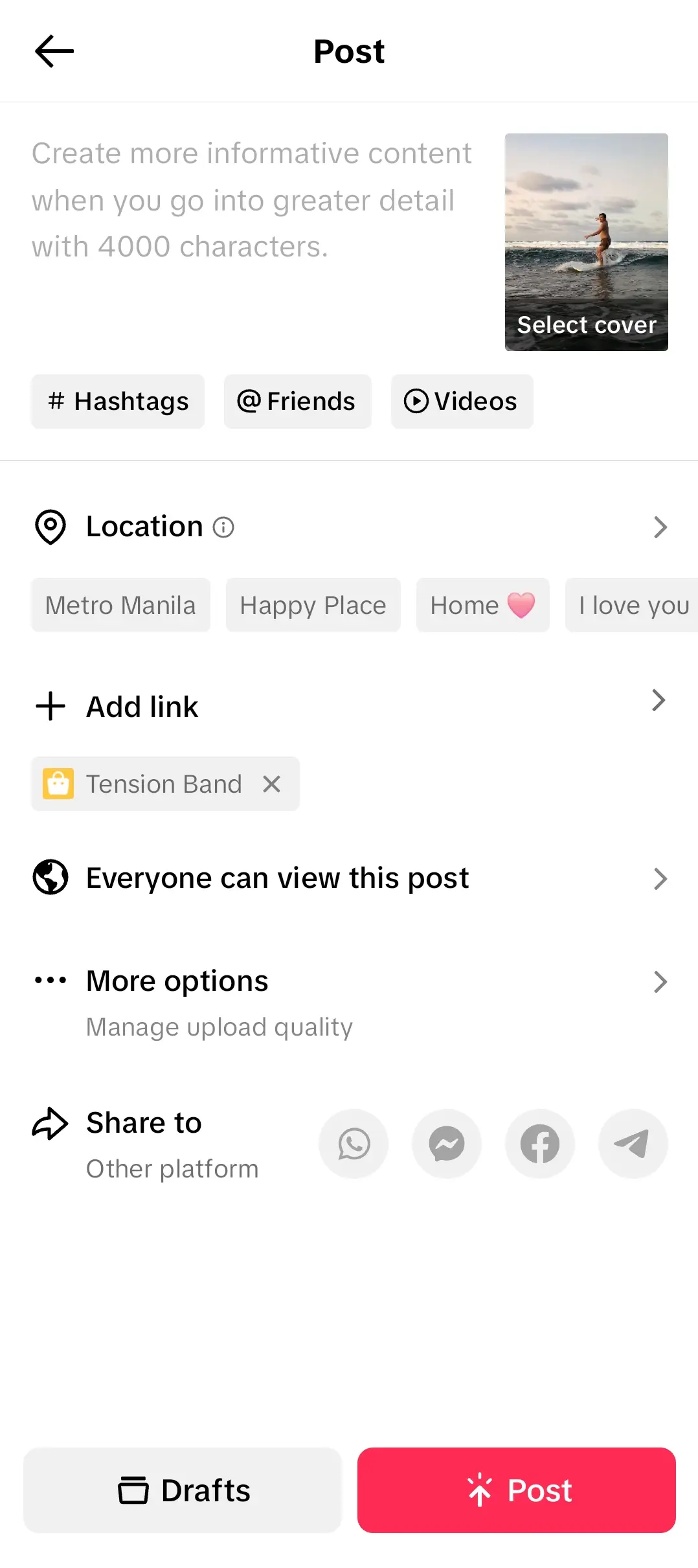 |
| Step 1: Create your video for affiliate | Step 2: Once you're done editing, tap on Add Link | Step 3: Select product/s from your showcase to add them to the video | Step 4: Once you've added your product/s, it will reflect on the edit page as shown above! |

FAQ
- What's the maximum amount of product links the Creator can add to one video?
- 10 product links
- Where can I find the products to add to my videos?
- Only products that are your account's showcase can be added to the video. You can find products either via product marketplace, shop tab or even your FYP.