Guide for APP Store
03/12/2024
Introduction of App Store
This video will provide you with guidance around our APP Store. Learn about how to select and install an APP to grow your business.What is the TikTok Shop App Store?
To help you boost your business on TikTok and improve your operational efficiency, TikTok Shop now offers an App Store where you can contact and authorize the applications that suit you to improve productivity, synchronize products.What are the benefits of the App Store?
- Integrate with tools and platforms to accelerate your business. Quickly find apps to improve productivity and synchronize products and orders from supported e-commerce platforms, such as Shopify, WooCommerce, and SFCC.
- Install an APP that helps you sell by expertly managing content, conversion rates and advertising.
Feature Guide

How to get your App
How can I find and start using an application?
Step 1: Browse the options on the App Store.
Go to [ Seller Center] > [Apps store] . You can browse applications on the App Store by filtering category and integrated platform.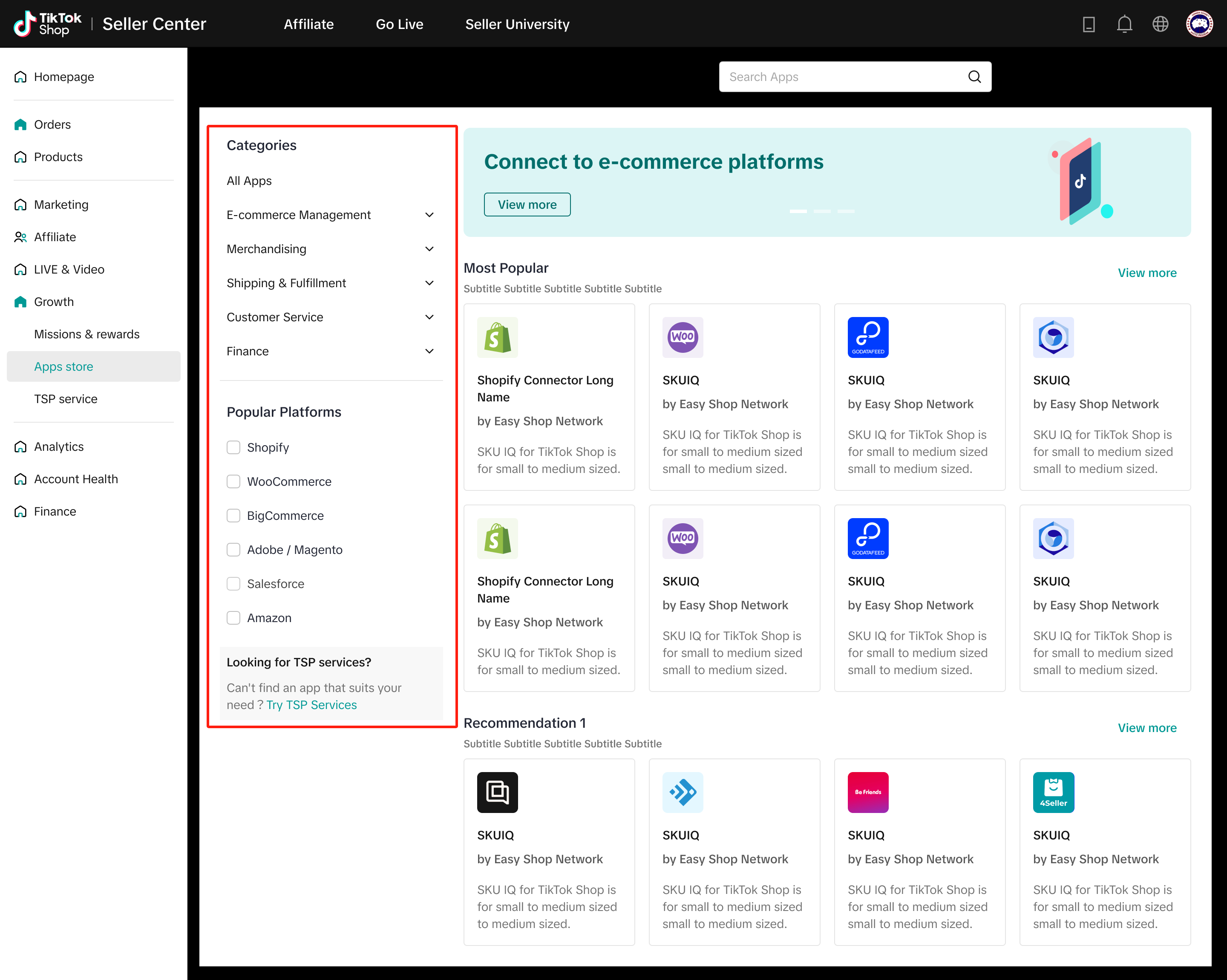
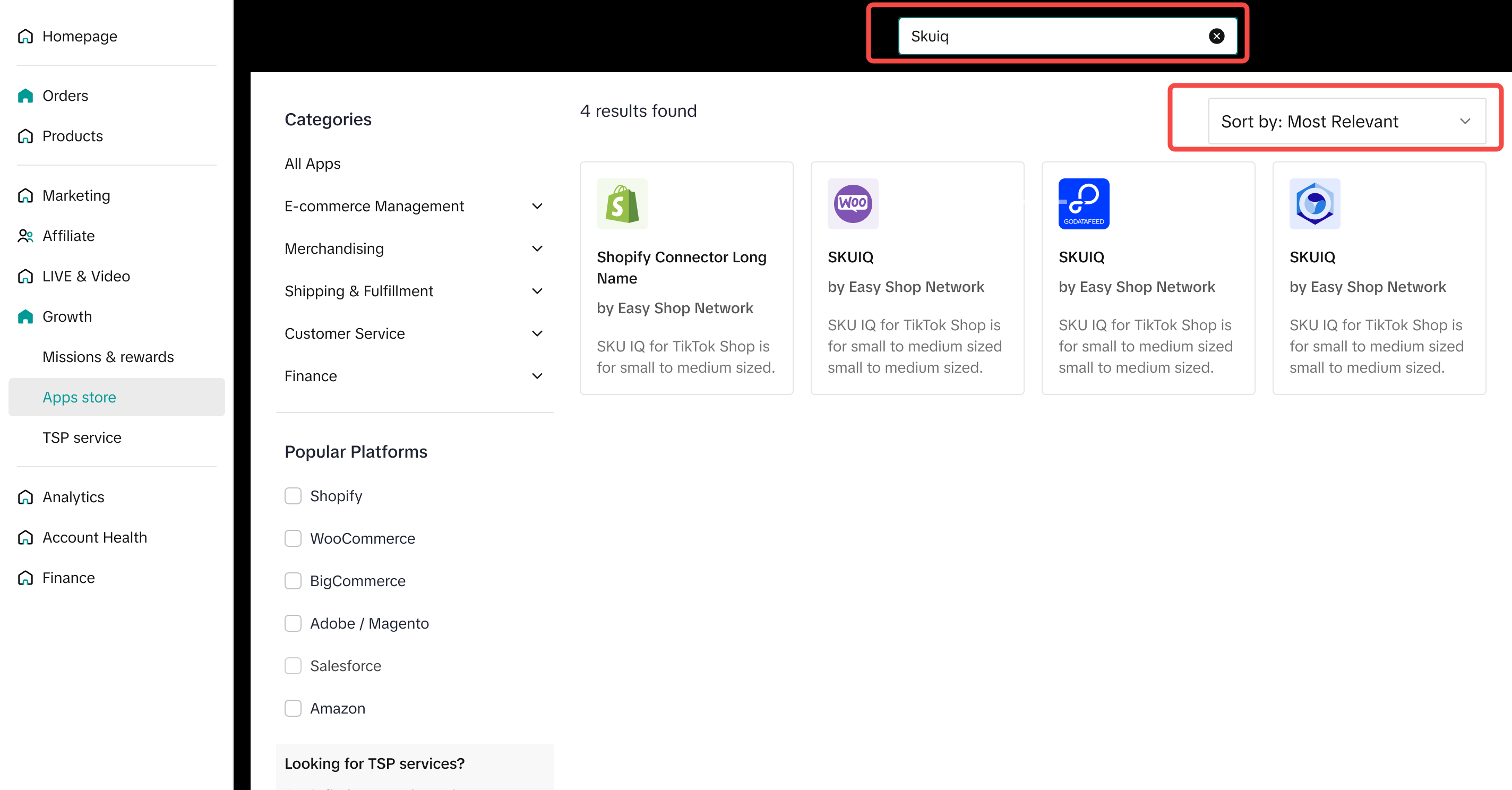
Step 2: Check the App Details
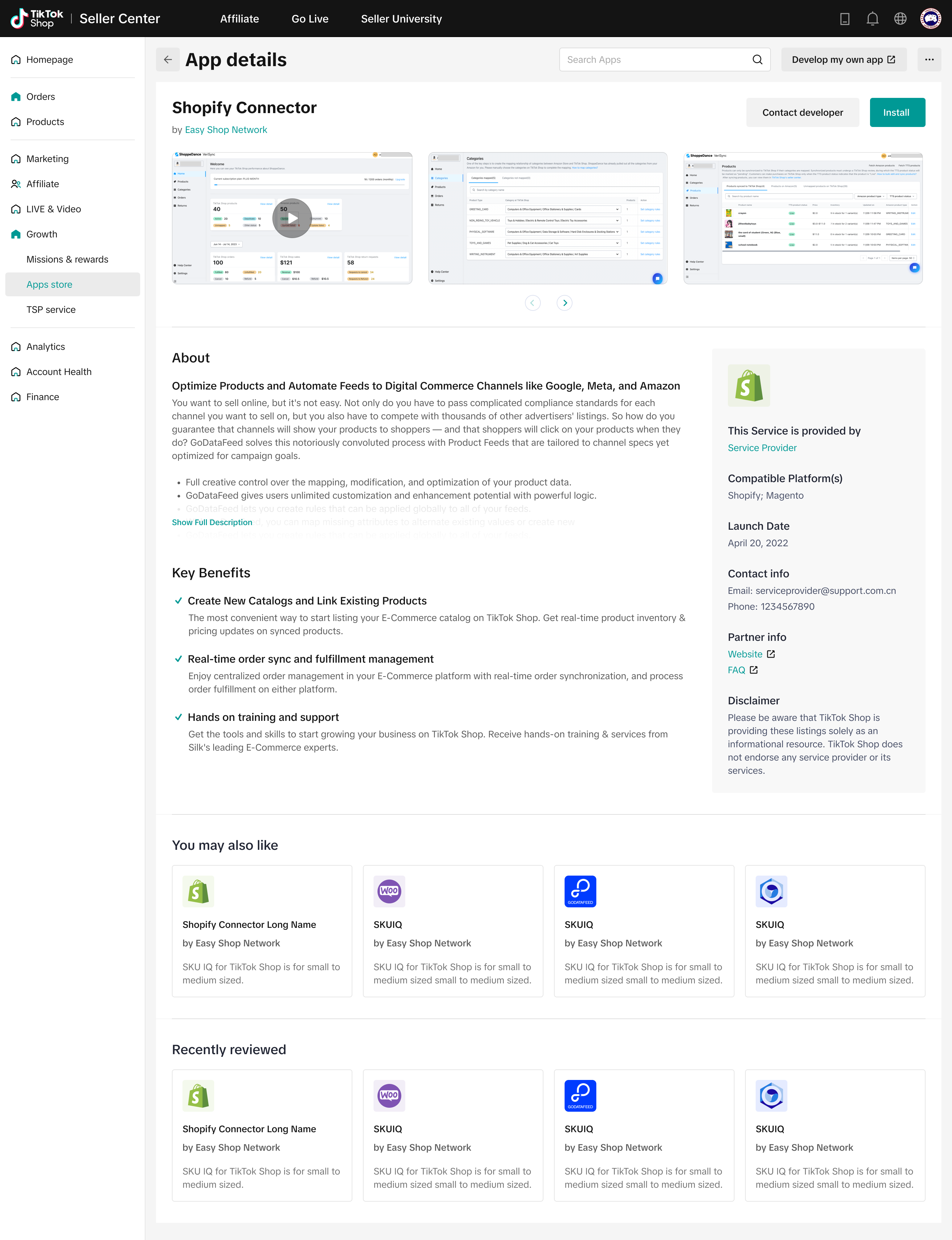
If you’re interested in an application, you can click install now on APP card orclick"learn more" and go to the App Details page where you can find detailed app introduction, highlights, contact information of partner etc.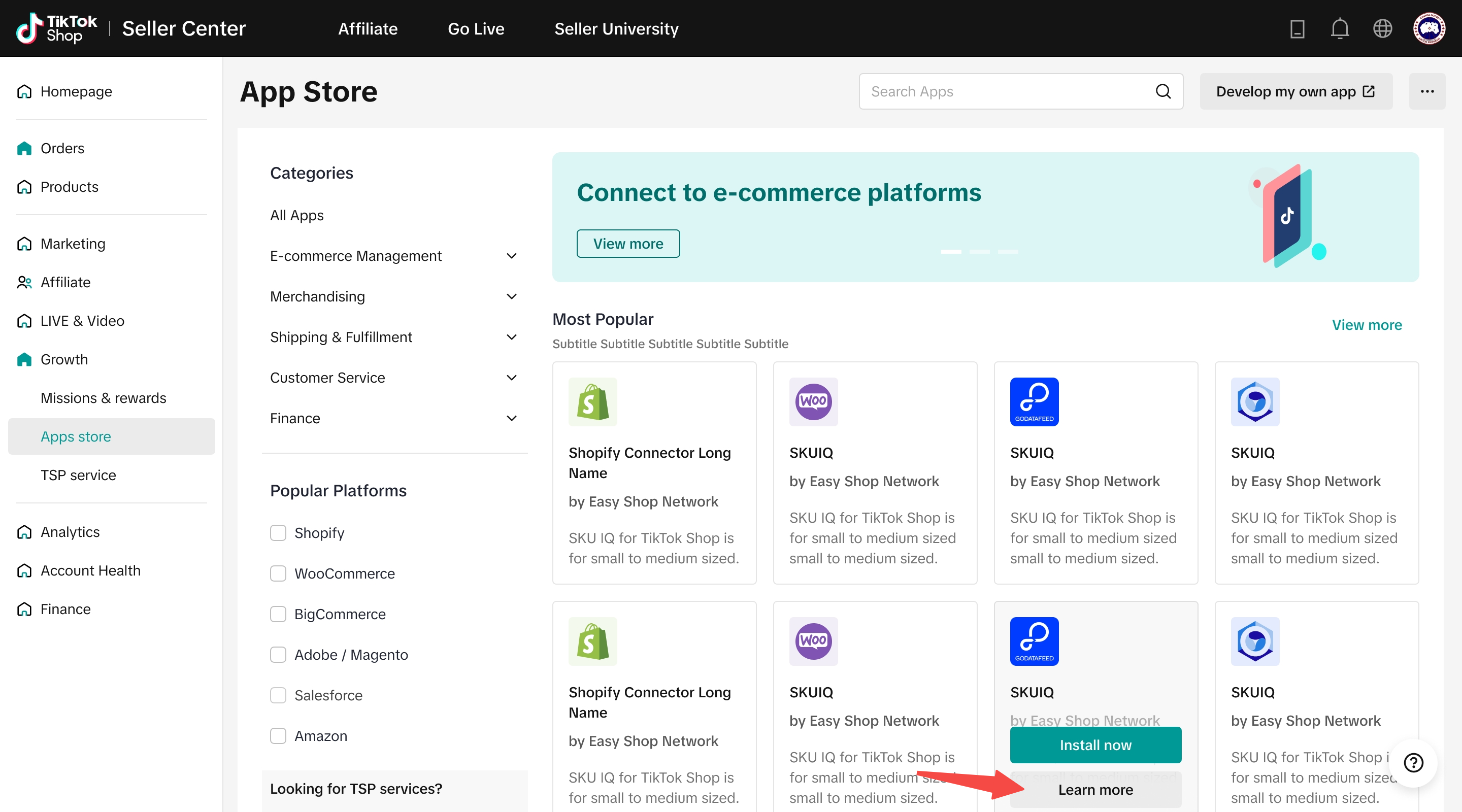
Step 3: Authorize the app
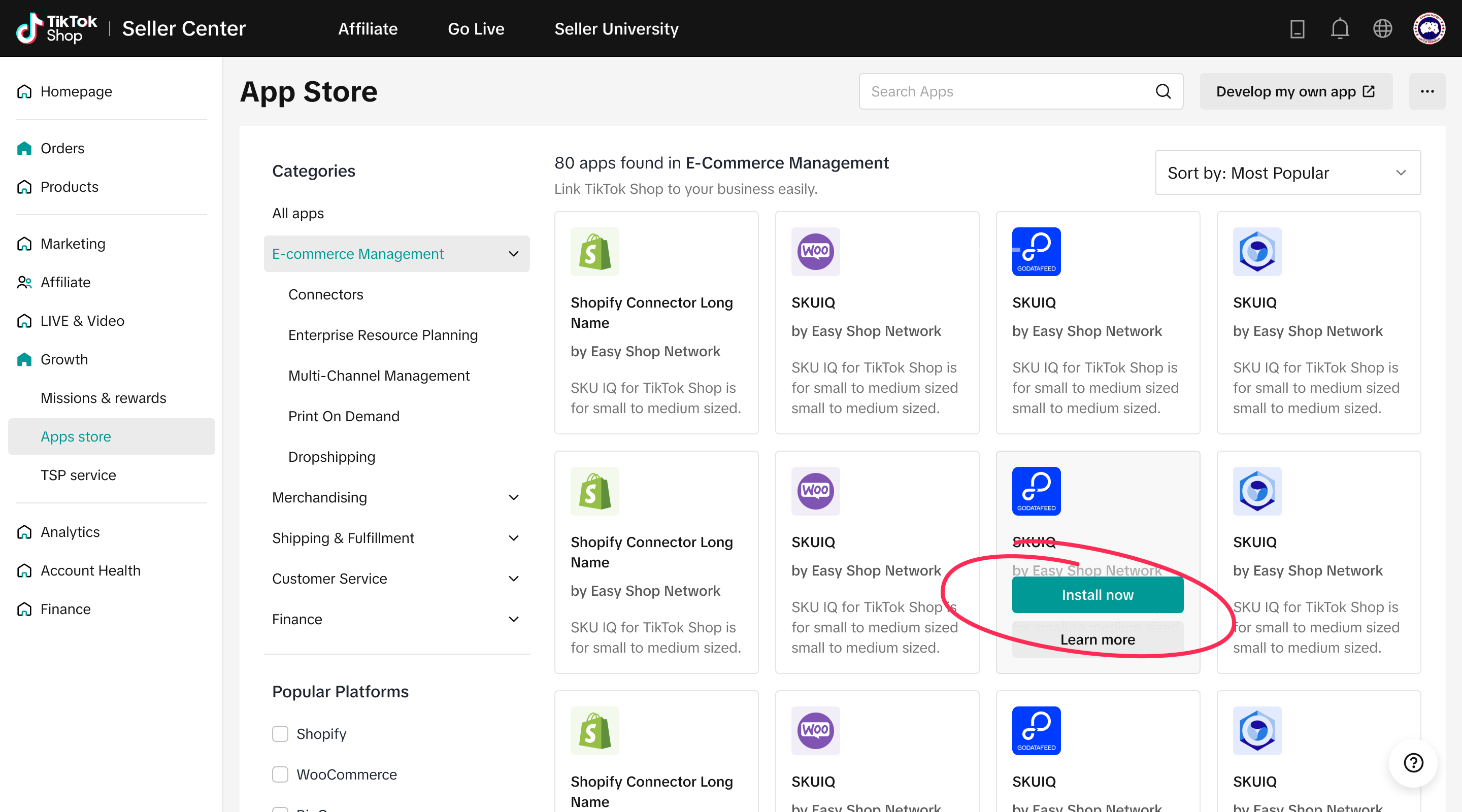
- If you decide to install the app,
- Click "Install now" on the App Store page.
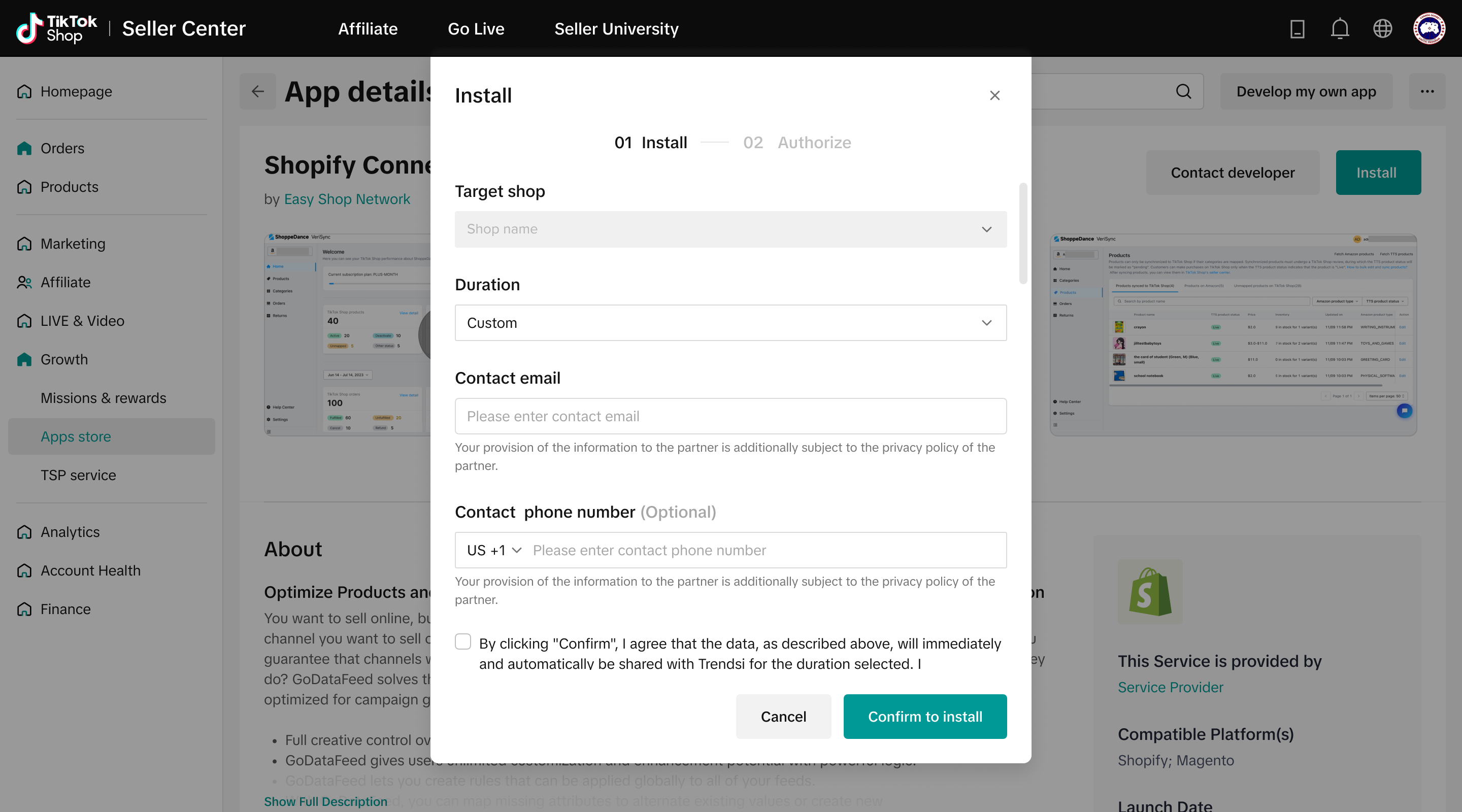
- Fill out the installation information, making sure everything is correct.
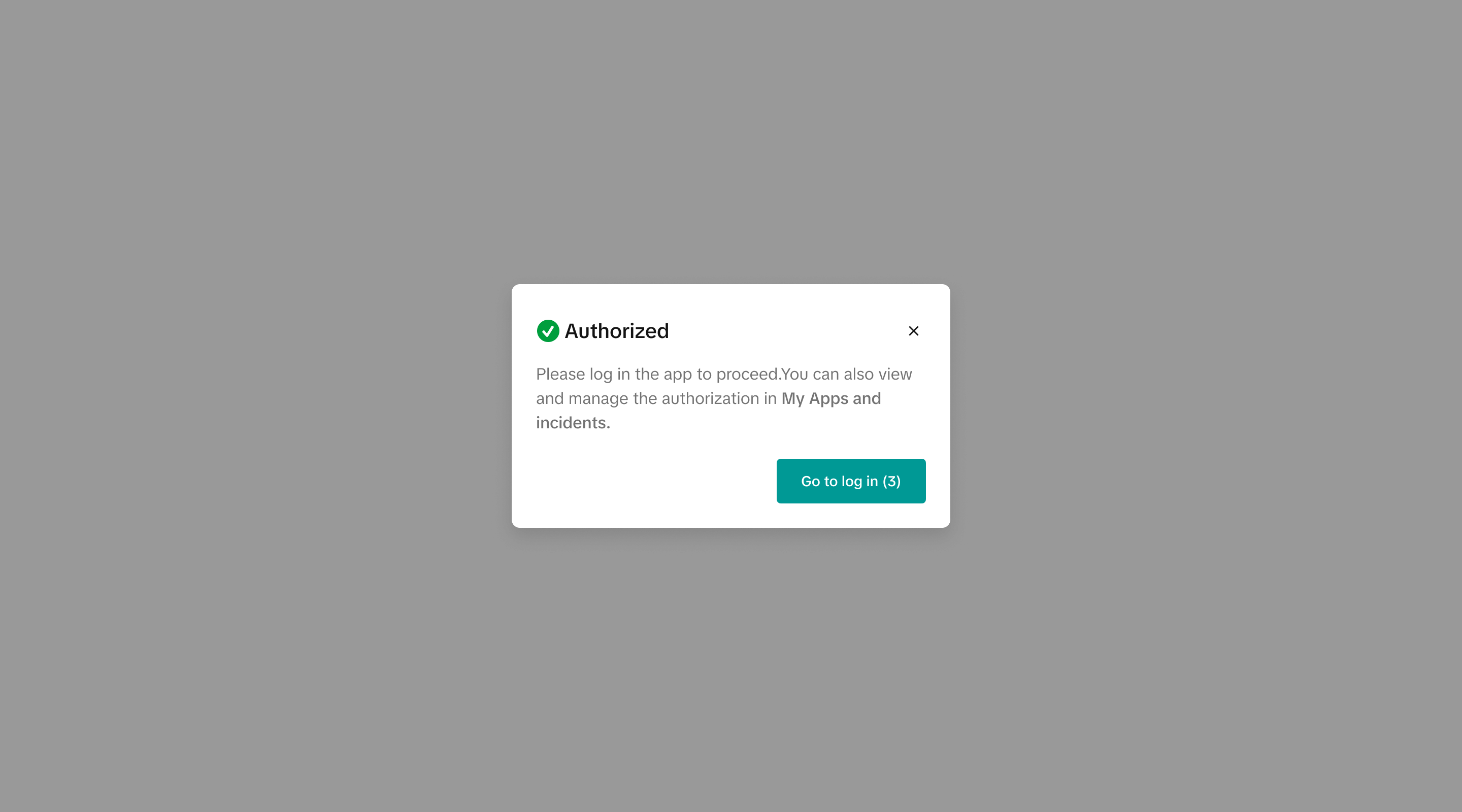
- Finish authorization, review the partner's analytics and management permissions before you start.
- Click Confirm to authorize.
How do I manage my applications ?
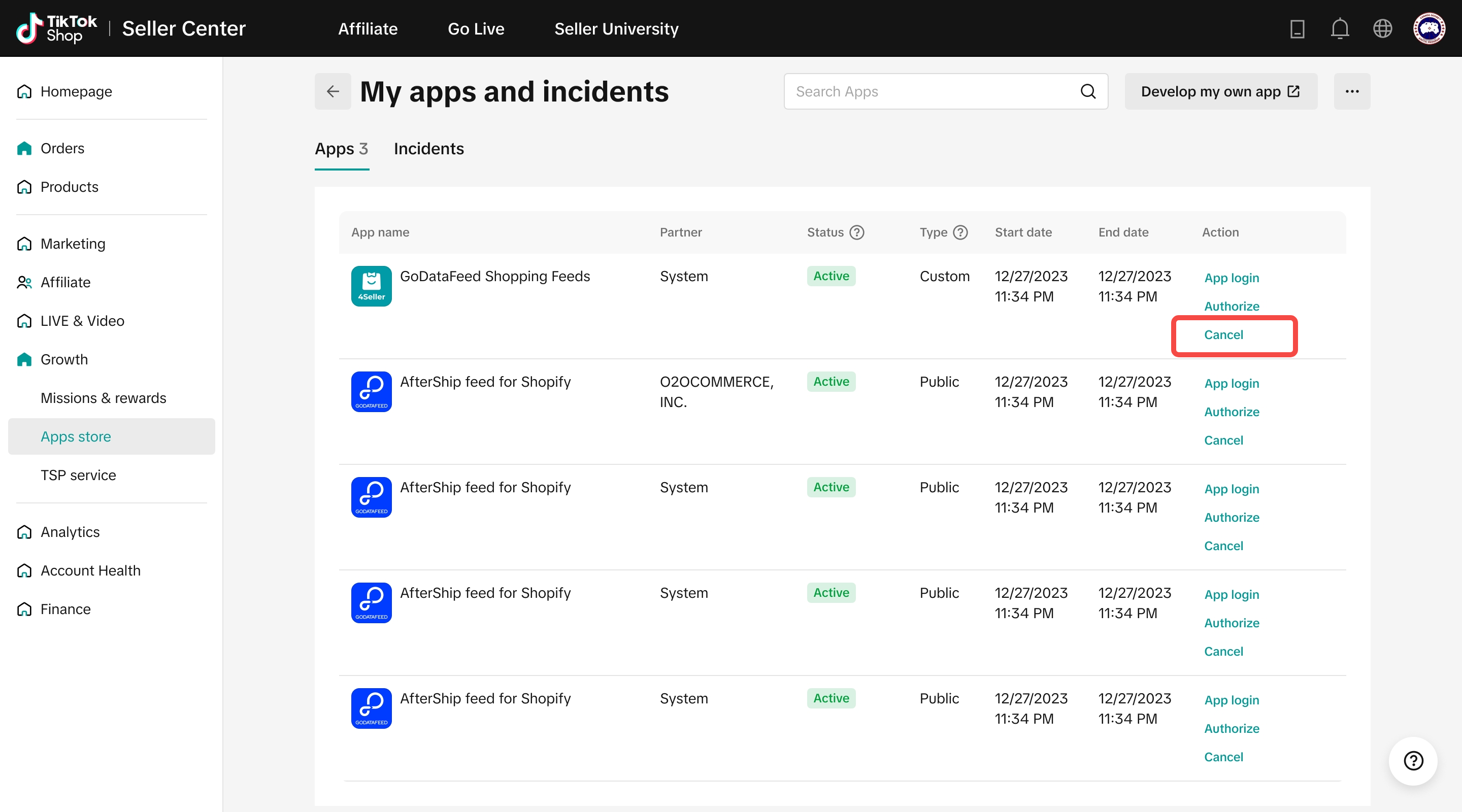
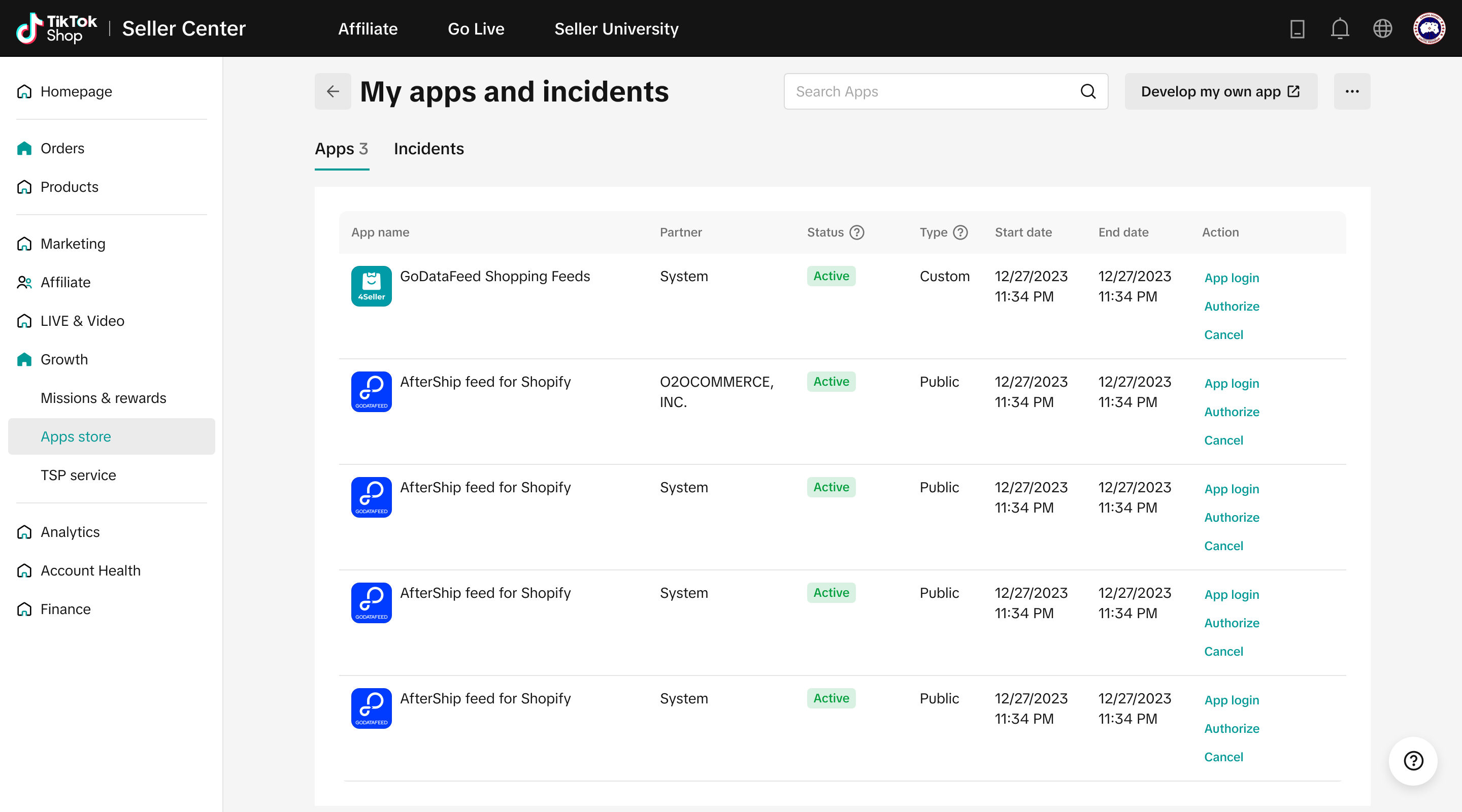
You can go to [Seller Center]>[Apps store]>[My apps and incidents] to view and manage all of your applications.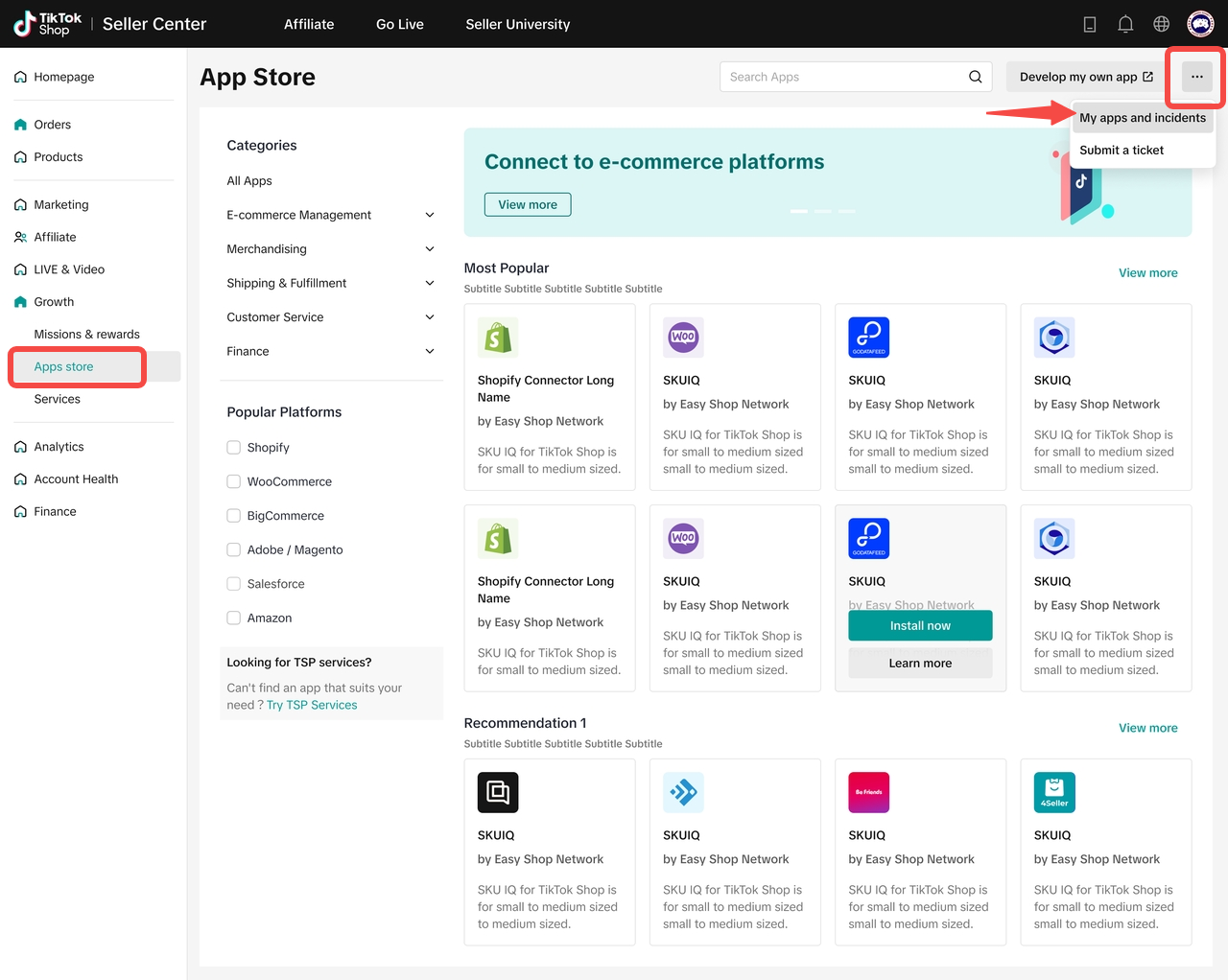
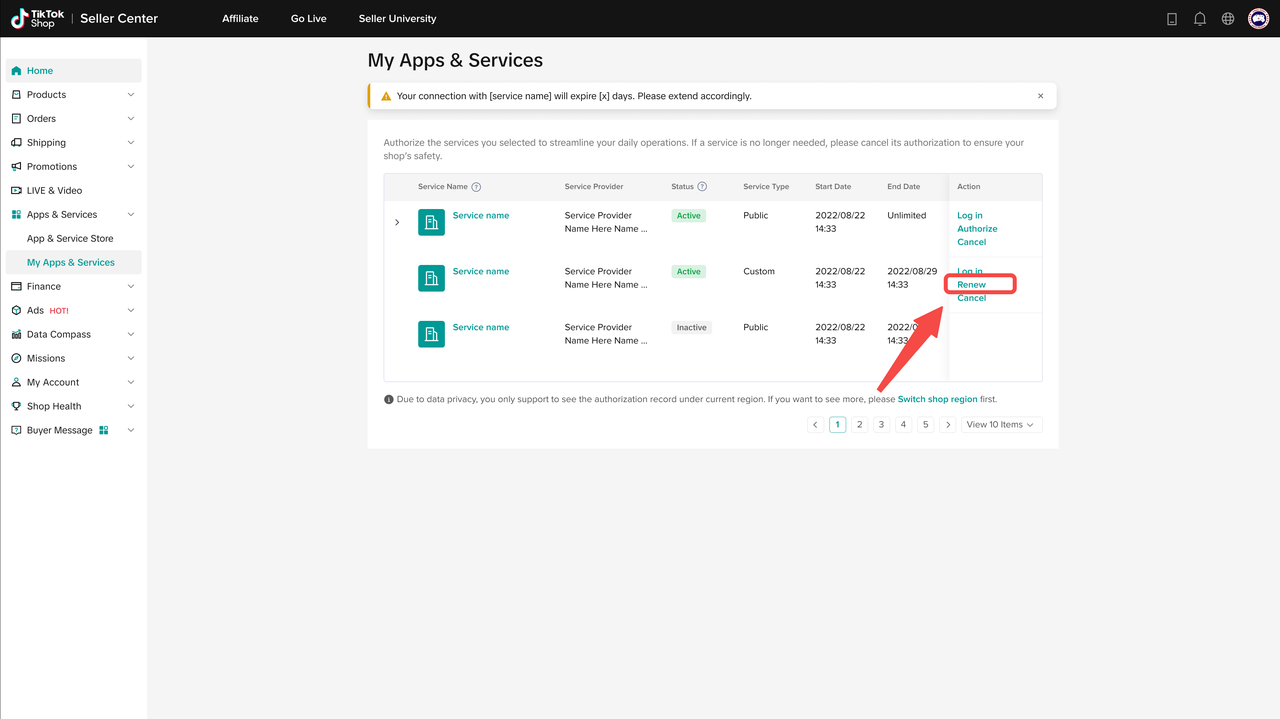
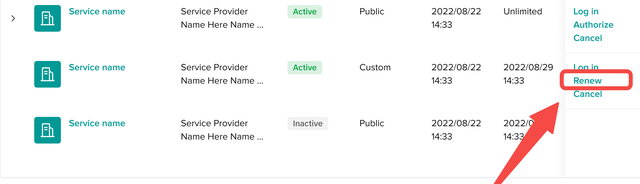
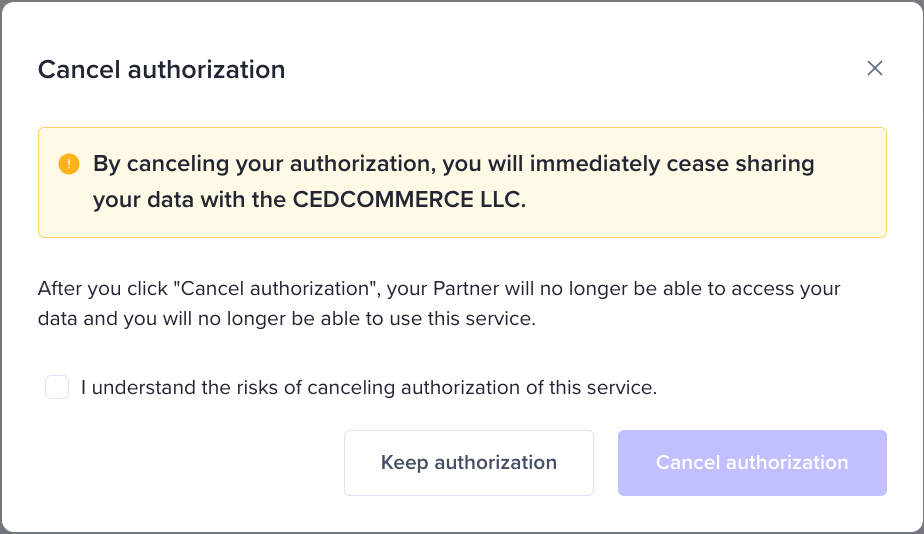
Please note: after you click "Cancel authorization", your partner will no longer be able to access your
data and you will no longer be able to use this service.