

ตรวจสอบคำสั่งซื้อ
13/12/2565
ในหน้าคอมมิชชั่น ให้คลิกคำสั่งซื้อพันธมิตร
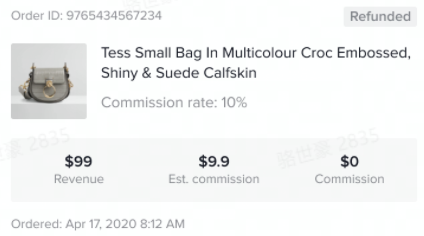
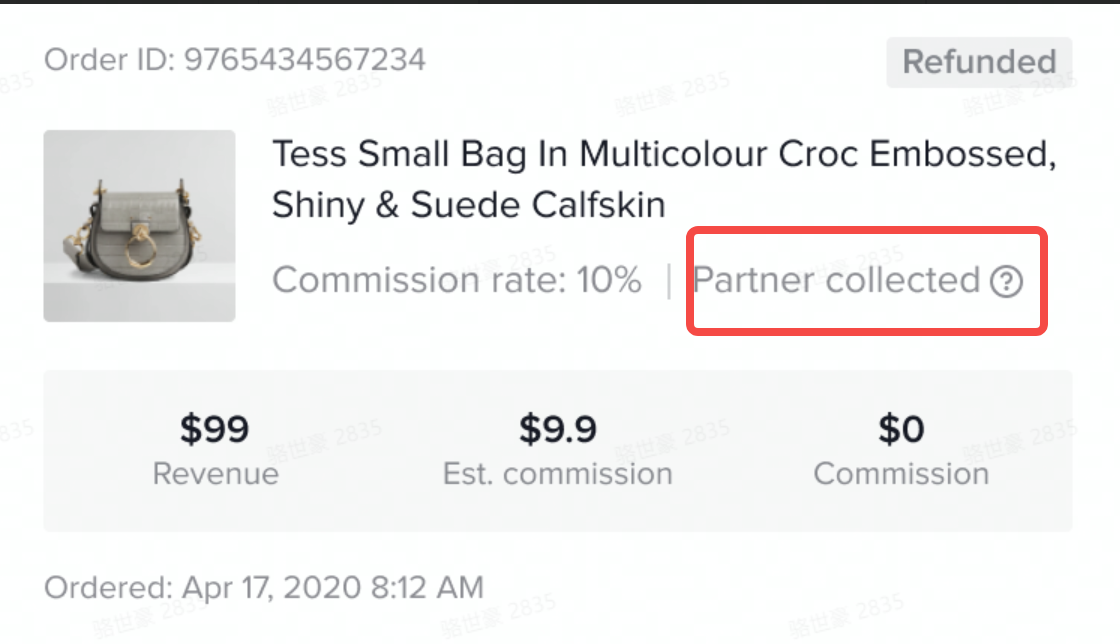
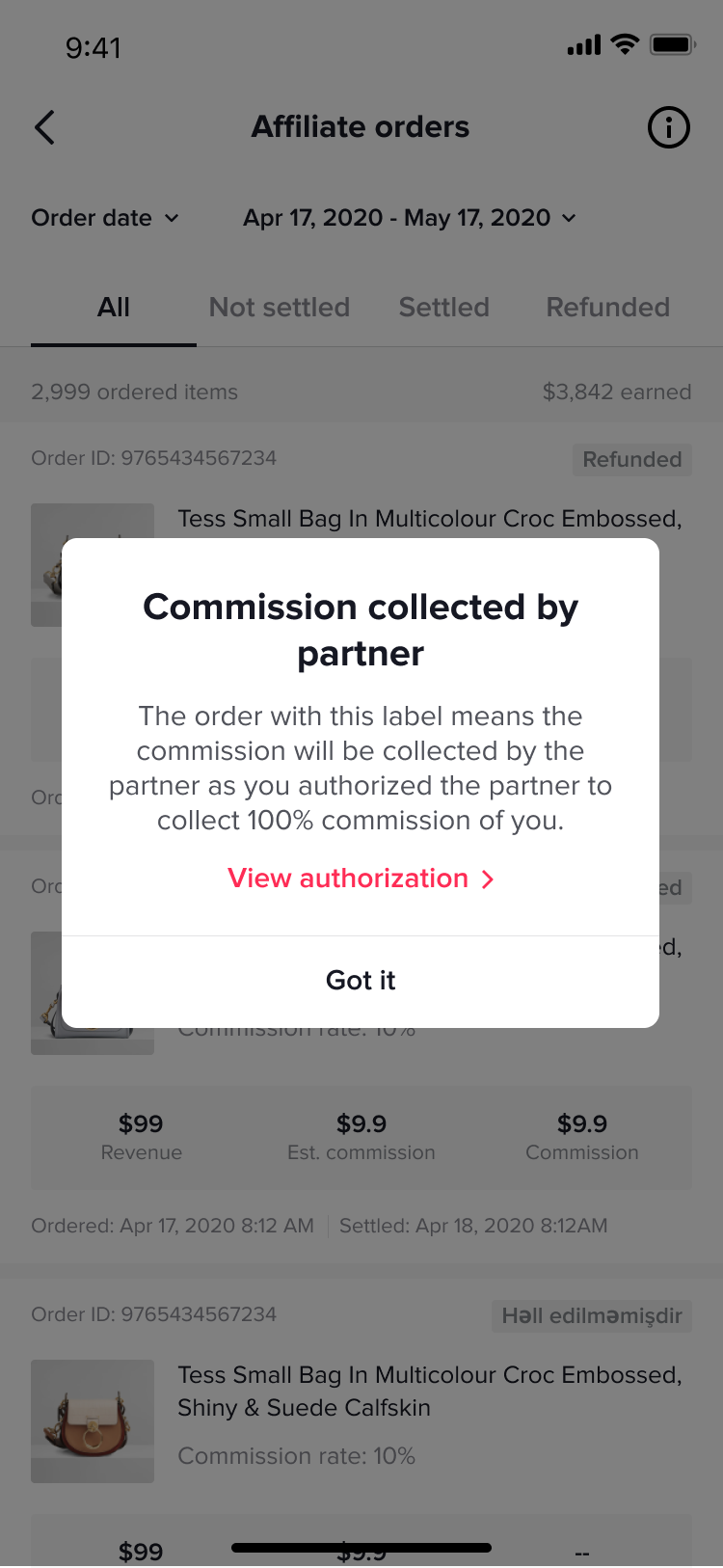
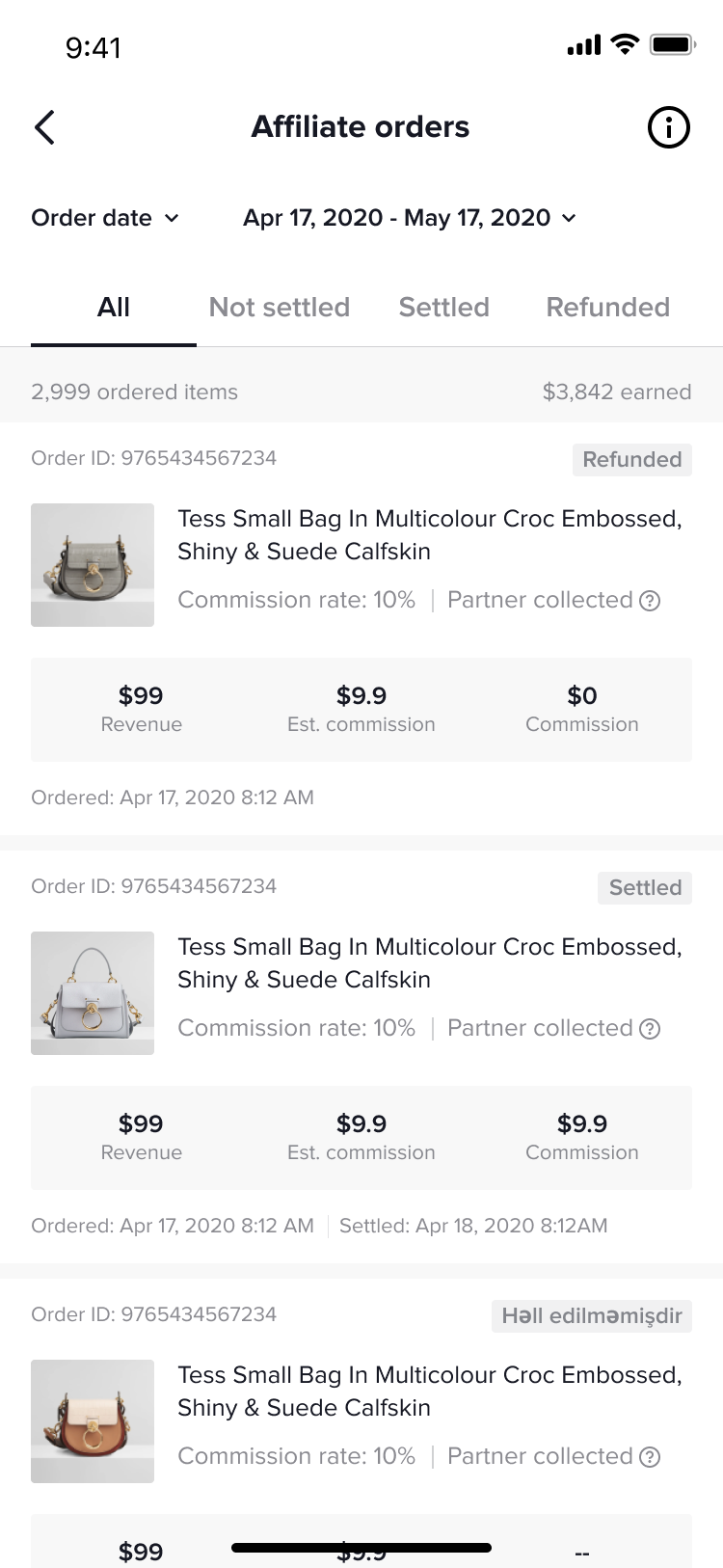
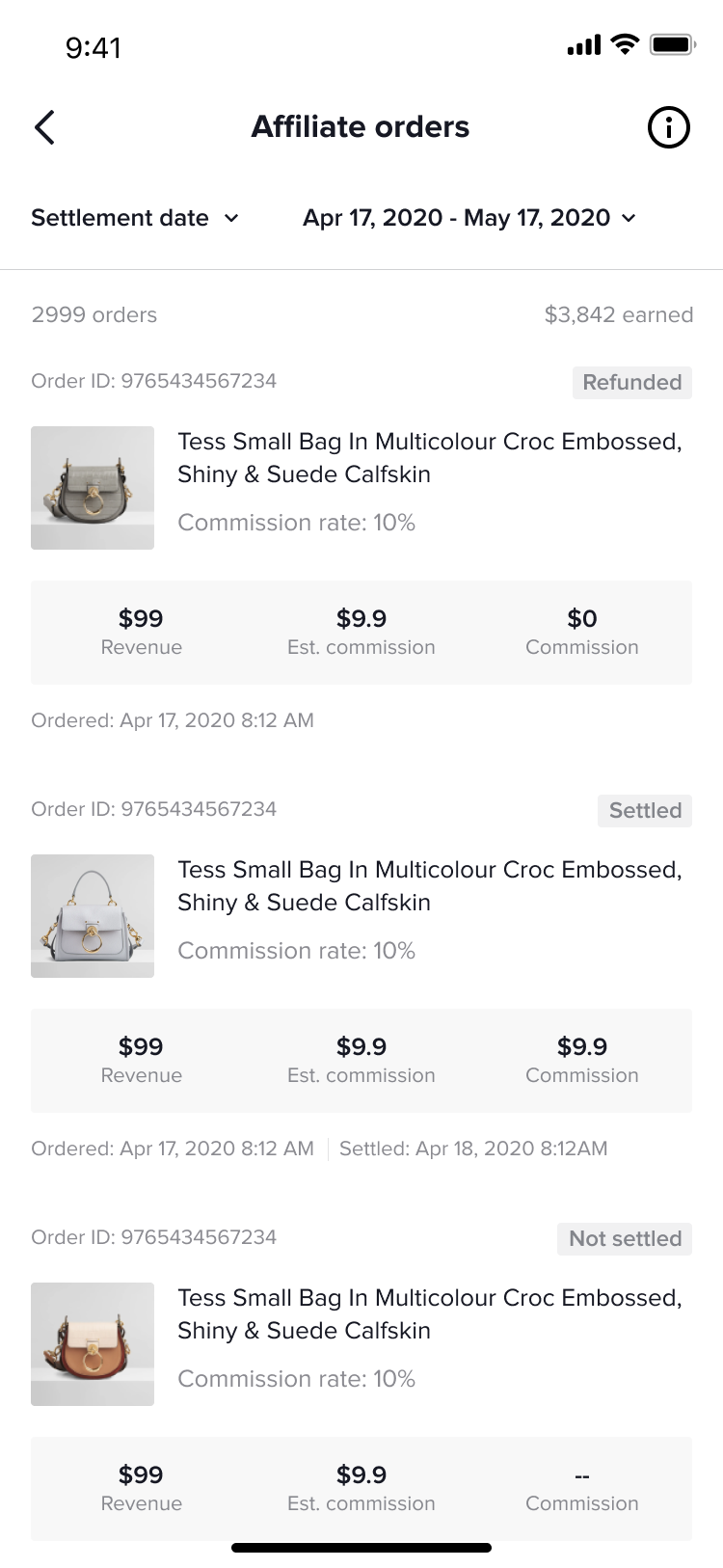
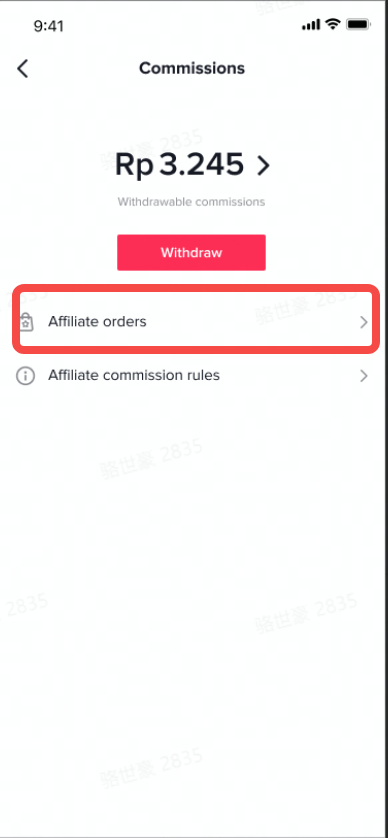 หลังจากเข้าไปที่หน้าคำสั่งซื้อของพันธมิตรแล้ว คุณสามารถดูคำสั่งซื้อของพันธมิตรทั้งหมดได้ ซึ่งประกอบไปด้วย 3 สถานะ:
- ภาพรวม
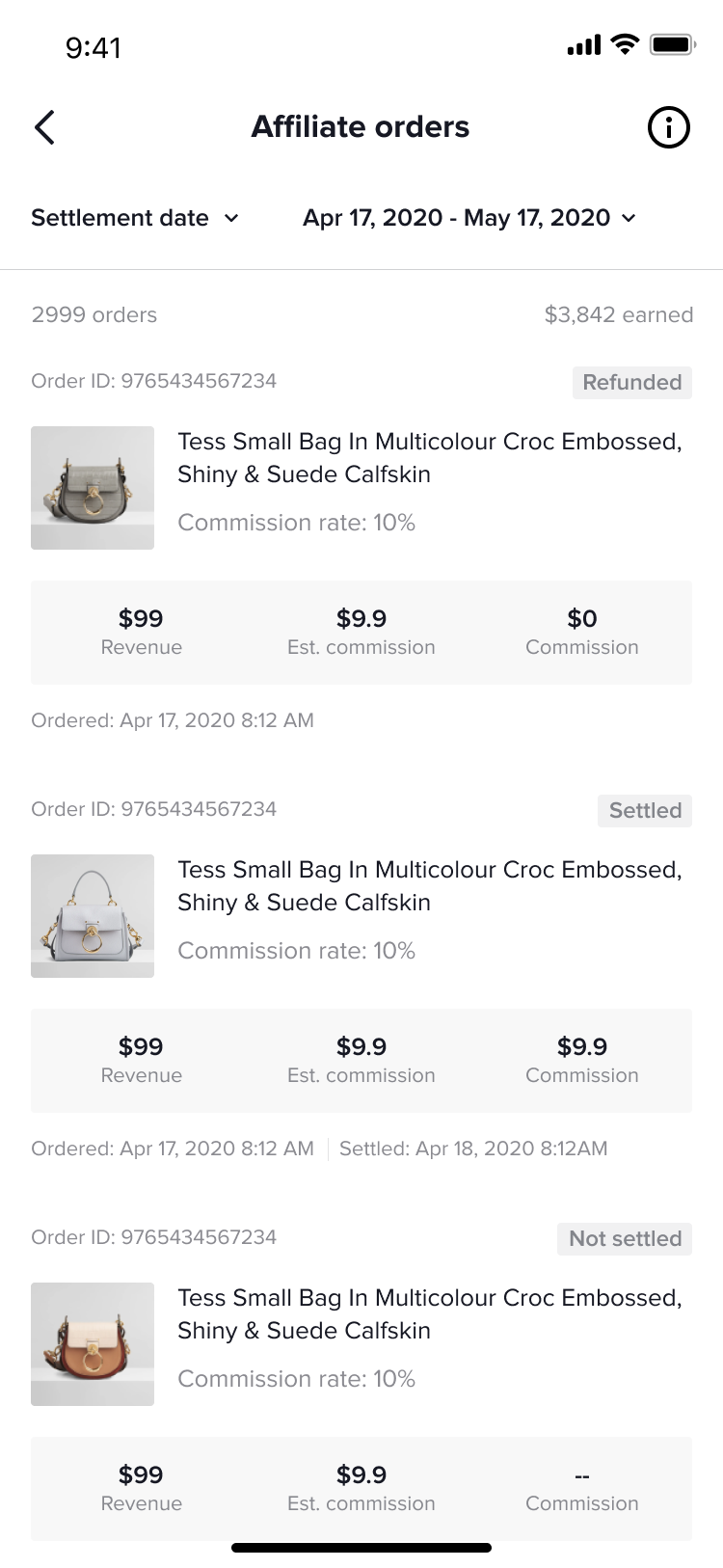
- เมื่อคำสั่งซื้อได้รับการชำระเงิน
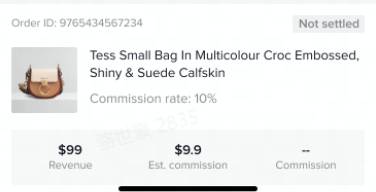
- เมื่อคำสั่งซื้อได้รับการชำระเงิน
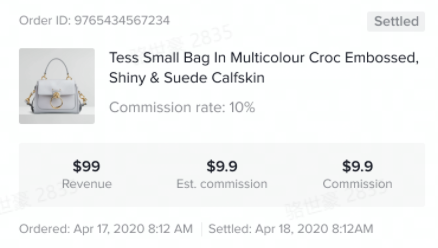
- เมื่อคำสั่งซื้อได้รับการคืนเงิน
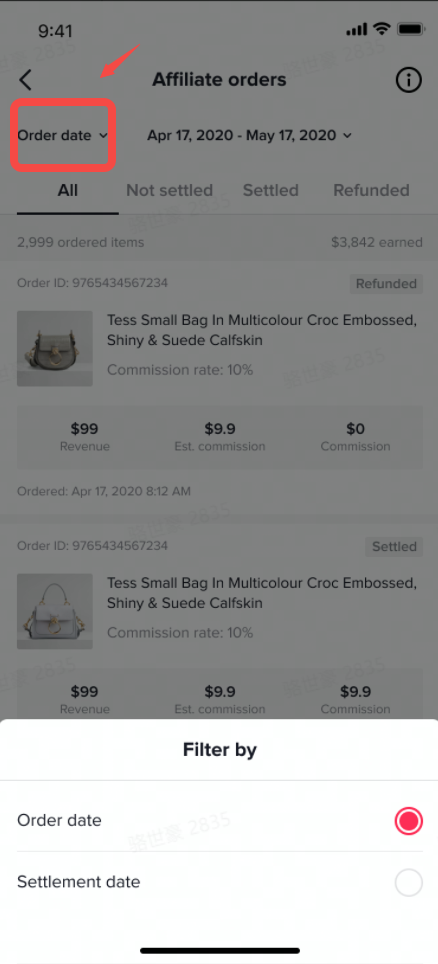
คลิกวันที่ชำระเงินที่ด้านบนของหน้าเพื่อเปลี่ยนการแสดงผลคำสั่งซื้อ สามารถกรองตาม
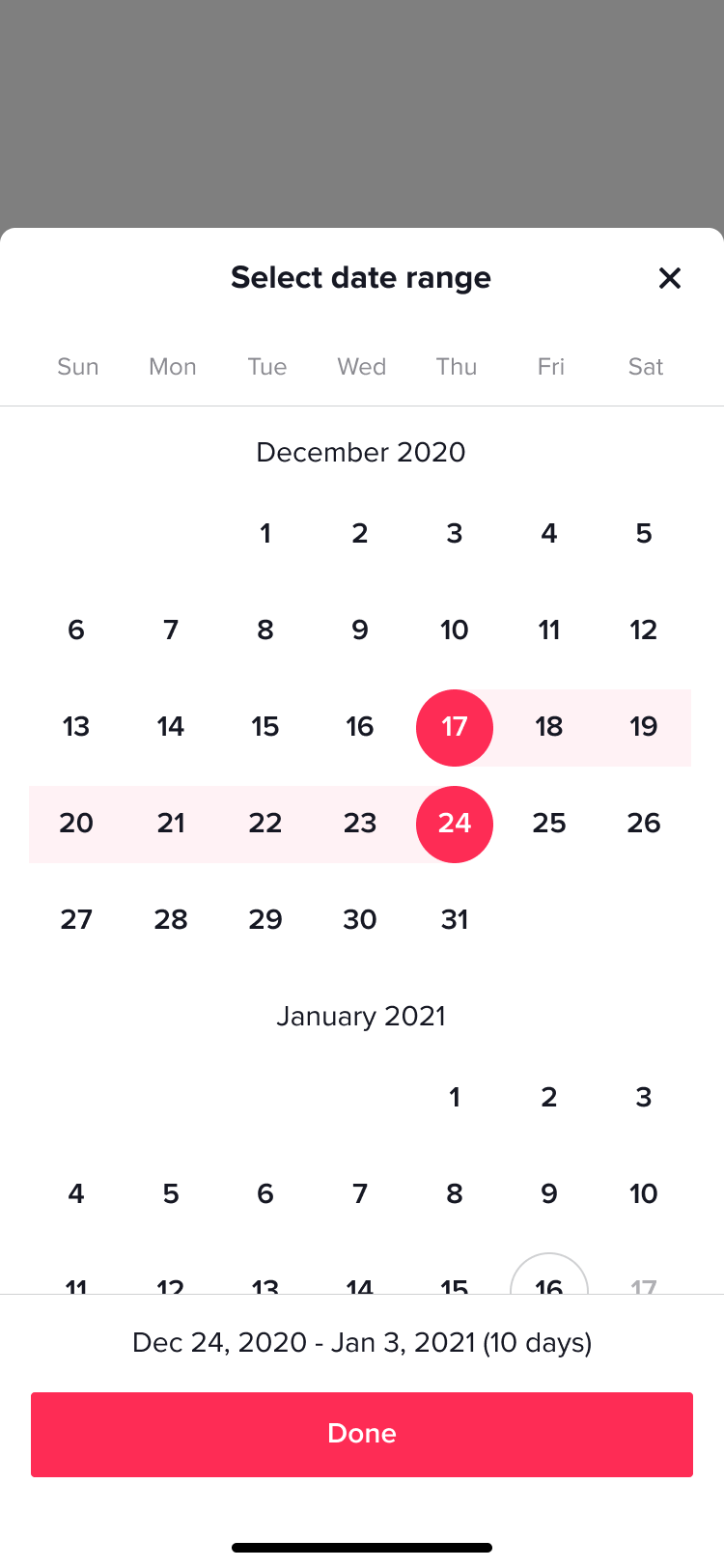
วันที่คำสั่งซื้อหรือวันที่ชำระเงิน และรองรับการกรองตามช่วงเวลาเฉพาะ
- กรองตามวันที่คำสั่งซื้อ
- กรองตามวันที่ชำระเงิน
- กรองตามรอบคำสั่งซื้อ
ปล.: ที่นี่คุณสามารถกรองชำระเงินแล้ว/คืนเงินแล้วได้