Check Orders
12/13/2022
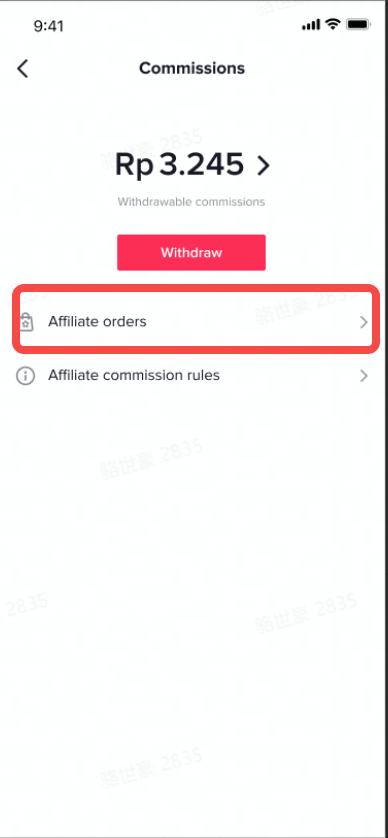
On the commission page, click affiliate orders
 After entering the affiliate order page, you can see all the affiliate orders. It will have three states:
- Overview
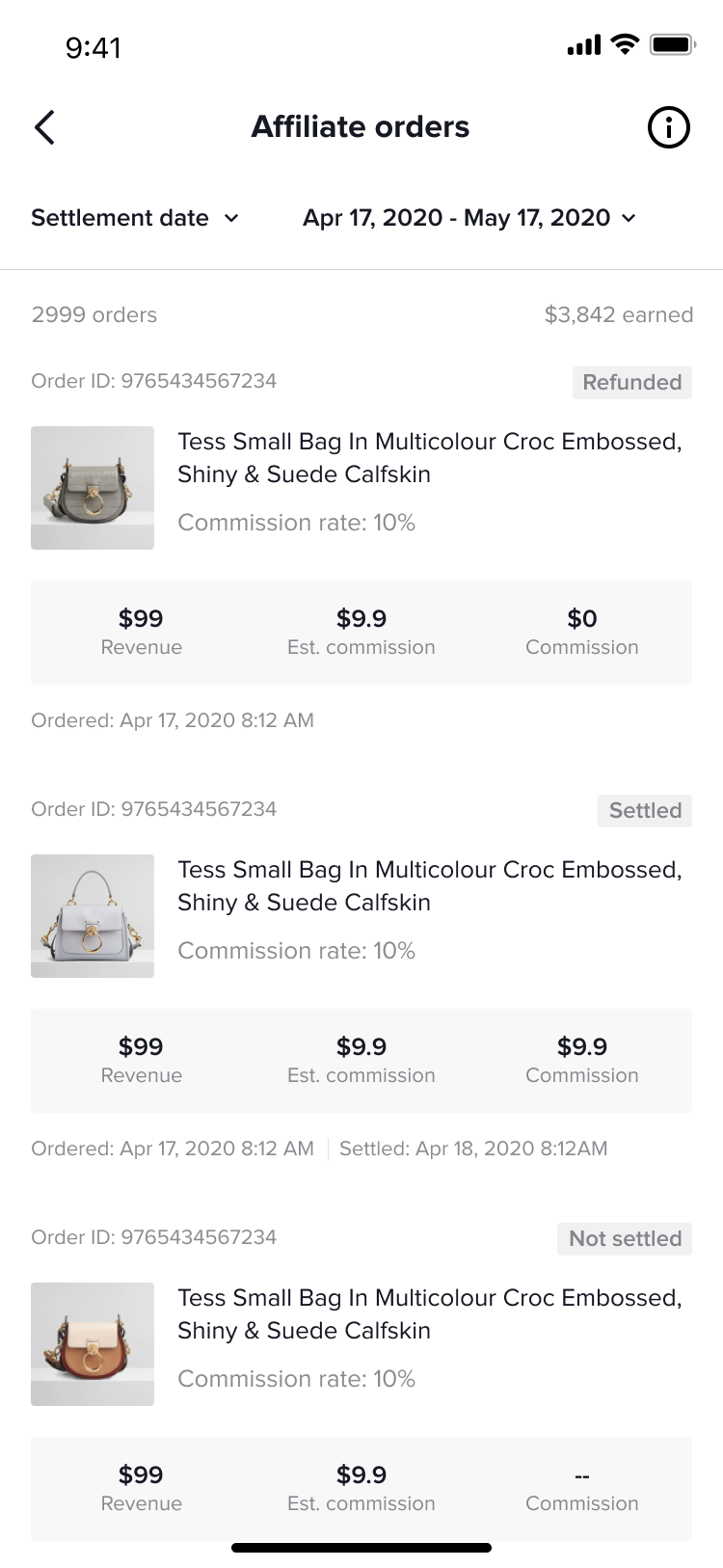
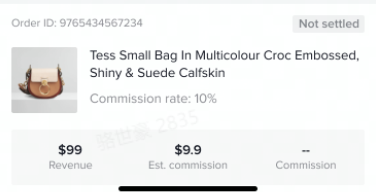
- When the order is paid
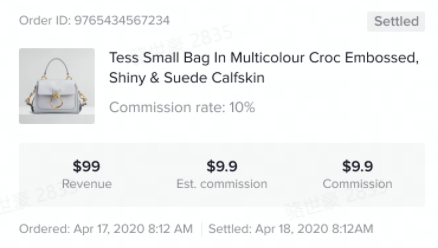
- When the order is settled
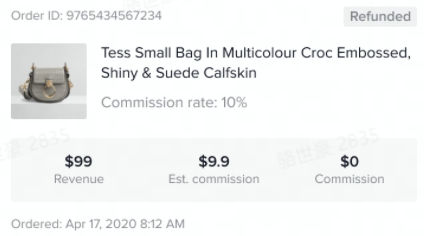
- When the order is refunded
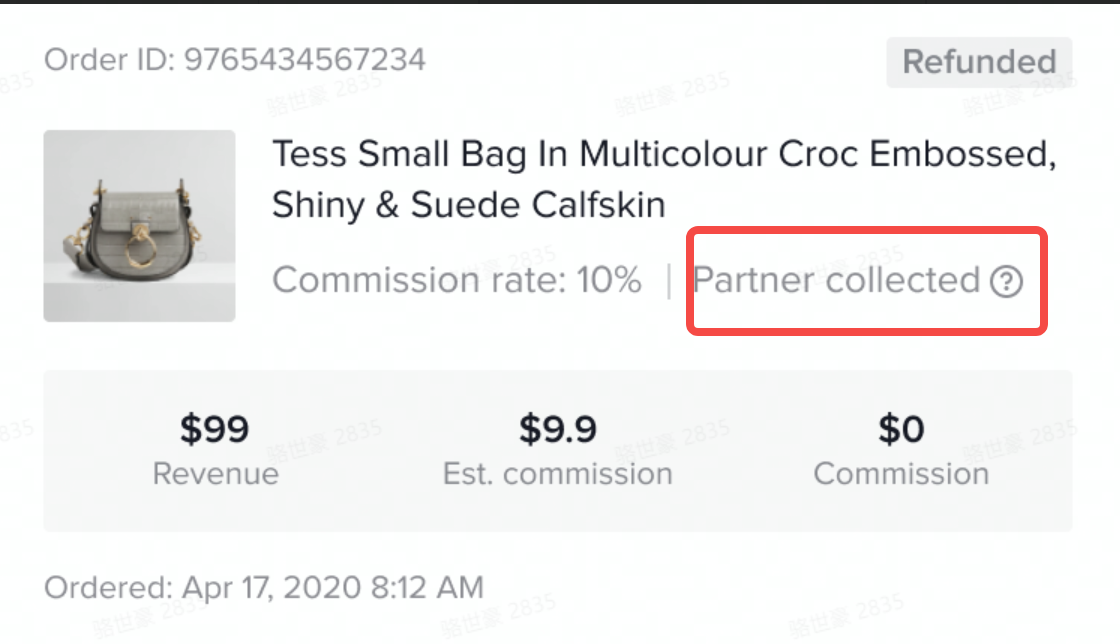
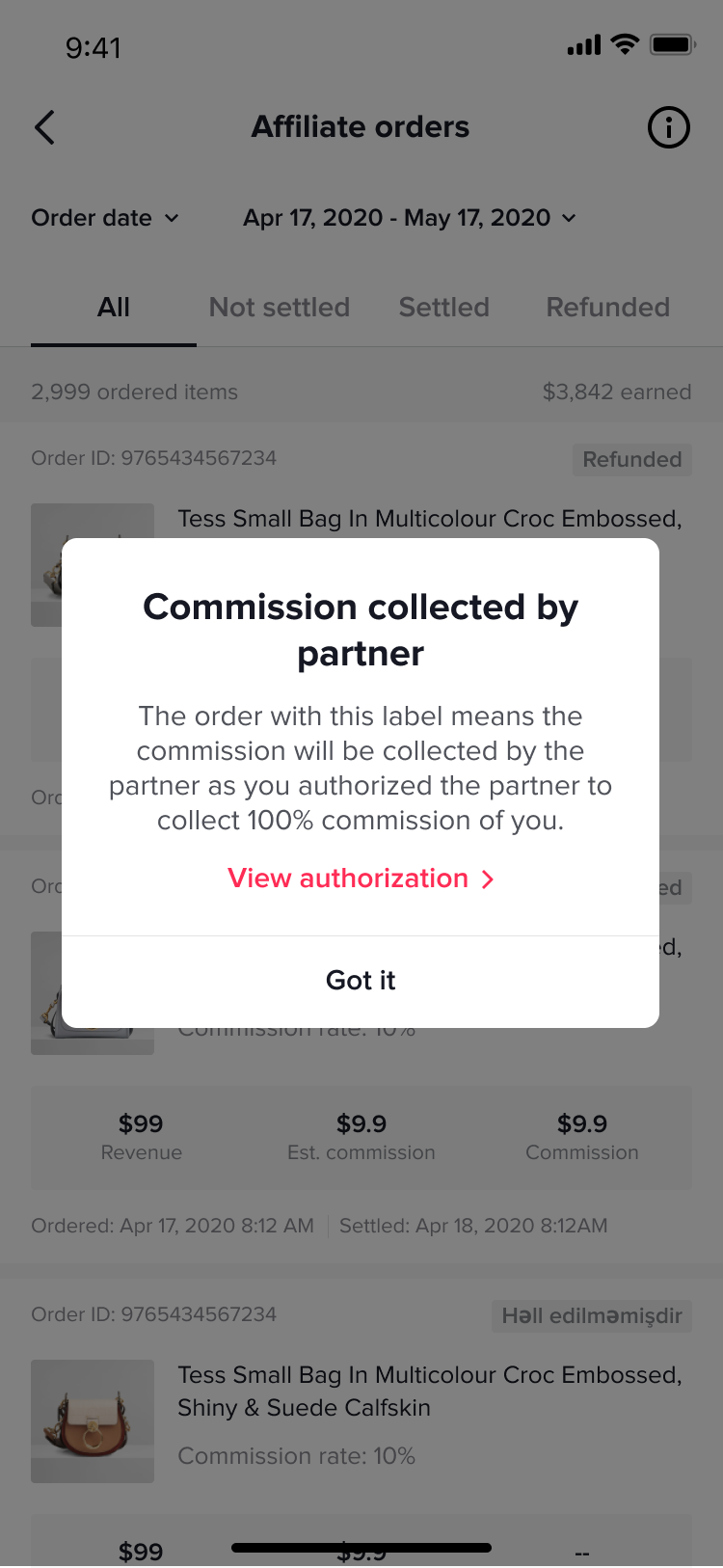
- If the account collects commissions for a partner
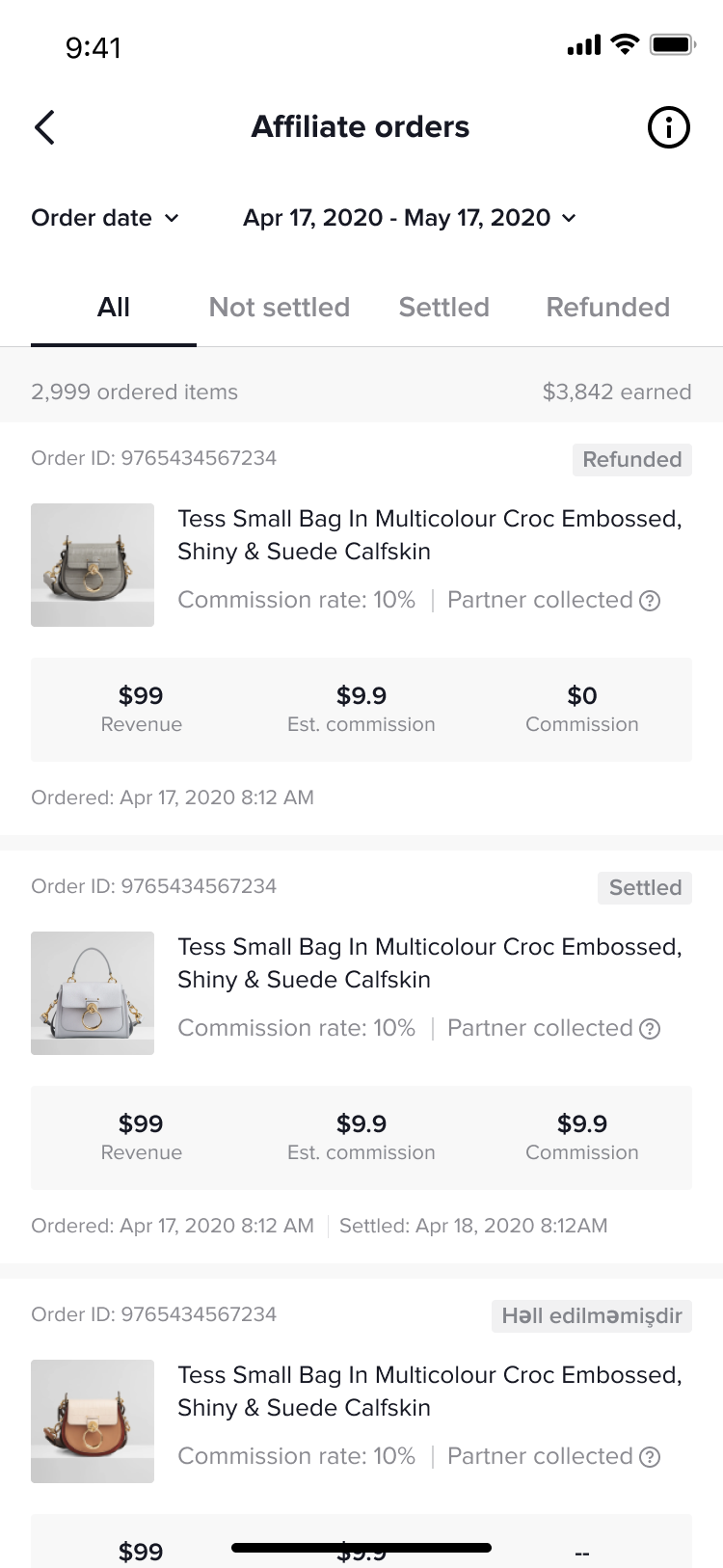
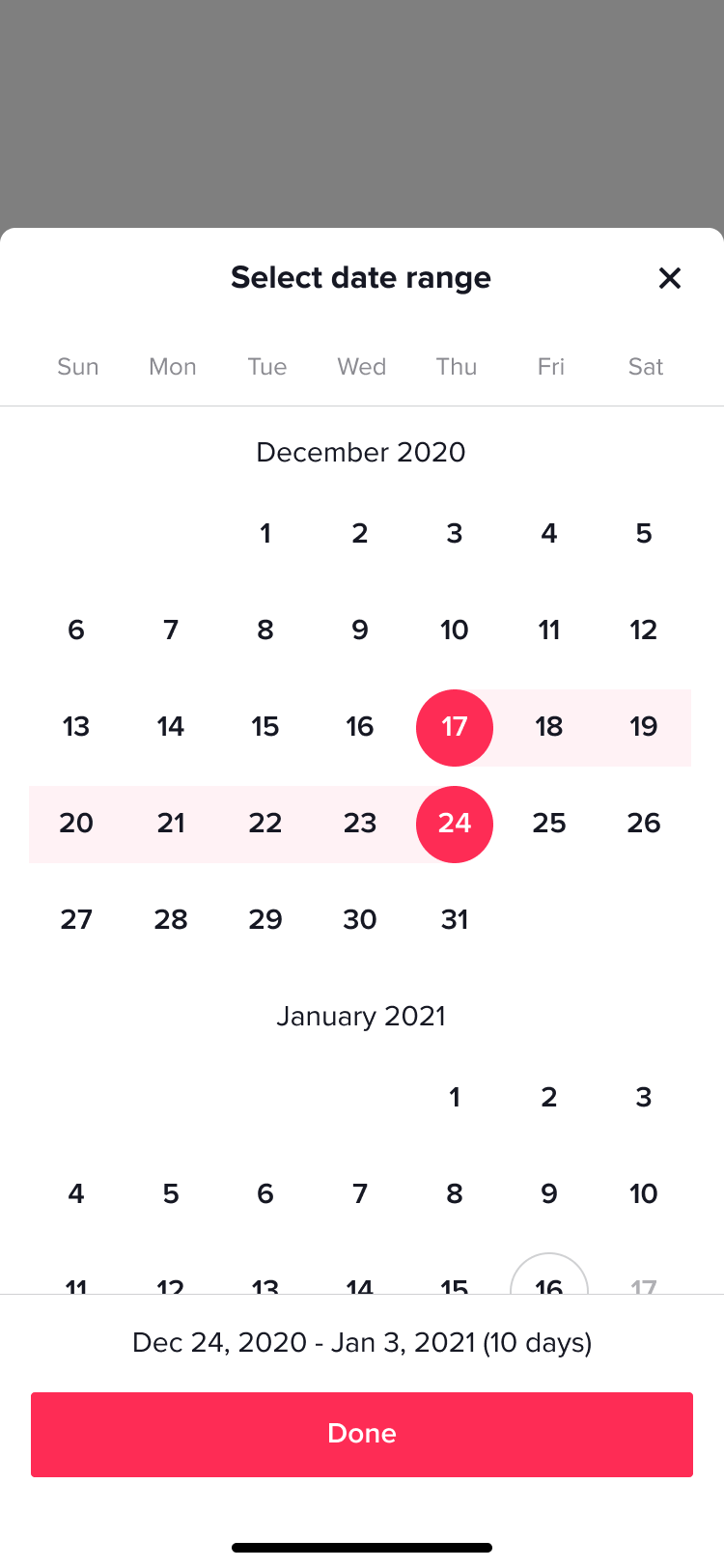
 Click settlement date at the top of the page to change the order display. It can by order date or settlement date, and support filtering specific periods
- Filter by order date
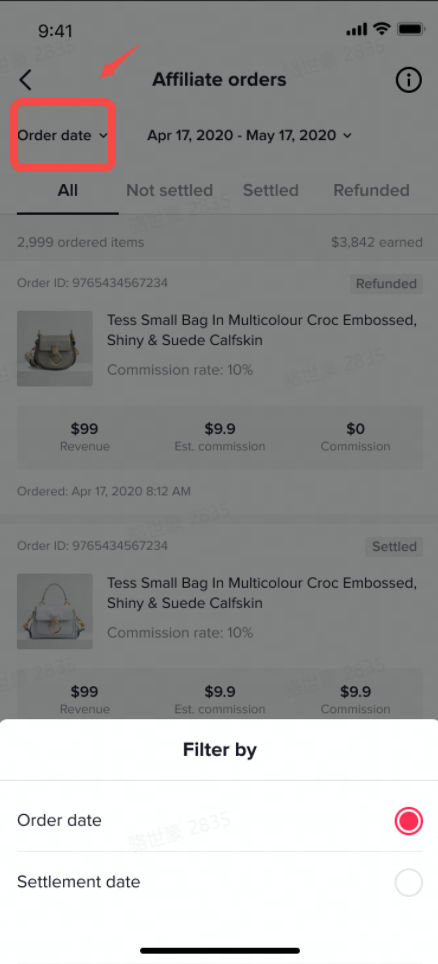 PS: Here you can filter the settled/refunded
- Filter by settlement date
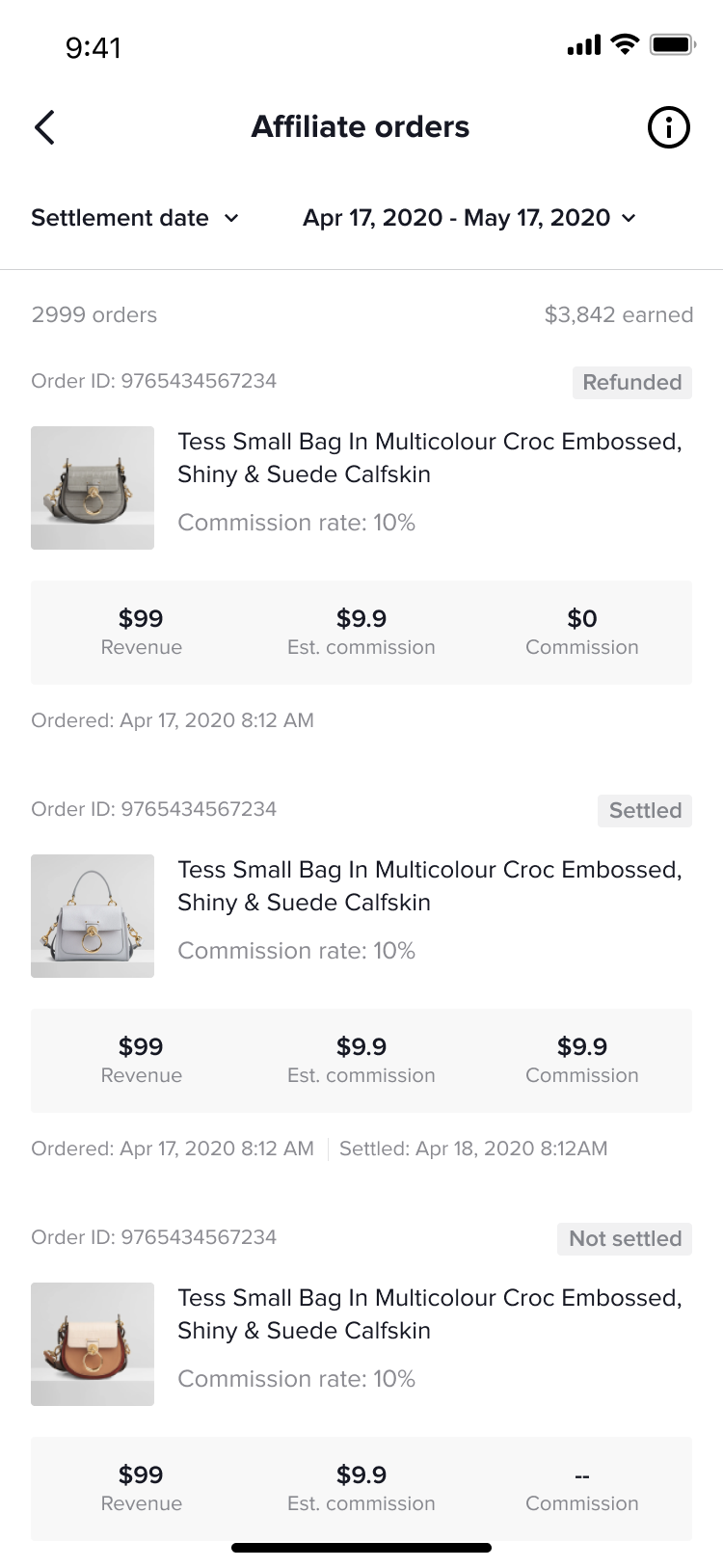
- Filter order cycle