

Store Page Introduction
07/25/2023
What is Store Page?
The Store Page is sellers' exclusive spaces in TikTok app. Products, seller's information, sales performance, promotions of the shop are comprehensively displayed to customers on the Store Page.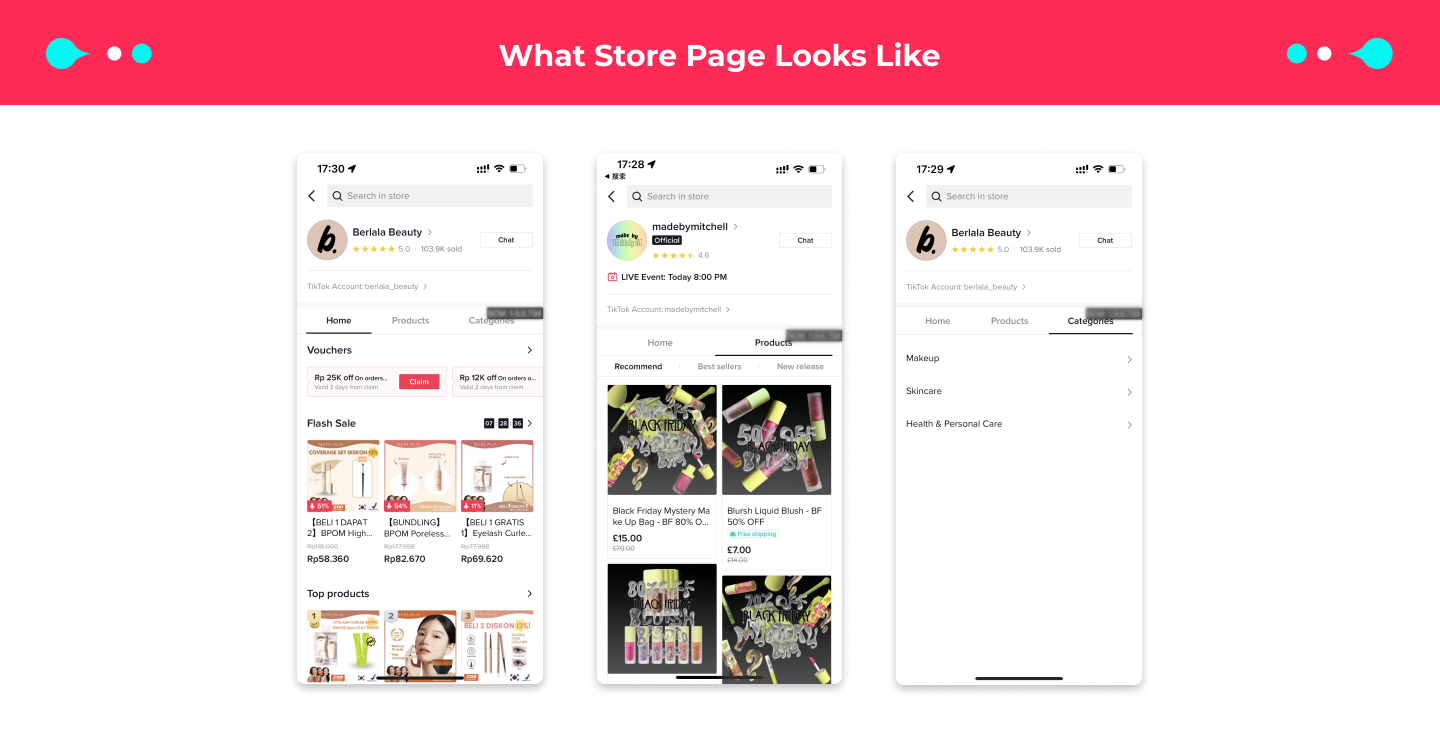
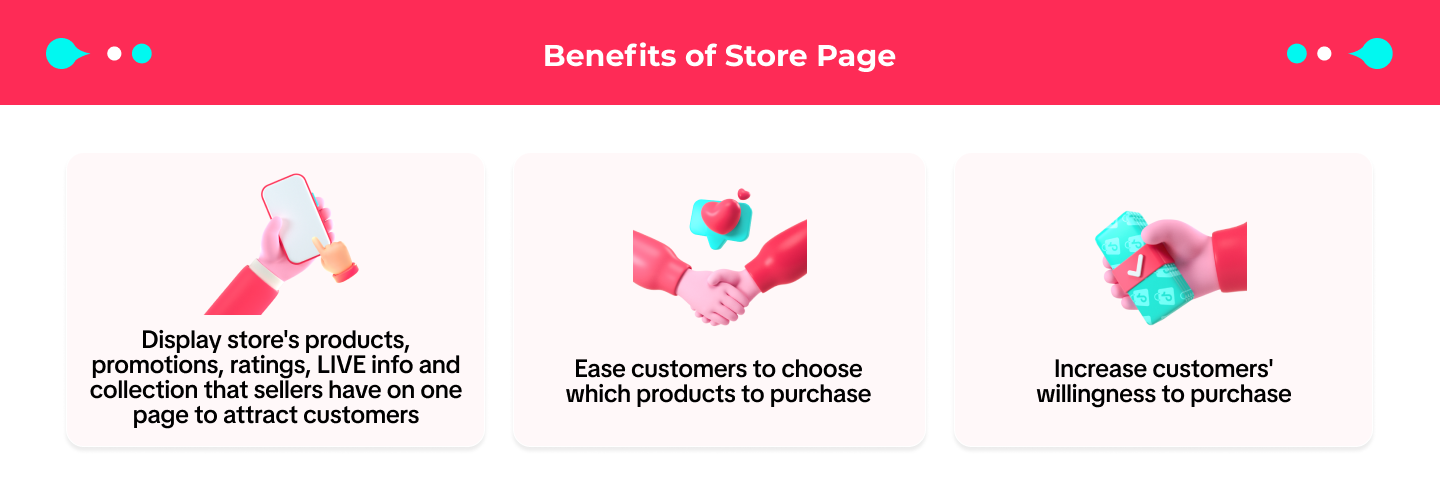

Component of Store page
A Store Page is constructed of two parts: the Shop Information and the Tabs.Shop Information
In the Heading, the following information is displayed: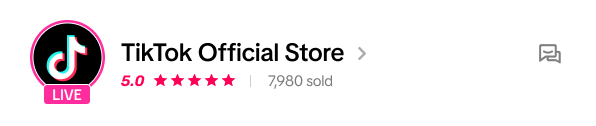
- Shop logo: The store logo configured by the seller in the Seller Center. If the seller has not uploaded it, a default system logo will be displayed; if there is an ongoing live broadcast, there will be animation on the logo, which will bring buyers to the live room when they click.
- Shop name: Click it and you will enter the Seller Information page of the store, which contains the following information:
- Shop logo, Shop name, Official label and explanation (if any), Store rating and explanation, Business name, Contact information (desensitized)
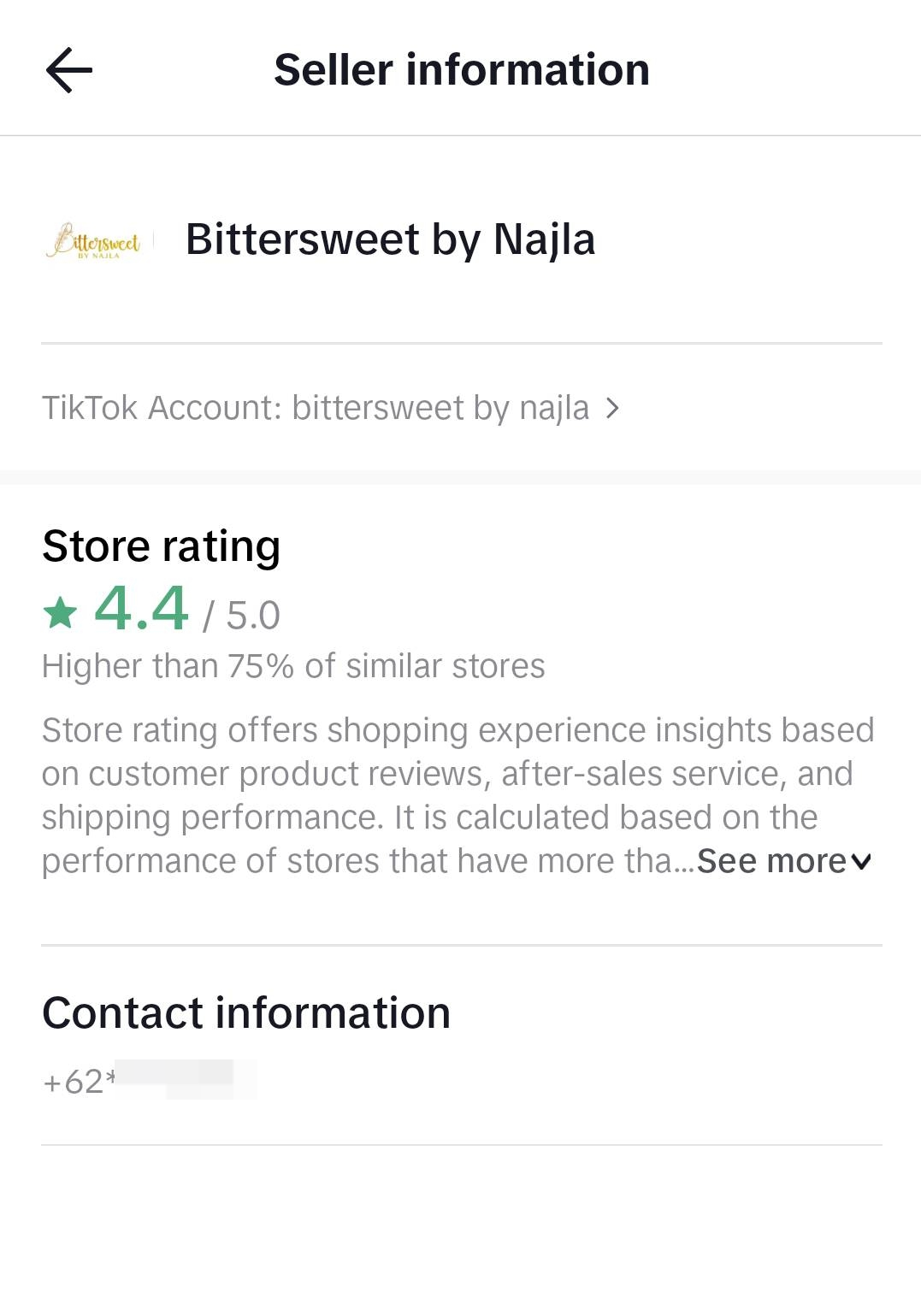
- Shop logo, Shop name, Official label and explanation (if any), Store rating and explanation, Business name, Contact information (desensitized)
- Store Rating
- Take the average score (total score/total ratings) of all products of the shop whose "product status" is active, deactivated by seller, sold out .
- Only display when the number of ratings is greater than x and the score is greater than 3.5
- Display format:
- Round to 1 decimal
- The rules of star display: 0-0.25 (inclusive) display 0 stars, 0.25-0.75 (inclusive) display 0.5 stars, 0.75-1.25 (inclusive) display 1 star, 1.25-1.75 (inclusive) display 1.5 stars, 1.75-2.25 (inclusive) display 2 stars, and so on
- Sales
- Take the sum of the sales data of all the accumulated products of the shop
- Display conditions: No display if the quantity is less than 100; Quantity <100.000, show the specific data; Quantity >100.000, display 100.000+;
- Linked TikTok Account (Official Account)
- Customer service entry: Click to enter the seller customer service chat page
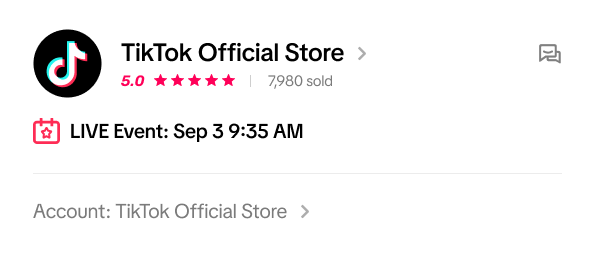
- Upcoming Live event: If there is an upcoming live event information, it will be displayed below the avatar
Tabs
Tabs are under development, so different users may see different tabs.
Products
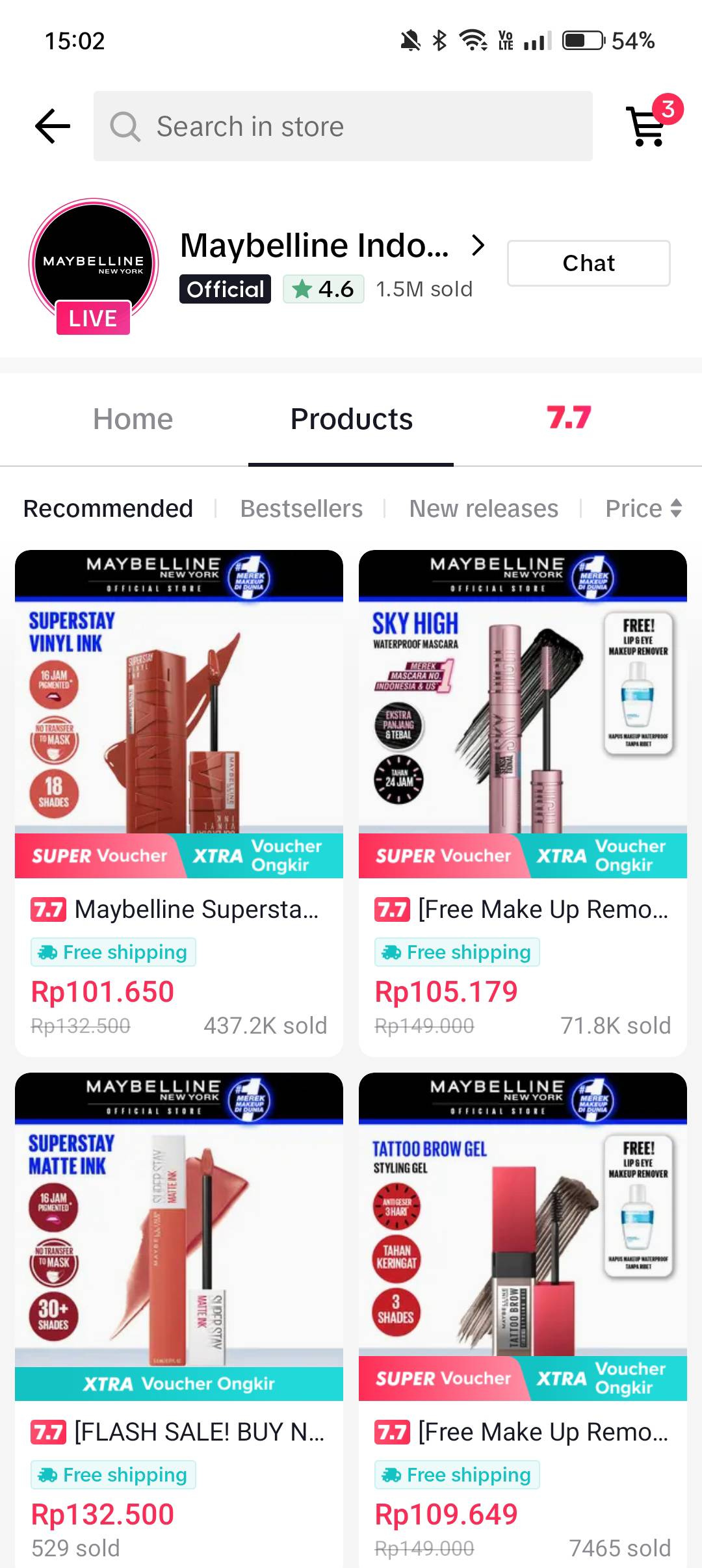
- Display all products that a store sells and shows which are in stock and have been approved. When a store has no products to display, a notice "the shop has no products" is displayed.
- There are four filters:
- Recommend: order by recommendation system. It's the default filter for Products tab.
- Best sales: order by sales, from biggest to smallest;
- New release: order by product upload time, the newer the upper.
- Price: order shown by the original price and can be changed easily. Click to display the order of "low price to high price" and click again to display the order of "high price to low price"
Home
Some sellers may have customized their own Home tab through the Store Design feature. Below are only for the default version of the Home tab that has not been personalized by sellers.
The Home tab consists of the following modules:
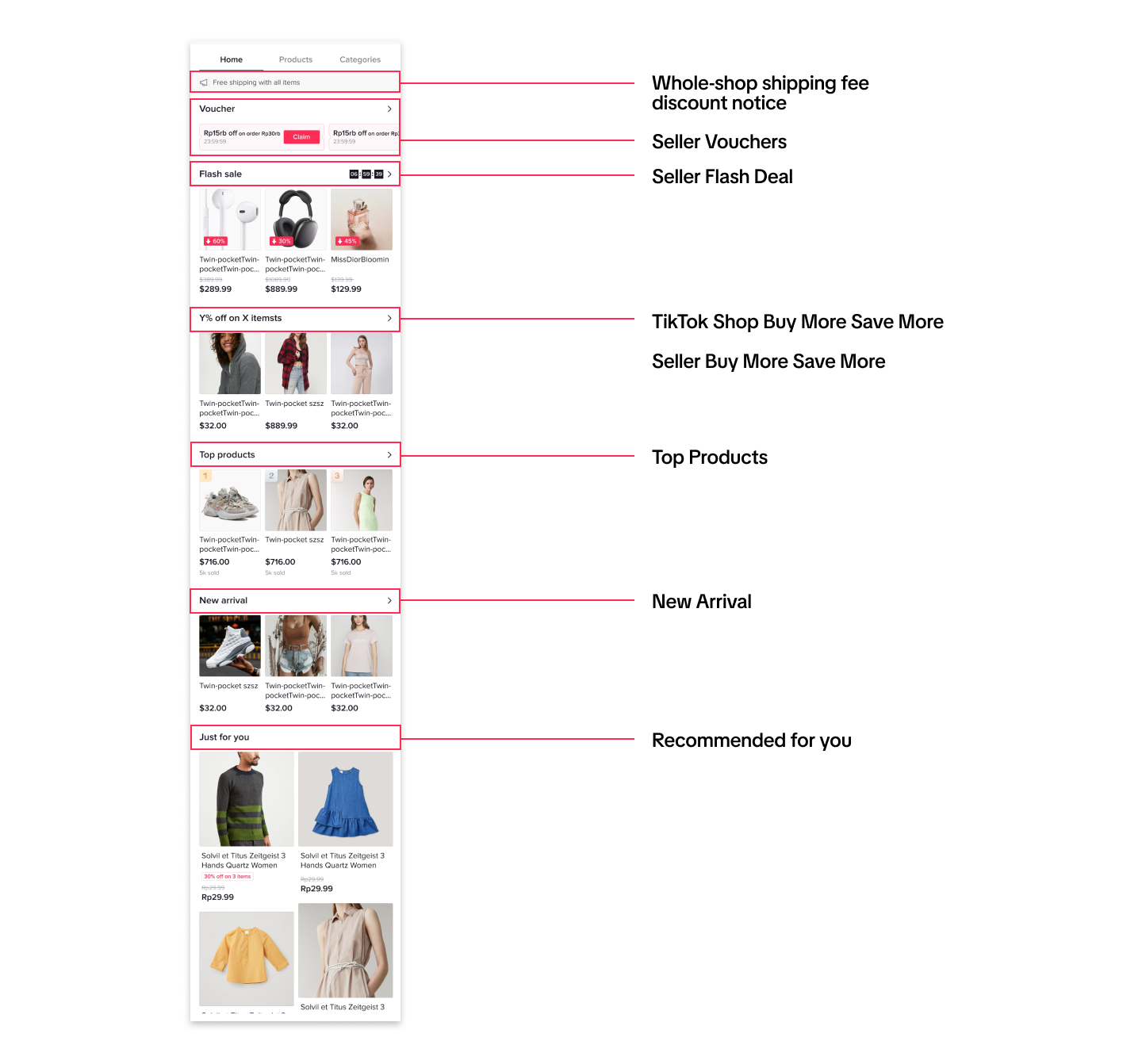
- Whole-shop shipping fee discount notice: If there's an ongoing whole-shop free shipping discount promotion, the info will be automatically displayed. Otherwise, the info will not be displayed.
- Seller Vouchers:
- Display 3 claimable/usable seller vouchers of the shop. If there are no coupons, the module is hidden. Click > to go to the secondary voucher list page to view all available seller vouchers.
- Priority of vouchers: no threshold>with threshold, higher discount > lower discount, lower threshold > higher threshold, nearer expiration time > further expiration time
- Seller Flash Deal: Display three products of the highest sales volume under the nearest ongoing seller flash deal promotion. If the merchant flash deal has multiple slots, only the latest slot is displayed. If there are more than 3 products in the slot, click> to go to the secondary page to view all the products in the slot.
- TikTok Shop Buy More Save More: Products under Buy More Save More promotion.
- Title: The newest promotion title
- If there's more than 1 promotion, only display the newest one.
- Three products in a row; not display when fewer than 3; click ">" to enter promotion products page
- Order of products: in 30 day sales sequence (if sales are the same, the cheaper the higher)
- Seller Buy More Save More: products under an ongoing seller Buy More Save More promotion.
- Title: The promotion title
- If there's more than 1 promotion, only display the first one.
- Three products in a row; not display when fewer than 3; click ">" to enter promotion products page
- Order of products: in 30 day sales sequence
- Top Products: Display three products with the highest sales ranking in the whole store. If products with sales are fewer than 3, the whole module will not be displayed. Click > to jump to the landing page of all popular products (orders of display: can sort by sales volume (or the product id when the sales are the same)
- New Arrival: Display the newest uploaded products within the past 14 days. If the number of new products = 0, the entire module will not be displayed; Click > to jump to the new products page
- Recommended for you: All products sorted by recommendation system, same as Product Tab.
Categories
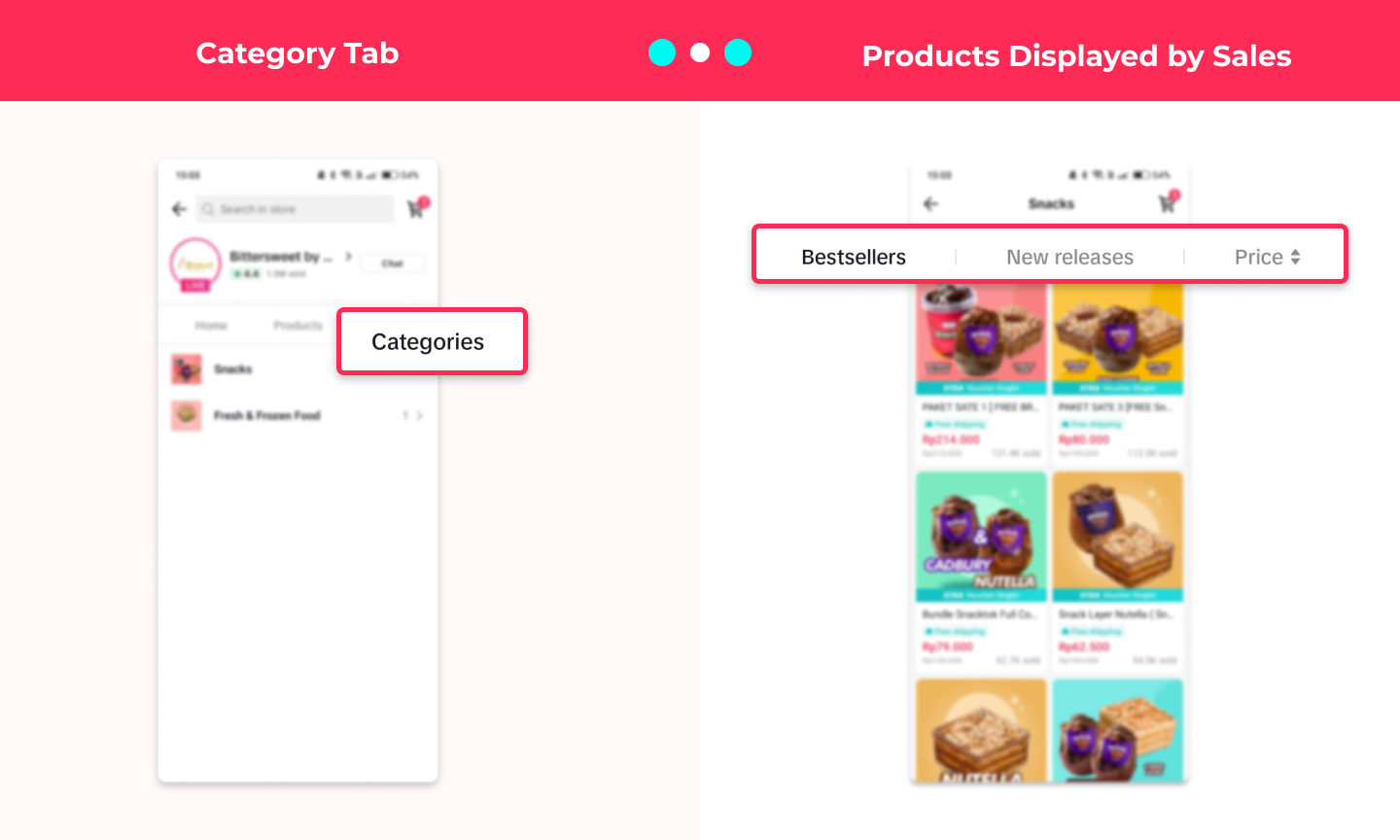
- Criteria: the number of products that can be sold in the shop is >=6
- Category assembly logic
- Assembled by 1st degree categroy
- Order of category: in the sequence of category id
- Click on the category name to enter the category products page
Campaign
When there's an ongoing campaign and the seller has met the criteria, the Campaign tab will be displayed. Example: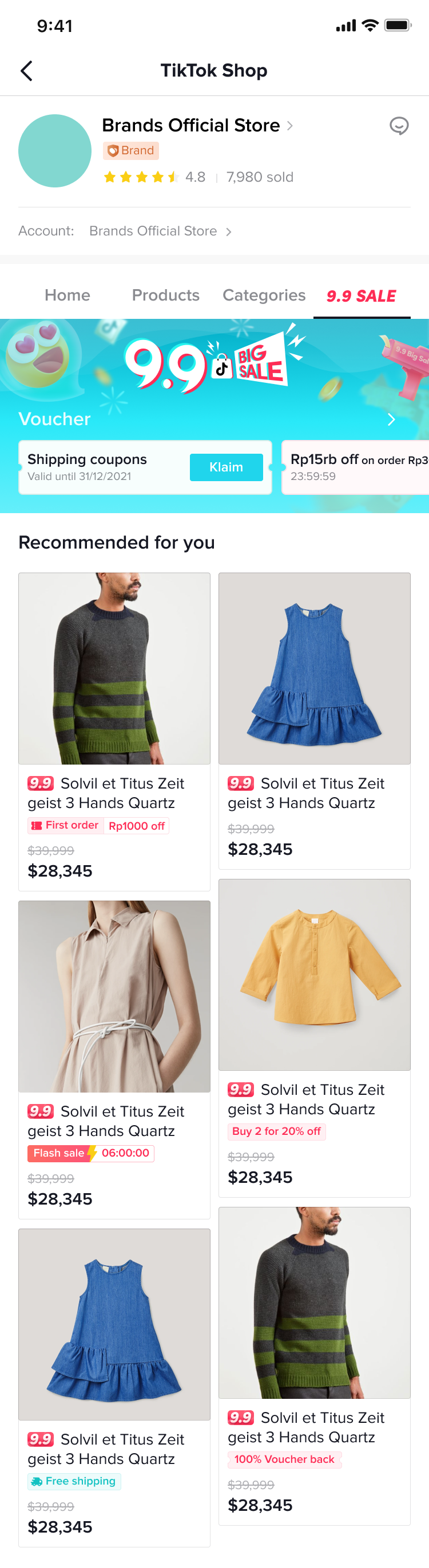
Entrances to the Store Page
The entrances to the Store Page is still expanding and experimenting. The following ones are for reference only. Subject to changes.Entrances via Official Account Profile Page
Conditions- The profile page should belong to the official account linked to the shop
- The shop is active and approved by the review team
- The buyer 's location needs to be within the available areas of the products
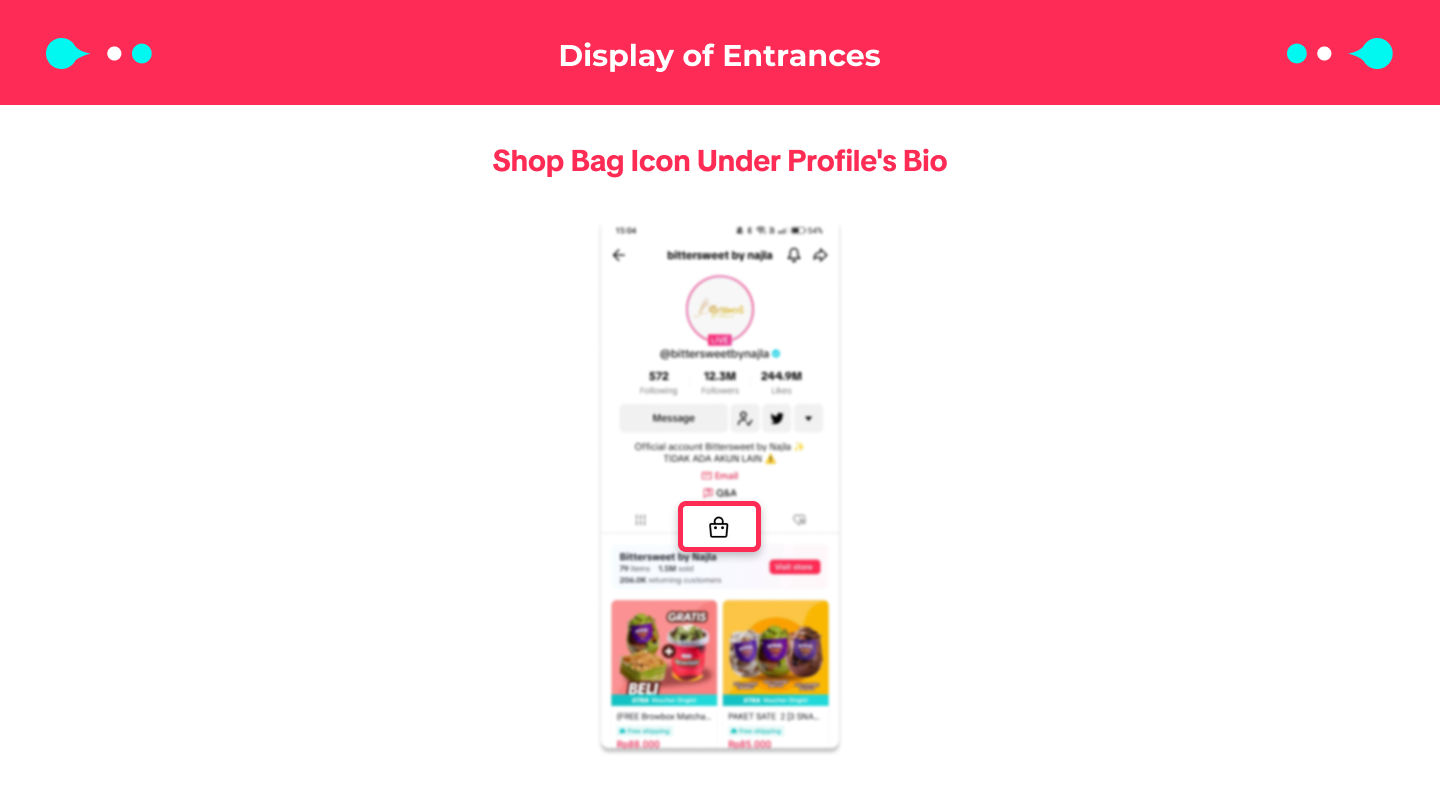
Entrances via Shopping Center
The entrance to the store page is still expanding, the following is for reference only. Subject to changes.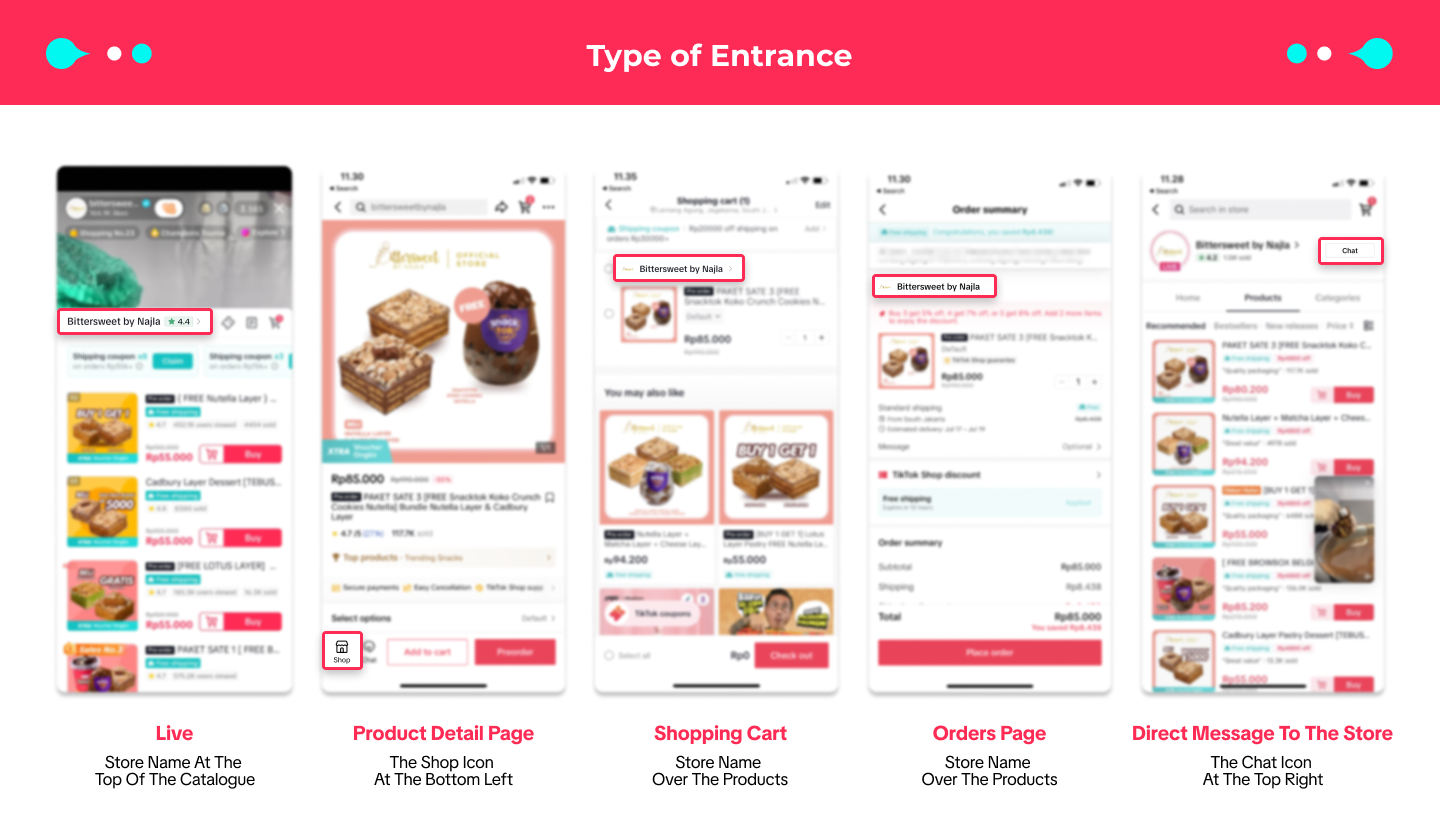

FAQ
- Why is my shop voucher not displayed in the store page?