Affiliate Order Page
This article introduces an overview of the Affiliate Order Page,covering its content,how to use it, including which metric,and how they are defined
All images within this article are for reference purposes only and the actual interface may vary slightly.
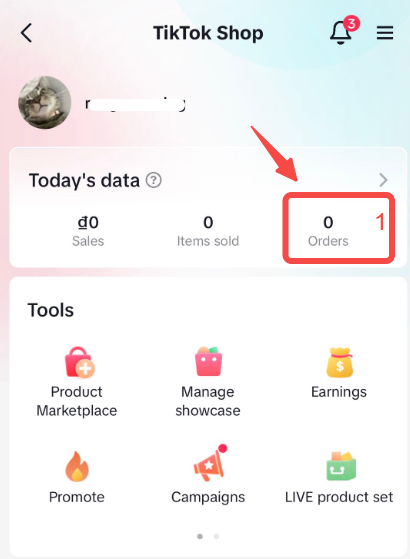
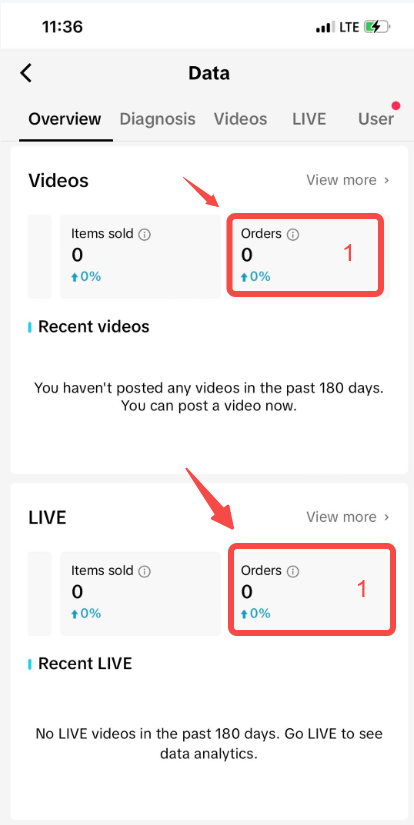
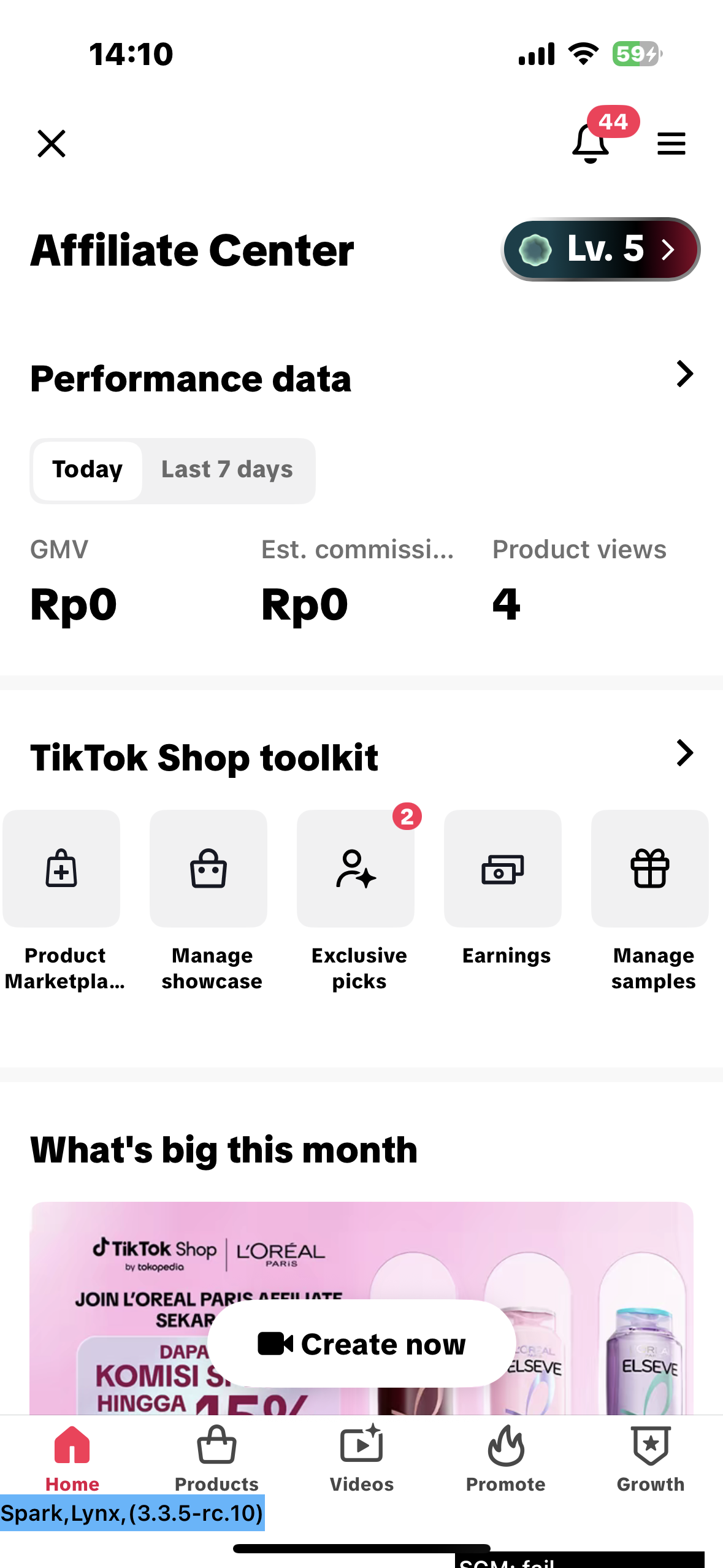
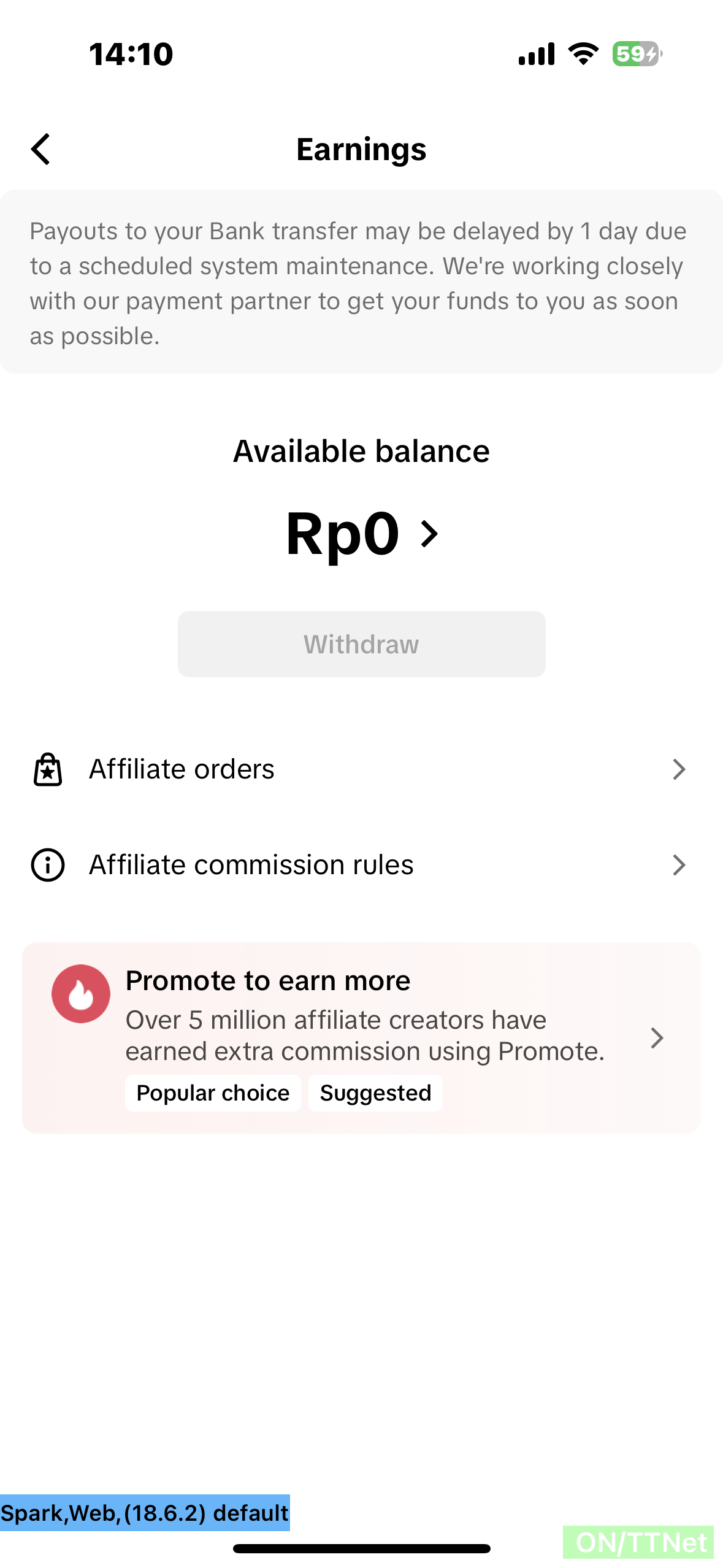
Where can I find the Affiliate Order Page?
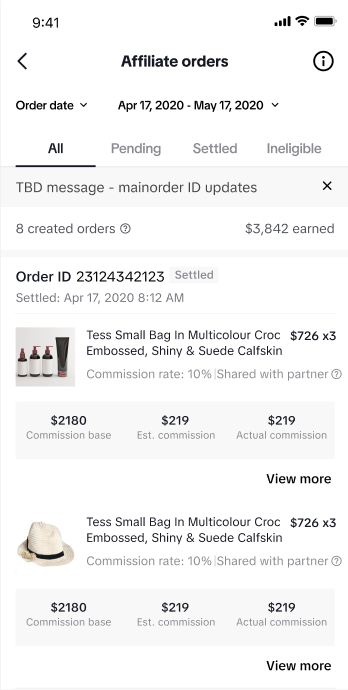
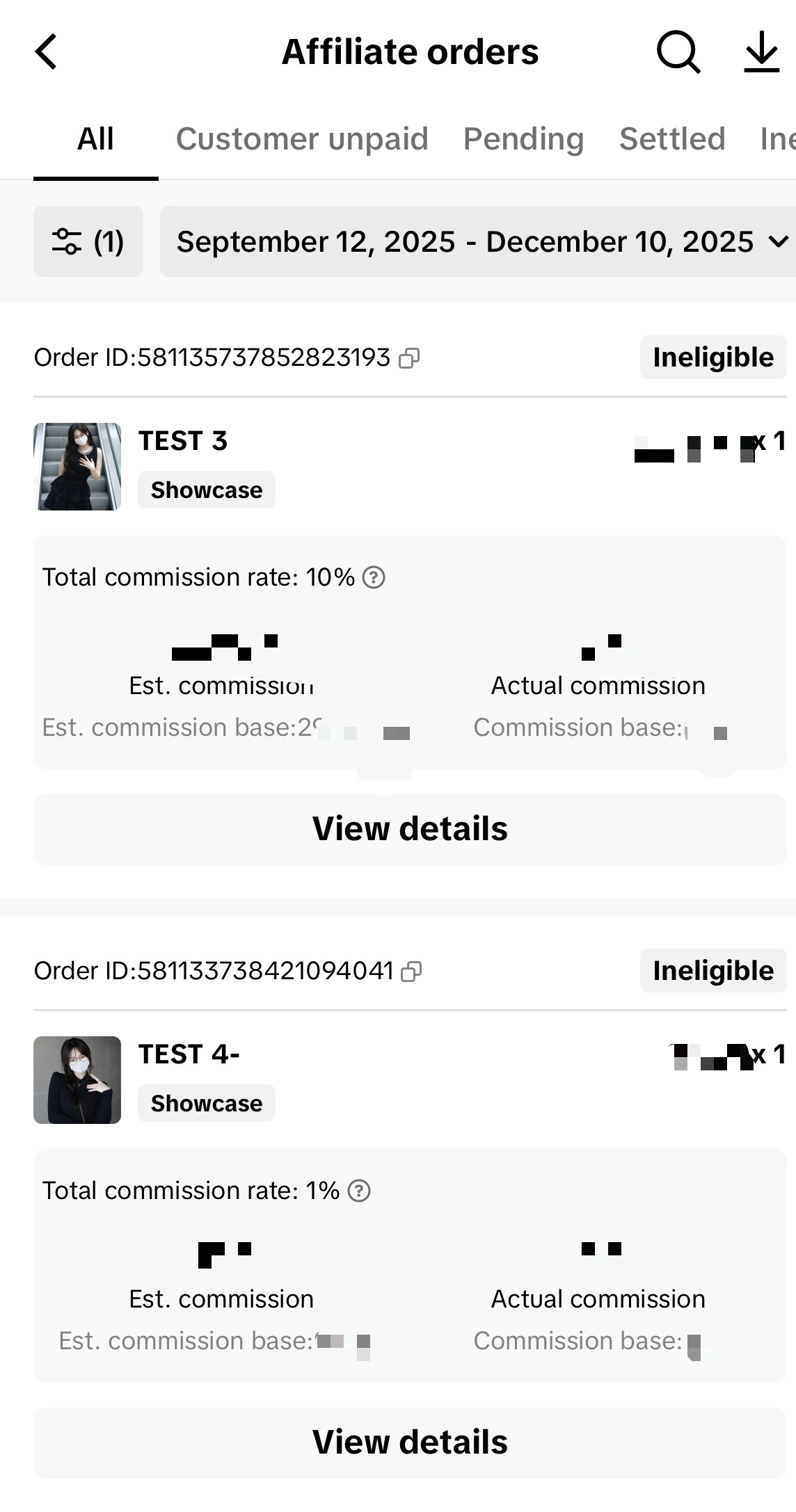
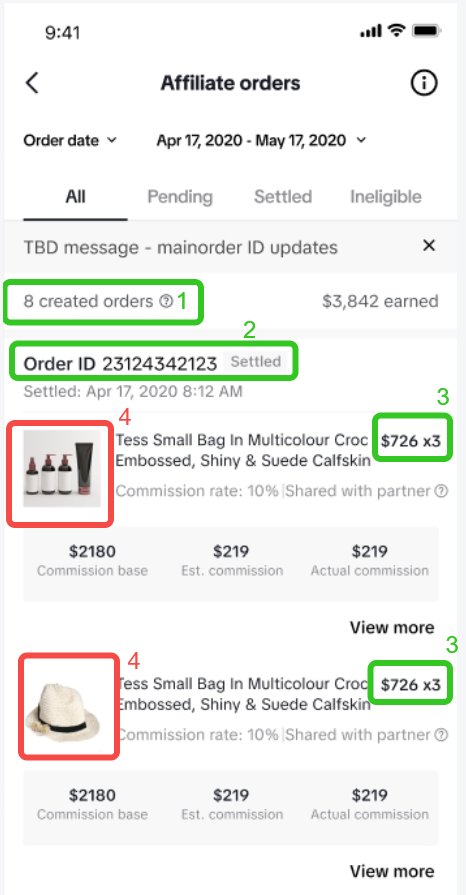
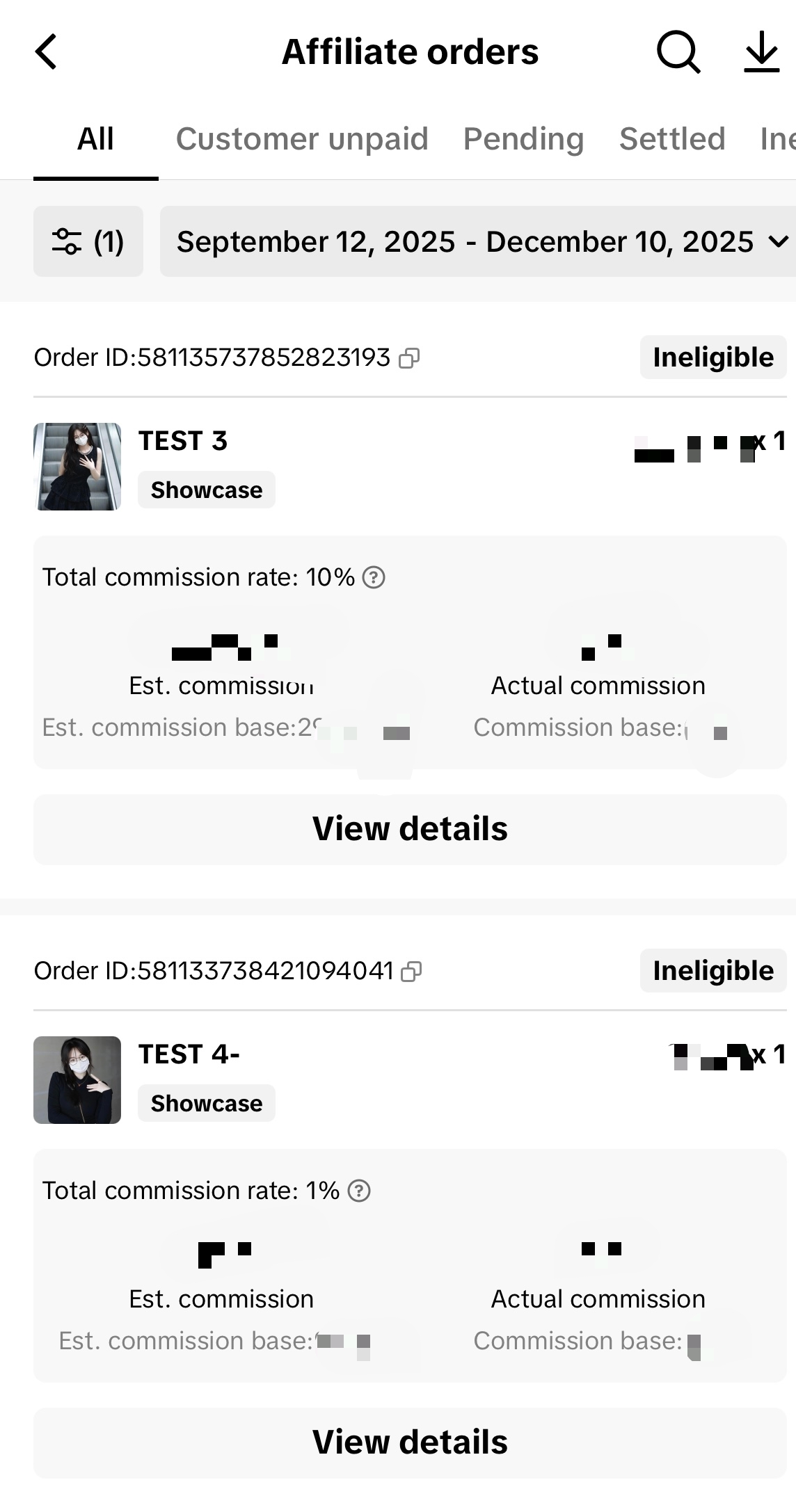
Affiliate Order Page Details
Affiliate Orders Definition
Update from 16/11/2023In order to help Creators easily reconcile commissions and the number of affiliate orders with Sellers and MCN, we've updated the new definition of affiliate orders.

What's new?
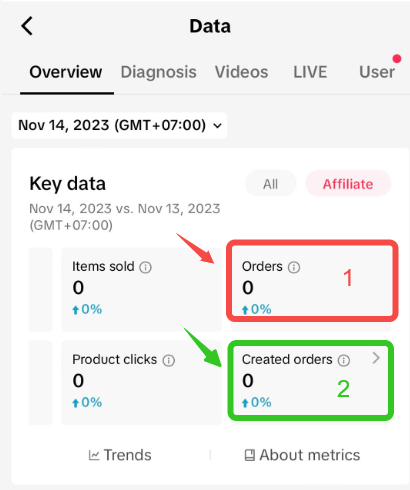
What is different for Order in Today's Data and Affiliate Order in TikTok Shop?
There are two definitions of orders in TikTok Shop: SKU Orders & Created Affiliate Orders. Detailed explanation & visibility of these metrics as below:
FAQs
- When are reports updated?
After a customer places an order, it usually takes a few minutes for the order to appear on the affiliate orders page.(
During major promotions, we may need more time to process orders, which may cause delays. This won't affect your earnings and settlement period.)- What are the different order statuses?
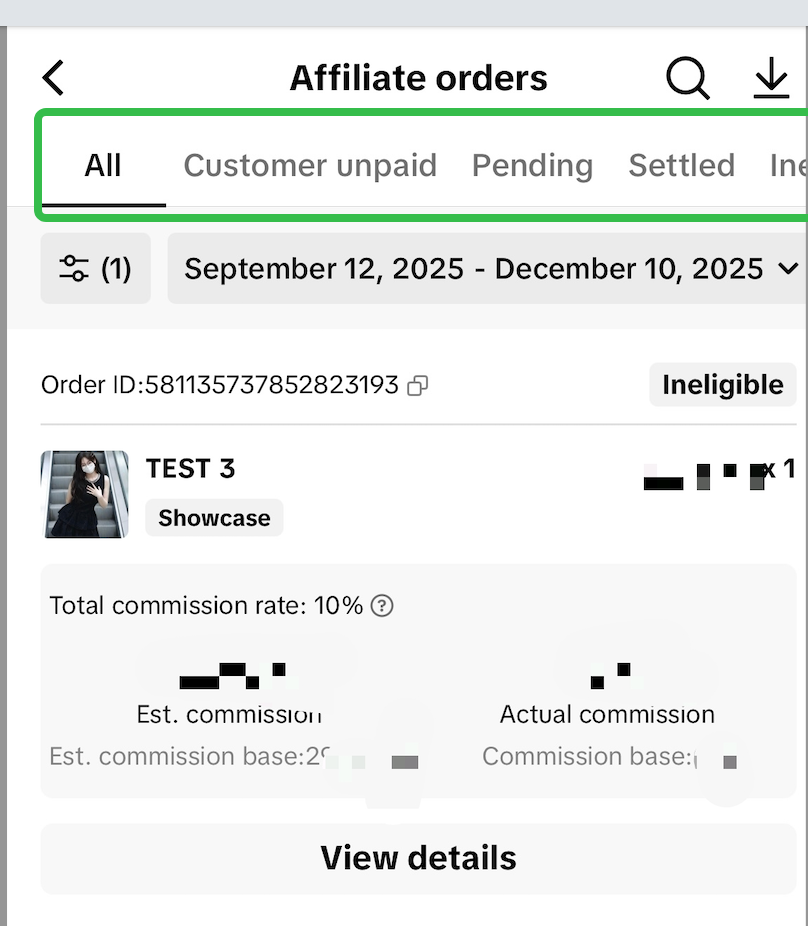
- Customer Unpaid: the customer has placed an order successfully, but has not yet completed the payment. The transaction is not finalized, and the order is not yet valid for processing or commission.
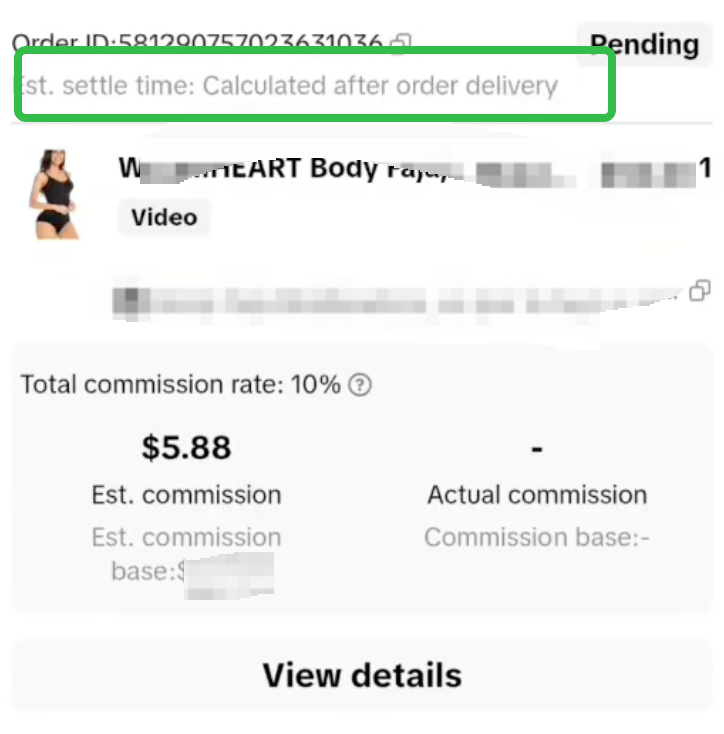
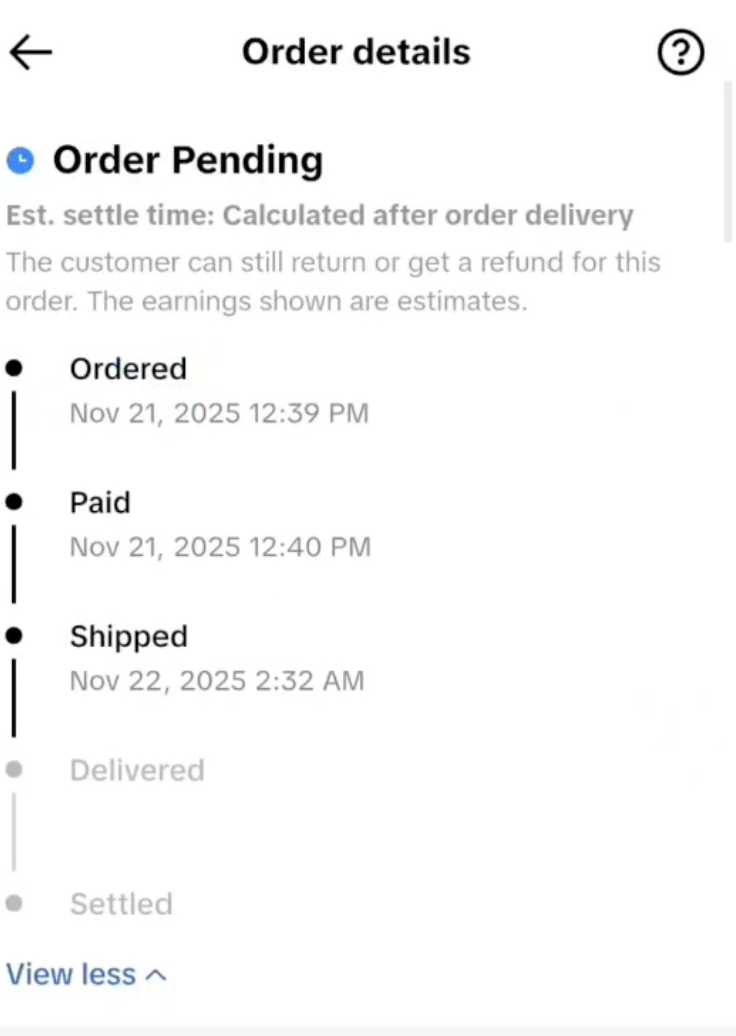
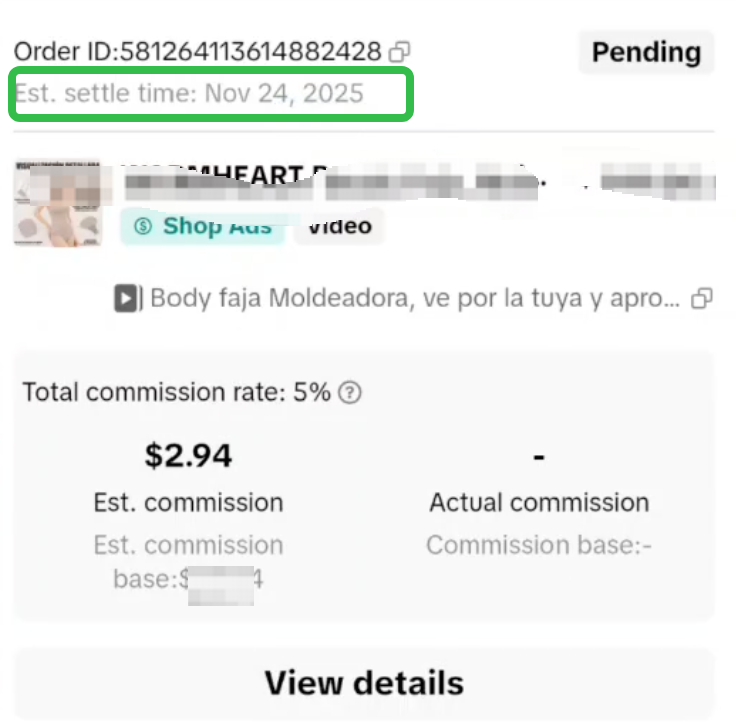
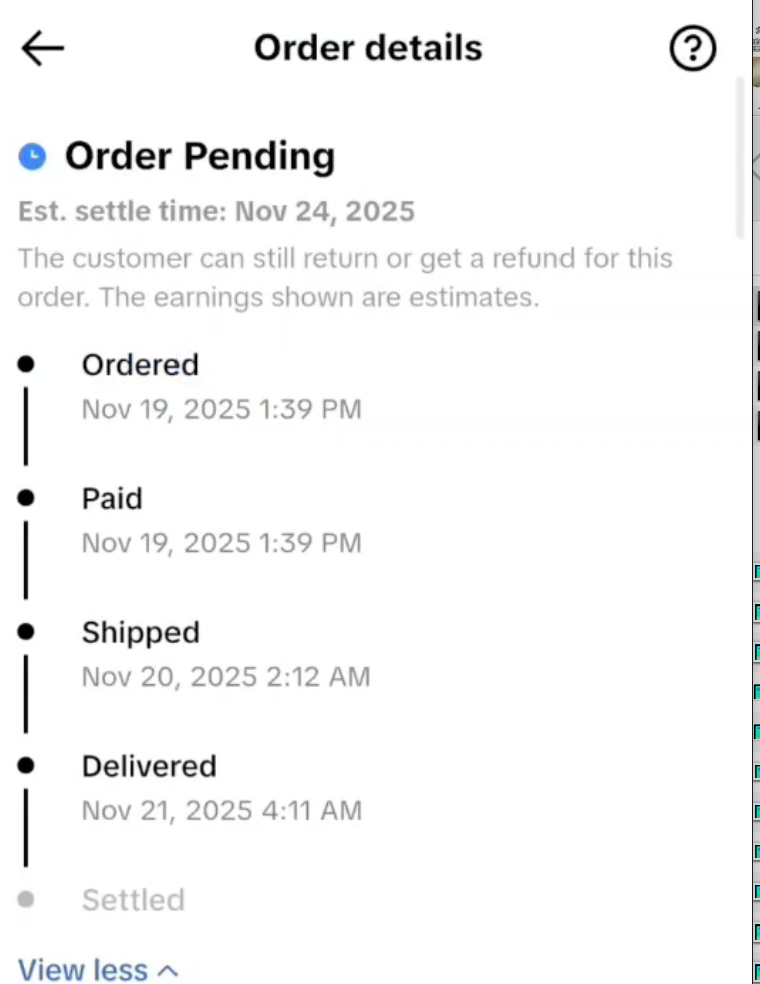
- Pending: The order is still processing. You can withdraw your commission once the order is delivered and settled. Delivery time may vary depending on the shipping status.
- Settled: The order is complete, and you can withdraw your commission.
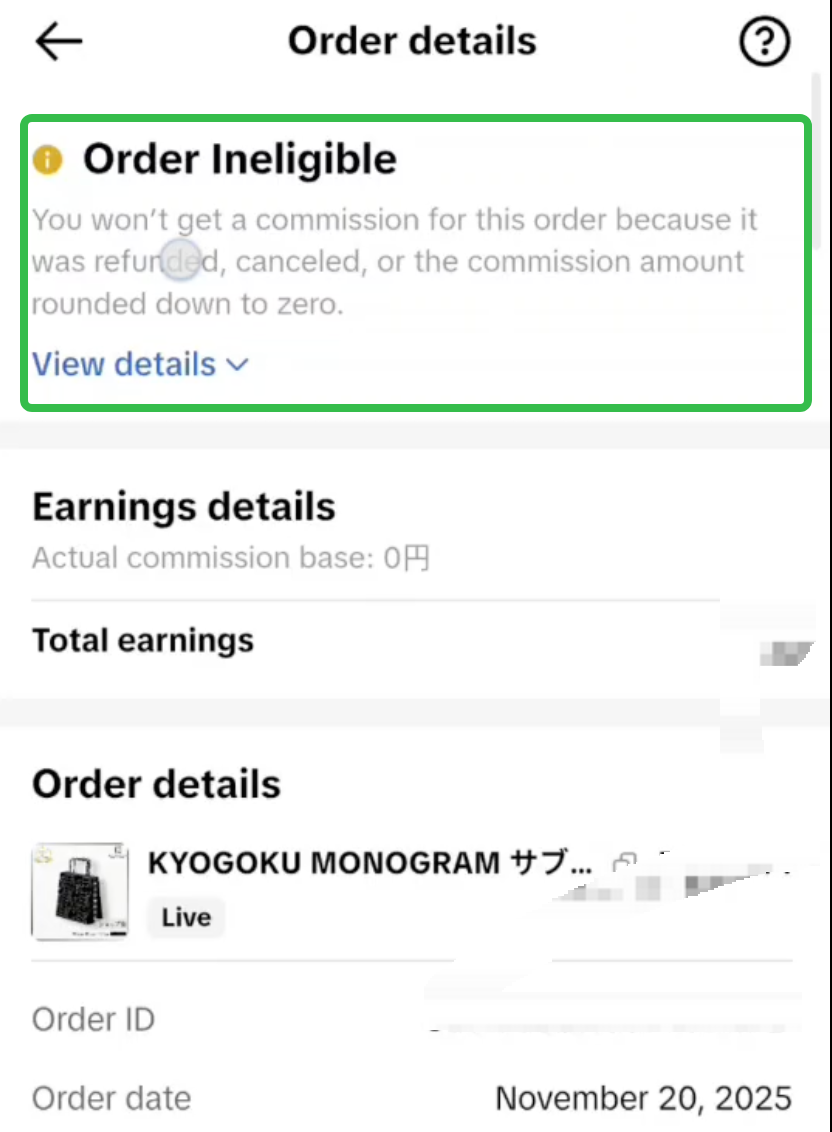
- Ineligible: The order has been canceled or refunded. No commission will be earned from these orders.
- Frozen: The order is subject to platform risk control. Please contact customer service for more details.
- Why is the estimated commission different from the actual commission?
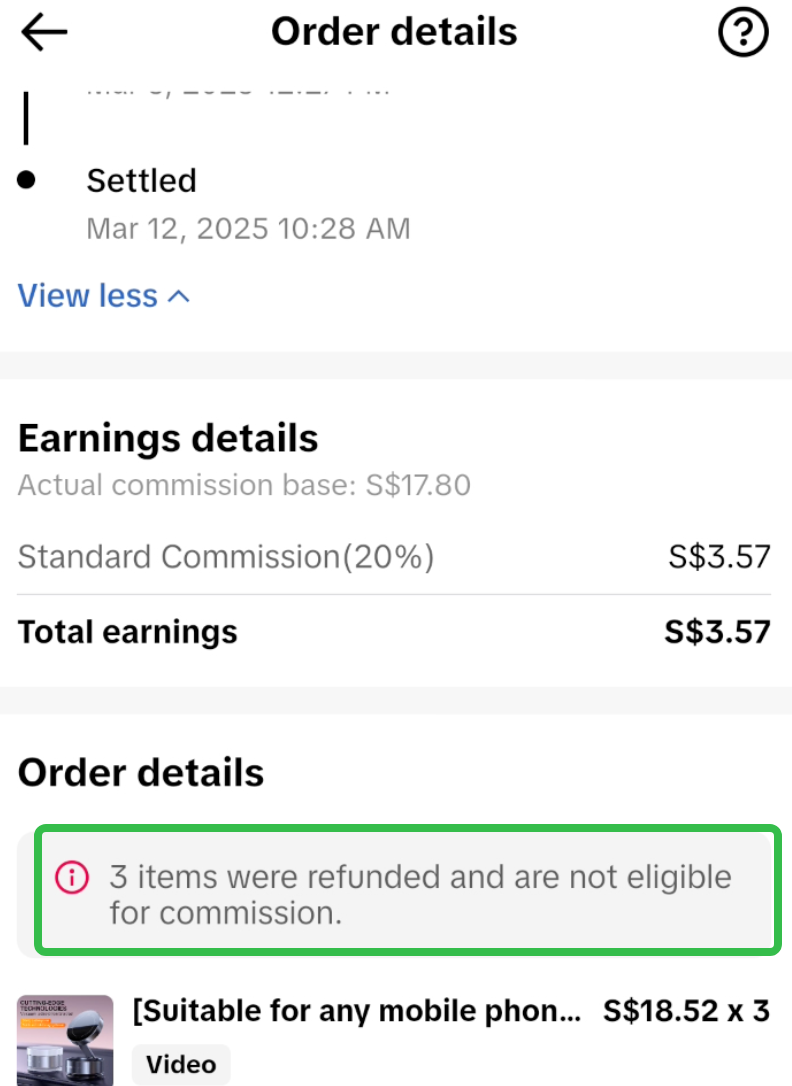
- Orders may be returned or partially refunded. TikTok Shop calculates your actual commission using the following formula: Commission = (Revenue - Refunds) * Commission Rate
- If an order is canceled or fully refunded before it is completed, you will not receive any commission. the corresponding reason is also displayed on the order details page.(Please keep in mind that customers have several days to return an item after receiving it. You can learn more by visiting our feature guide on affiliate commission.)
- Which orders are not shown in the [affiliate orders] details?
- Returnable/Free Sample Order
- Seller self-sold order
- Gift Order
- What filter options are available in [affiliate orders]?
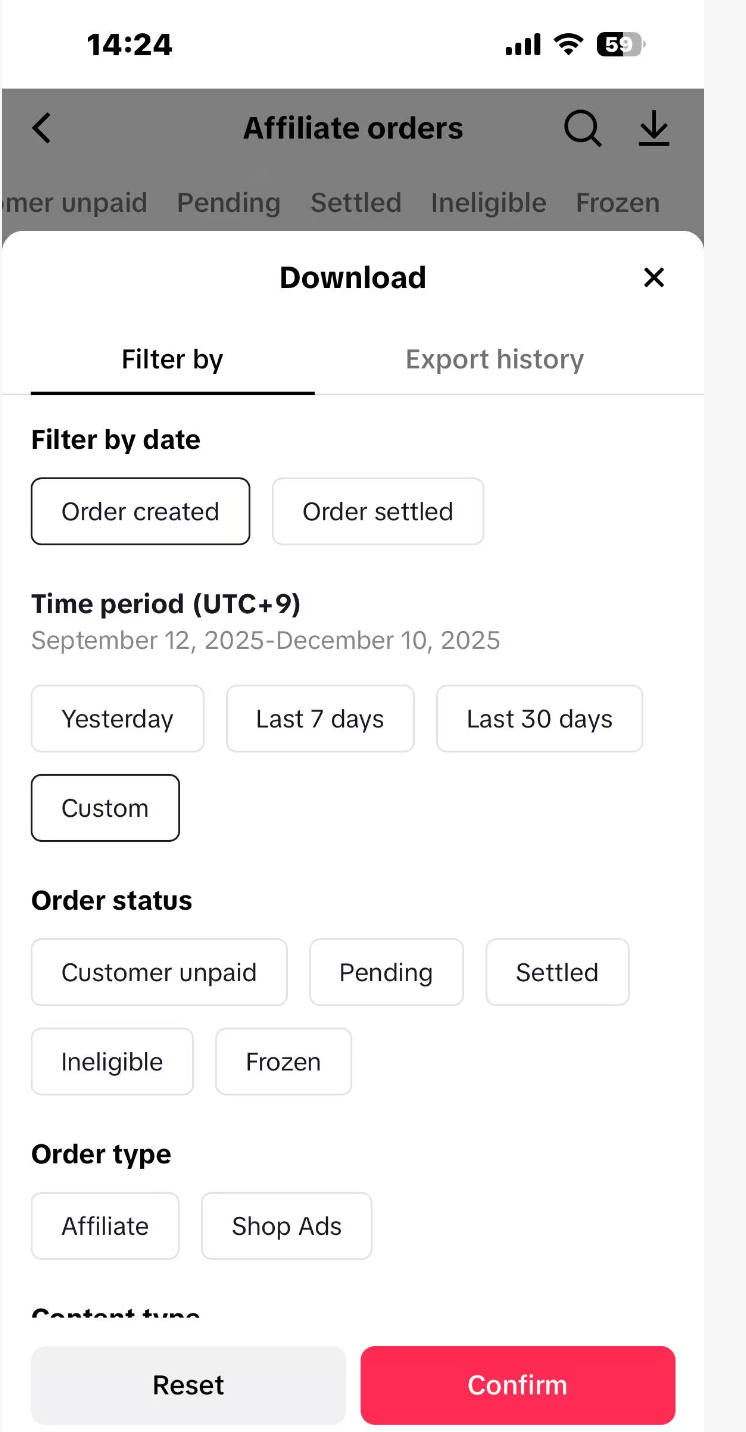
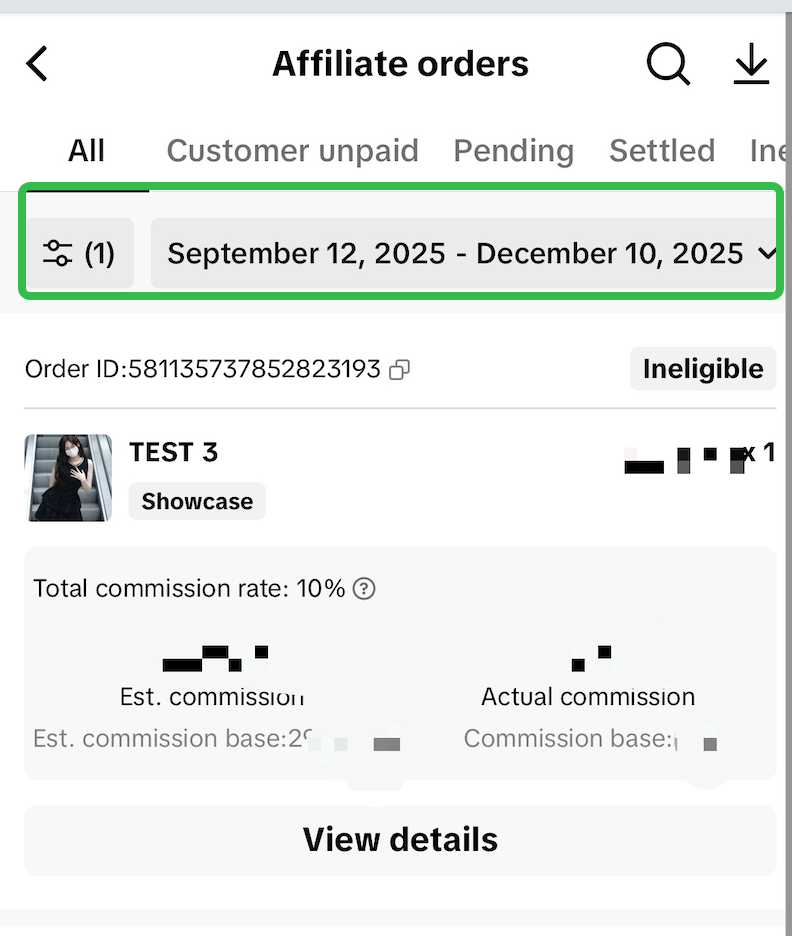
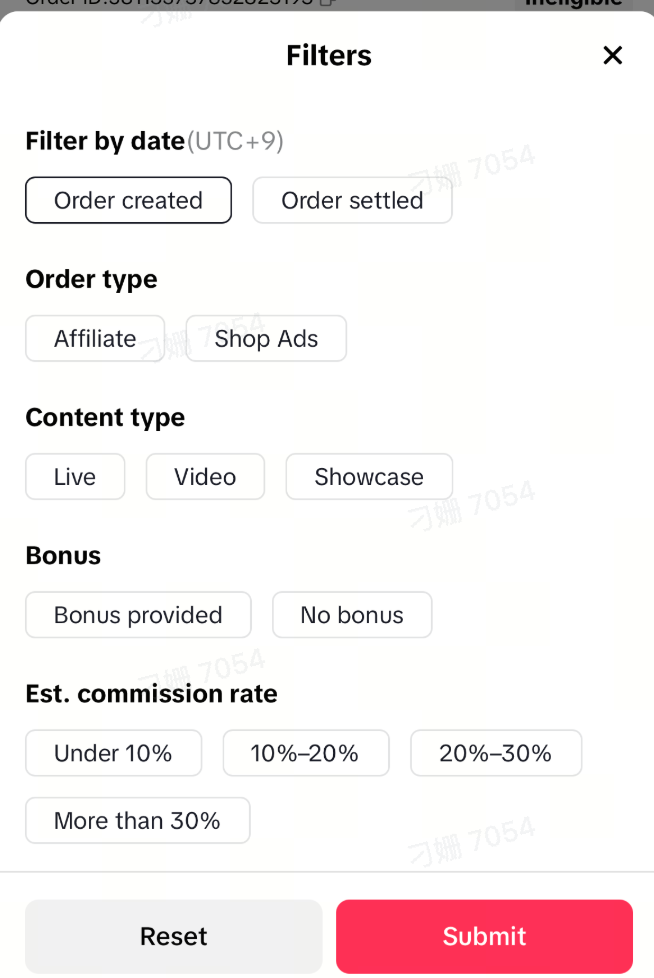
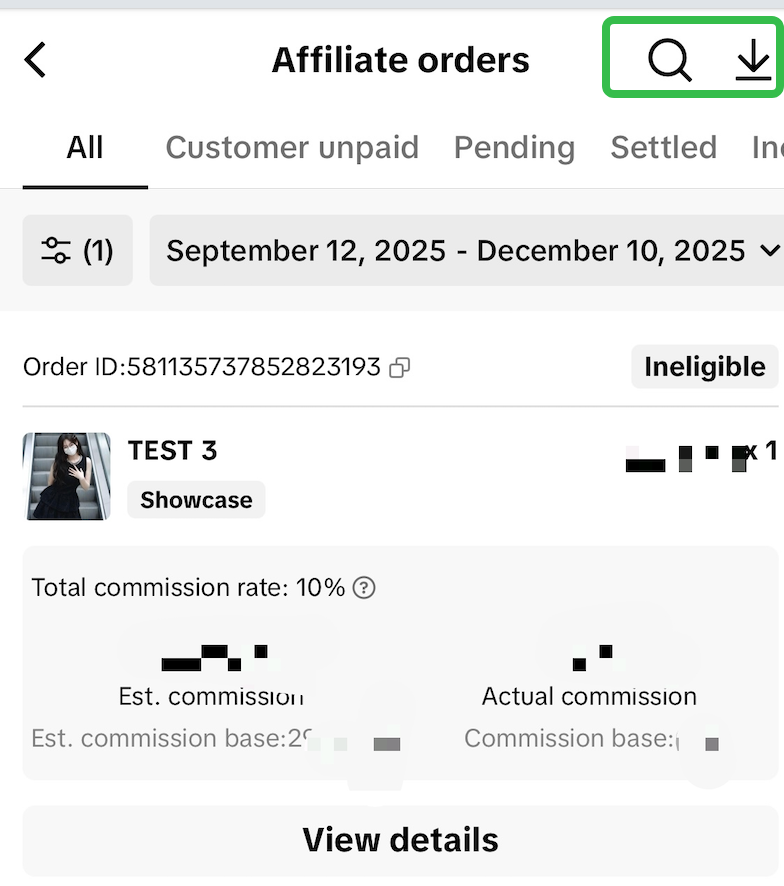
Creators can filter or search orders by:
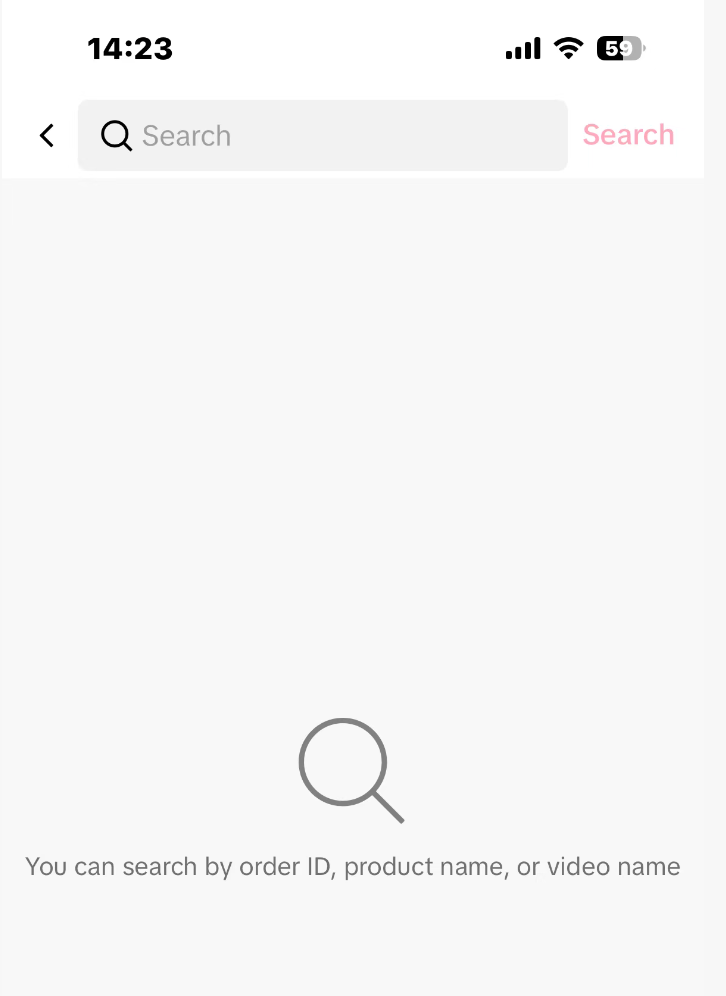
- Search fields: order ID, product name, video name
- Date filters: order creation date, order settlement date
- Additional filters: order type, content type, bonus availability, estimated commission rate
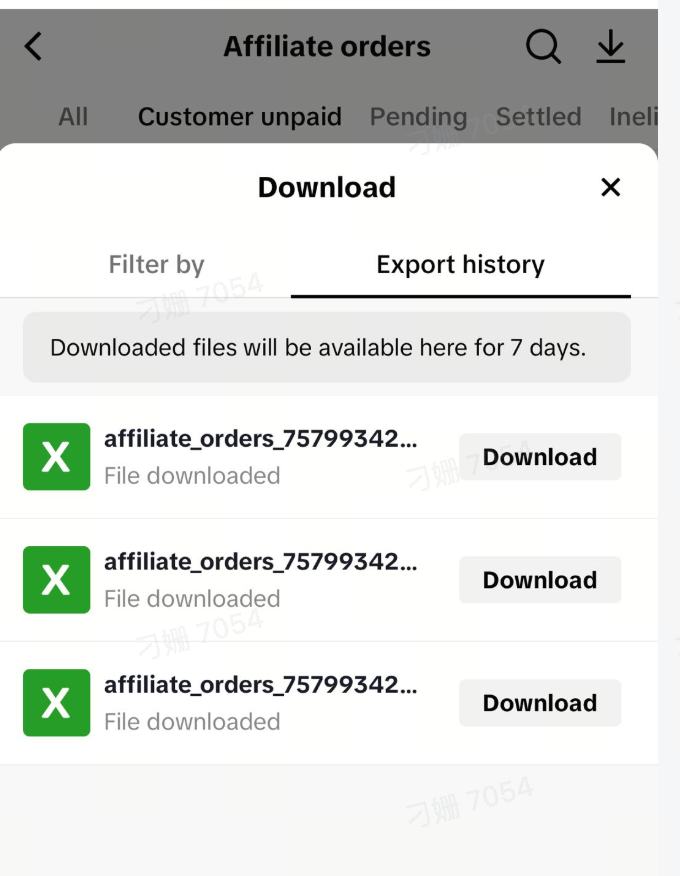
Up to 15,000 orders can be exported per download.
- What is the maximum number of orders that can be exported at once?
- When will I receive my commission?
You will receive your commission after the order is settled, you can view the corresponding information directly on the page.
- Why are some orders stuck in transit?
If an order remains in transit for an extended period, please contact the seller


 Search Page
 Download Page